The Cockpit series continues to focus on some of the tools users and administrators can use to perform everyday tasks within the web user-interface. So far we’ve covered introducing the user-interface, storage and network management, and user accounts. Hence, this article will highlight how Cockpit handles software and services.
The menu options for Applications and Software Updates are available through Cockpit’s PackageKit feature. To install it from the command-line, run:
sudo dnf install cockpit-packagekit
For Fedora Silverblue, Fedora CoreOS, and other ostree-based operating systems, install the cockpit-ostree package and reboot the system:
On the main screen, Cockpit notifies the user whether the system is updated, or if any updates are available. Click the Updates Available link on the main screen, or Software Updates in the menu options, to open the updates page.
RPM-based updates
The top of the screen displays general information such as the number of updates and the number of security-only updates. It also shows when the system was last checked for updates, and a button to perform the check. Likewise, this button is equivalent to the command sudo dnf check-update.
Below is the Available Updates section, which lists the packages requiring updates. Furthermore, each package displays the name, version, and best of all, the severity of the update. Clicking a package in the list provides additional information such as the CVE, the Bugzilla ID, and a brief description of the update. For details about the CVE and related bugs, click their respective links.
Also, one of the best features about Software Updates is the option to only install security updates. Distinguishing which updates to perform makes it simple for those who may not need, or want, the latest and greatest software installed. Of course, one can always use Red Hat Enterprise Linux or CentOS for machines requiring long-term support.
The example below demonstrates how Cockpit applies RPM-based updates.
OSTree is used by rpm-ostree, a hybrid package/image based system… It atomically replicates a base OS and allows the user to “layer” the traditional RPM on top of the base OS if needed.
Because of this setup, Cockpit uses a snapshot-like layout for these operating systems. As seen in the demo below, the top of the screen displays the repository (fedora), the base OS image, and a button to Check for Updates.
Clicking the repository name (fedora in the demo below) opens the Change Repository screen. From here one can Add New Repository, or click the pencil icon to edit an existing repository. Editing provides the option to delete the repository, or Add Another Key. To add a new repository, enter the name and URL. Also, select whether or not to Use trusted GPG key.
There are three categories that provide details of its respective image: Tree, Packages, and Signature. Tree displays basic information such as the operating system, version of the image, how long ago it was released, and the origin of the image. Packages displays a list of installed packages within that image. Signature verifies the integrity of the image such as the author, date, RSA key ID, and status.
The current, or running, image displays a green check-mark beside it. If something happens, or an update causes an issue, click the Roll Back and Reboot button. This restores the system to a previous image.
Applications
The Applications screen displays a list of add-ons available for Cockpit. This makes it easy to find and install the plugins required by the user. At the time of this article, some of the options include the 389 Directory Service, Fleet Commander, and Subscription Manager. The demo below shows a complete list of available Cockpit add-ons.
Also, each item displays the name, a brief description, and a button to install, or remove, the add-on. Furthermore, clicking the item displays more information (if available). To refresh the list, click the icon at the top-right corner.
Subscription Management
Subscription managers allow admins to attach subscriptions to the machine. Even more, subscriptions give admins control over user access to content and packages. One example of this is the famous Red Hat subscription model. This feature works in relation to the subscription-manager command
The Subscriptions add-on can be installed via Cockpit’s Applications menu option. It can also be installed from the command-line with:
sudo dnf install cockpit-subscriptions
To begin, click Subscriptions in the main menu. If the machine is currently unregistered, it opens the Register System screen. Next, select the URL. You can choose Default, which uses Red Hat’s subscription server, or enter a Custom URL. Enter the Login, Password, Activation Key, and Organization ID. Finally, to complete the process, click the Register button.
The main page for Subscriptions show if the machine is registered, the System Purpose, and a list of installed products.
Services
To start, click the Services menu option. Because Cockpit uses systemd, we get the options to view System Services, Targets, Sockets, Timers, and Paths. Cockpit also provides an intuitive interface to help users search and find the service they want to configure. Services can also be filtered by it’s state: All, Enabled, Disabled, or Static. Below this is the list of services. Each row displays the service name, description, state, and automatic startup behavior.
For example, let’s take bluetooth.service. Typing bluetooth in the search bar automatically displays the service. Now, select the service to view the details of that service. The page displays the status and path of the service file. It also displays information in the service file such as the requirements and conflicts. Finally, at the bottom of the page, are the logs pertaining to that service.
Also, users can quickly start and stop the service by toggling the switch beside the service name. The three-dots to the right of that switch expands those options to Enable, Disable, Mask/Unmask the service
To learn more about systemd, check out the series in the Fedora Magazine starting with What is an init system?
In the next article we’ll explore the security features available in Cockpit.
Relive Your Personal Pokémon Memories With This Online Journey Builder Tool
We bet this takes some of you back!
The Pokémon Company has released a quirky new tool on its official Japanese website, allowing fans of the series to relive their favourite moments from the last couple of decades.
You can access the tool right here; the whole thing is in Japanese, but you’ll just about be able to get by with the standard (if pretty poor) translation tool available within the Google Chrome browser. Fans are asked to select the regions they’ve discovered – so whether you started playing Pokémon way back in the old days with Red and Blue, or much more recently with Sun and Moon, you’ll definitely be covered.
From there, it’s a simple case of choosing highlights from each game such as your starter Pokémon, memorable battles, and memorable story scenes. Once you’re done, a shareable video will be created which you can post to your social media platform of choice. You can also generate a standard URL for your video, so feel free to grab those and post them in our comment section below.
Get started by hitting that big yellow button…
You’ll notice that the end of the video also adds in a few scenes from the upcoming Pokémon Sword and Shield, which we’re sure plenty of you will be tucking into next week. Can you believe the games are out in exactly a week’s time?
As we mentioned before, make sure to share your videos with us below and tell us all about your favourite Pokémon memories.
Gallery: A Closer Look At Nintendo’s Barmy New Comedy Puzzler, The Stretchers
A few hours ago, we shared the news that The Stretchers – a new Nintendo-published game – appeared out of nowhere on the Japanese eShop. It’s now making its way to other regions worldwide (Europe can download it as we write this), and we have a bunch of new screenshots and some extra information to share with you.
The game is a comedic puzzle co-op title developed by Tarsier Studios and published by Nintendo. You’ll find it available on the eShop for £17.99 and it looks to be a rather quirky affair. Here’s a description straight from Nintendo, as well as those screenshots we promised:
Players can take on the role of two medics by sharing Joy-Con with a friend or set off alone to rescue troubled civilians, known as Dizzies, in all kinds of wacky ways.
To rescue Dizzies, players will drive to each scene in their ambulance, and this is where the chaos begins: break through walls, soar through the sky and face other wild perils on the way to each rescue. Once they’ve arrived, players will need to cooperate to pile Dizzies up on their stretcher (or grab them by the limbs) and bring them back to their trusty ambulance, dodging dangers and cracking conundrums along the way. Furniture can be moved to block zapping lasers, wrecking balls can destroy walls, and more. Finally, after another thrill-filled road trip back, rescued Dizzies can be cured, just in time for another call to action!
Players can pass a Joy-Con to team up with a friend to avoid traps, find bonus treasures and solve puzzles together, all while helping those who need a hand. Solo players can also go it alone, controlling both medics at the same time.
On top of rescuing dizzy citizens in need, the game offers several side missions that span sawing down trees, building ramps, blowing up rocks with fireworks, and even games of hide-and-seek.
Are you thinking of giving this a try? If you do, make sure to share your thoughts with us in the comments below.
Posted by: xSicKxBot - 11-08-2019, 05:26 PM - Forum: Windows
- No Replies
Introducing Azure Quantum: our next step in delivering quantum impact
At Microsoft Quantum, our ambition is to help solve some of the world’s most complex challenges through the world’s most scalable quantum system.
To deliver on that promise, we’ve been working together with a global quantum community to innovate across every layer of the quantum stack – from applications and software down to control and devices.
Leading cryptographers at Microsoft Research are developing quantum-resistant public-key cryptographic algorithms and protocols to prepare customers and data centers around the world for a quantum future.
Developers are already contributing to the growing quantum community through Q# and our open source Quantum Development Kit, which today has more than 200,000 downloads.
Recently, Microsoft’s Quantum Lab located at the University of Sydney made breakthroughs in qubit control technology that allow us to scale beyond the physical limitations of current conventional systems. We now have the ability to control up to 50,000 qubits through simply three wires, a cryogenic CMOS design, and a 1cm2 chip computing at near absolute zero temperatures.
Cryo-CMOS Technology. Image on left courtesy of The University of Sydney, Louise M. Cooper.
These are simply a few examples of advancements across the stack that are bringing the promise of quantum to our world, right now. Today, we’re introducing our next step in delivering quantum impact: Azure Quantum.
Learn, build, and solve with Azure Quantum
Azure Quantum is a full-stack, open cloud ecosystem that will bring the benefits of quantum computing to people and organizations around the world. Together with our partners 1QBit, Honeywell, IonQ, and QCI, we’re assembling the most diverse set of quantum solutions, software, and hardware across the industry, in Azure.
Learn. Anyone can come to Azure Quantum to learn about quantum computing through a series of tools and learning tutorials, like the quantum katas.
Build. Developers can write programs with Q# and the QDK and experiment running the code against simulators and a variety of quantum hardware.
With one program, you’ll be able to target a variety of hardware through Azure Quantum – Azure classical compute, quantum simulators and resource estimators, and quantum hardware from our partners, as well as our future quantum system being built on revolutionary topological qubit. As quantum systems evolve, your code endures.
Microsoft Quantum stack
Delivering quantum impact today
Customers across a wide range of industries are already seeing the impact of our quantum solutions built on the tools and services available in Azure.
In collaboration with Microsoft, Case Western Reserve University created an MRI scan that takes a third of the time of a conventional MRI based on quantum solutions running on classical hardware. These advances in speed could help doctors detect diseases earlier, develop new drugs for conditions where progress is hard to measure today, or use imaging to diagnose cancers rather than relying on invasive procedures like biopsies.
OTI Lumionics develops advanced materials for OLED displays for use in next generation consumer electronics. This includes fully transparent displays that can integrate under-display cameras. Using their quantum chemistry applications with Microsoft’s quantum-inspired algorithms running in Azure, the team was able to successfully simulate Alq3, an OLED fluorescent material, with greater accuracy than typical methods available today. These quantum solutions enabled the team to achieve simulation without the need for expensive high-performance computations or a scalable quantum system. This marks a milestone in chemistry simulation that could inspire more efficient and scalable methods of materials, chemical and drug discovery across the industry.
Recently, Microsoft partnered with 1QBit and IonQ to demonstrate end-to-end quantum computing in Azure Quantum. The team collaborated with Dow and identified a problem in which the molecular energy of a ring of hydrogen atoms had to be evaluated. Using 1QBit’s problem decomposition solution expressed in Q#, the team was able to run computation in Azure against IonQ’s quantum computer based on trapped ions. This demonstrates how Azure Quantum can start to fuel innovations across the quantum stack – from applications and algorithms down to simulators and hardware. By bringing these end-to-end capabilities into one platform, the quantum community will be able to unlock new solutions that scale to even greater impact in the future.
Join the global quantum community
We’re excited to continue collaborating with developers and organizations through Azure Quantum, which will launch in private preview in the coming months. We hope you’ll sign up to become an early adopter!
With Azure Quantum, our ambition is to empower every developer and every organization to experience quantum impact at every stage of this quantum revolution – today and tomorrow.
Super Rare Games Promises More Physical SteamWorld Games If Quest Sells Well
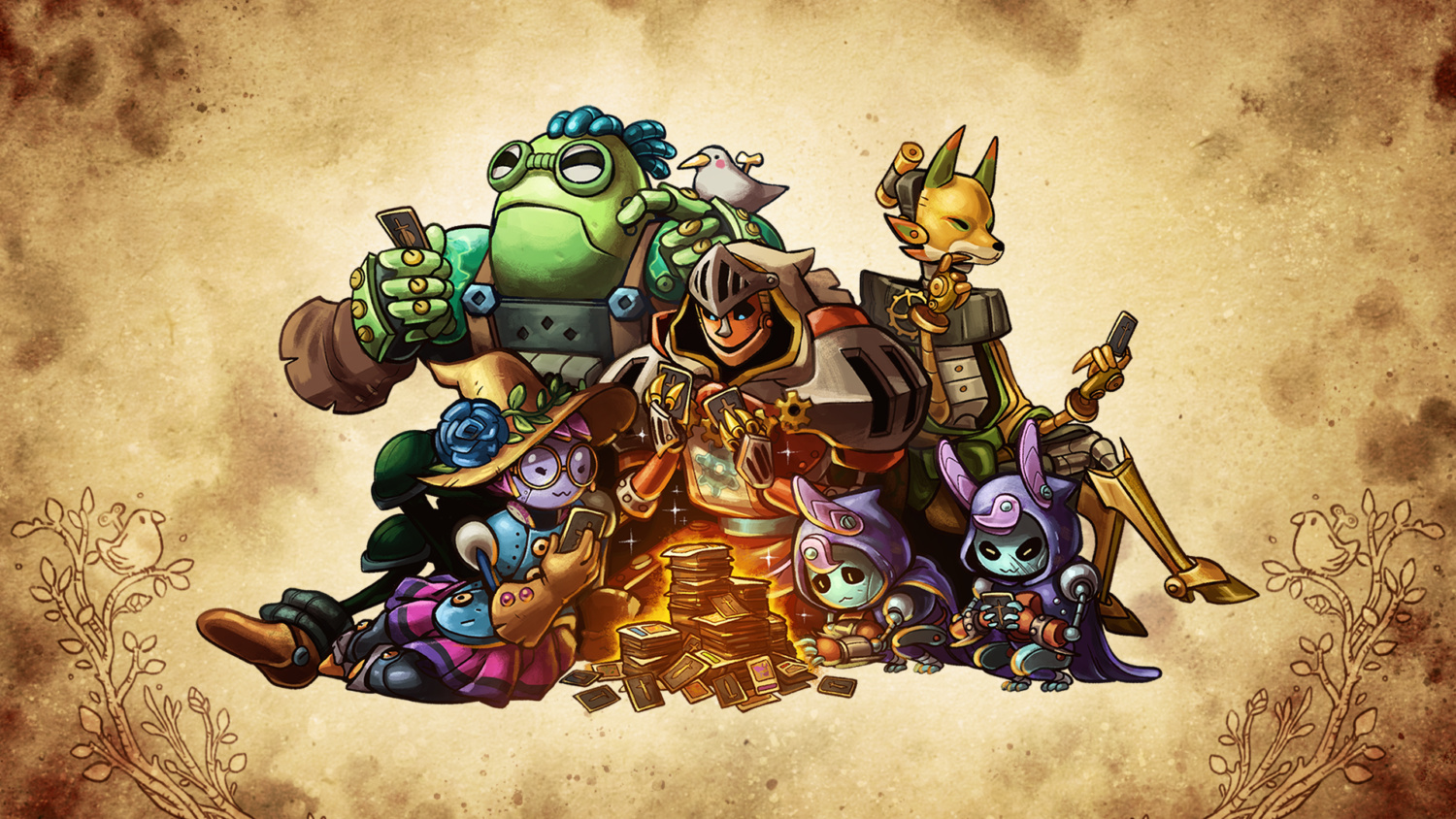
If you missed the news last week, SteamWorld Quest is going on sale in physical form today. The Switch console exclusive is a particularly solid and satisfying card battler well worth your time, but there’s another reason you might want to pick up a copy, too.
Super Rare Games has confirmed that, should SteamWorld Quest sell well, it has been given the go-ahead to also release both SteamWorld Heist and SteamWorld Dig: A Fistful of Dirt in lovely physical form. If you’re hoping to have a full set of SteamWorld games on your shelf, this sounds like a pretty good opportunity.
SteamWorld Quest will be going live on the site at 6pm UK time today (so that’s 10am PT / 1pm ET / 7pm CET) and will be available for £30. It comes with all of the usual Super Rare extras which you can see below and is limited to 7,000 copies.
Are you a fan of the series? Are you thinking of getting yourself a copy of SteamWorld Quest today? As always, let us know down below.
A New Weeds TV Show Is Coming With Original Star, But Creator Is Not Involved
Weeds, the popular TV show about a mother who sells pot, is coming back. According to The Hollywood Reporter, Starz is working on a new Weeds show with original series star Mary-Louise Parker coming back to play Nancy Botwin again. She will also executive produce the show. However, Weeds creator Jenji Kohan is reportedly not involved at this stage.
The show is said to take place 10 years after the events of the original show. In this timeline, marijuana is now legal in some American states, just like it is in real life. Weeds ended with a time skip that showed Nancy operating a legal pot business, so this is presumably where the new show will pick up.
There is no word yet on if any of the other actors from the original Weeds will come back. The show also starred Hunter Parrish and Alexander Gould as the Botwin brothers, with Kevin Nealon as the questionable lawyer Doug Wilson. Justin Kirk played another one of the leads, Andy Botin, while Elizabeth Perkins played Nancy's friend Celia.
The original Weeds ran for eight seasons, from 2005 through 2012. Johan, the show's creator, went on to make Orange is the New Black for Netflix.
Lionsgate, which owns Starz, announced the new show during an earnings call. CEO Jon Feltheimer said the company is "thrilled" to bring back the show, which it is calling "Weeds 4.20," at least as a working title.
The original Weeds ran on Showtime, which is owned by GameSpot parent company CBS.
Fixed an issue causing Forge Keys to not count towards Mysterious Box (Izanagi’s Burden) Quest Progression
Players affected by this should find the corresponding objective marked correctly after logging in.
Fixed an issue where the Obsidian Crystal would not give Quest Progression
Players affected by this will need to reacquire a Black Armory Rare bounty, and then complete and claim it to get another Obsidian Crystal.
Power Progression
Adjusted the Power granted by pinnacle rewards to +2 instead of +1
Rewards
The Season Pass weapons Pluperfect and Temporal Clause now have a chance to drop from Vex Offensive after you have obtained them.
Fixed an issue that occasionally caused the Weekly Eris Challenge to not drop a Powerful reward
Sandbox
Perks
Fixed an issue causing the “Ashes to Assets” perk to provide Super energy at an unintended level
Disruption/Insults/Disrespect
Disruption/Insults/Disrespect
Harassment/Personal Attacks/Privacy Violation
Gory Violence/Explicit Sexuality
Illegal Activity
Hacking/Cheating
Spoilers/Stolen Content
Soliciting/Phishing/Impersonation
This site uses cookies for analytics, personalized content, and ads. By clicking ‘Accept’, you agree to this use. You can learn more at Privacy Policy.
Accept
This site uses cookies for analytics, personalized content, and ads. By continuing to browse this site, you agree to this use. Privacy Policy
Retro Shooter Jamestown+ Lands On Nintendo Switch This December
Update: The publisher has confirmed that Jamestown+ will hit Nintendo Switch on December 12th.
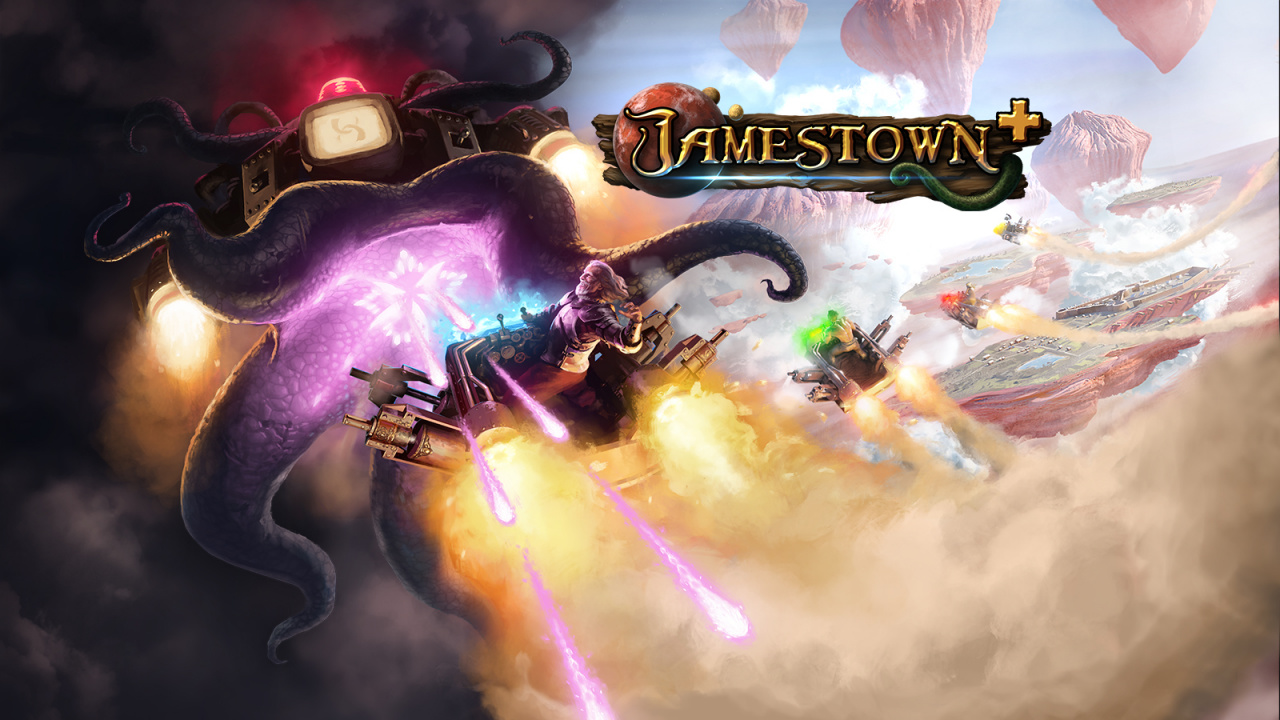
Original story (Thu 1st Aug, 2019 16:30 BST): Top-down retro shooter Jamestown+ has its sights set on Nintendo Switch, it has been confirmed. The game will be launching for the console in Q4 2019.
The game will arrive with new updates and improvements – which will incidentally be added to the already-existing PS4 version when the Switch edition becomes available – and, as the co-founder of Final Form Games puts it, will give all players “the chance to experience Jamestown the way we originally intended”.
Players use just three buttons – Fire for basic attacks, Special for powerful weapons, and Vaunt for a bullet-eating, score-amplifying shield – and will need to learn how to take advantage of that shield to gain points for your team. You see, this is a four-player game, where you and your teammates will coordinate attacks by choosing from eight ships with different weapons. We’ll let the press release set the scene:
Sir Walter Raleigh has been sentenced to death in the Tower of London. In hopes of securing absolution for his “crimes” by solving the mystery of the Lost Colony of Roanoke, Raleigh flees to 17th-century British Colonial Mars.
Board his Conveyance, a rocket-sled equipped with dreadful munitions, and set course for Britain’s well-known Martian colony — Jamestown. Guide Sir Raleigh on his journey to take down the deranged, power-hungry Conquistador and his armies of deadly robots and bizarre Martian warriors – and help him learn to fight for a cause bigger than himself.
It’s said that the game’s bullets and enemies are easy to see thanks to its hand-crafted retro artstyle, and that you’ll find 20 unlockable challenge levels, five difficulties, and an “emotionally-stirring” orchestral score waiting for you.
The game will be available from the Nintendo Switch eShop for $17.99.
Does this one have your name all over it? Fire a comment our way down below.
Uh Oh, Team Rocket’s Giovanni Has Blasted His Way Into Pokémon GO
Pokémon GO‘s current Team Rocket-fueled nightmare has taken another twist today, as a number of Team GO Rocket leaders have infiltrated the game. You’ll recognise the star of the show, too, as Pokémon Red and Blue‘s Giovanni has entered the fray.
Team GO Rocket activity has been intensifying over the last few weeks, with a strange object called ‘Mysterious Components’ being found as well as numerous sightings of pesky leaders. Now, the full extent of the bad guys’ plans appears to have been shown, with a new set of special research tasks called ‘Looming in the Shadows’ now being available.
Here’s what developer Niantic has to say:
The world of Pokémon GO is in peril! Team GO Rocket Leaders Cliff, Sierra, and Arlo have made their move and can be encountered by Trainers worldwide! Not only have they caught more Shadow Pokémon and strengthened them through unnatural means—their arrival also confirms a suspicion Professor Willow has held for a while: Giovanni, the boss of both Team GO Rocket and the original Team Rocket, may have arrived in the world of Pokémon GO.
The Team GO Rocket Leaders and Giovanni also seem to be using new technology to conceal the locations of their hideouts. Professor Willow, Spark, Blanche, and Candela have been hard at work developing new devices to counter Team GO Rocket’s new tech, and we ask you to explore the world around you, battle the Team GO Rocket Leaders, and conduct Special Research to find and defeat Giovanni!
You can start working towards defeating Team GO Rocket by getting stuck into the first set of tasks for the Looming in the Shadows special research. You’ll need to spin 10 PokéStops, defeat 3 Team GO Rocket Grunts, and catch one Shadow Pokémon to progress to the next stage. You can find more details here.
Have you been keeping up with Pokémon GO recently? Still trying to catch ’em all? Let us know with a comment below.
Generation Zero is set in an alternative 1980s Sweden in the region of Östertörn and it’s about exploring atmospheric and mysterious environments while also engaging in first-person guerrilla action again hostile machine invaders. All the while you are trying to understand where they originated from, what their purpose is, and where the local population has disappeared off to, while simultaneously scavenging for weapons and equipment to fight them back.
New Content Update
Generation Zero updates on a regular basis, adding content while listening to player feedback alongside bug fixing. In past updates, we’ve released things like bikes and stashes (in-game storage), but in this one we are focusing on intensifying the combat experience through the introduction of Rival and Experimental Weapons.
Rivals
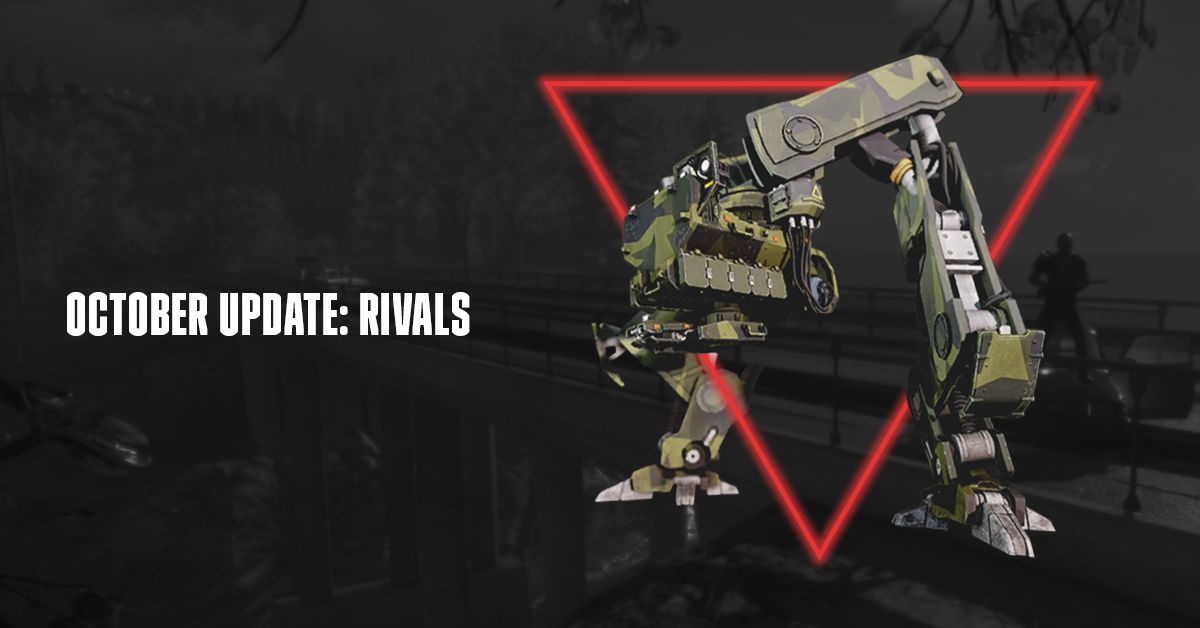
Whether you’ve beaten the game or are just starting out new, Rivals will add a whole new type of challenge for all of you out there. As you fight your way through Östertörn the Machines will start taking extra notice as you destroy more and more of them. Destroy enough and one may evolve to become even more dangerous than usual. These Regional Rivals will be designated by a name and a title that hints at the origin of their evolution. Rivals can additionally be created should they defeat you – these Personal Rivals will have evolved due to their prowess in combat against the humans. Like the Regional Rivals, Personal Rivals will also be designated by a name and title that corresponds to their exploits.
But the threat doesn’t end there. How you perform in the world has an impact on how the Rivals evolve even further. Should your Rivals defeat you again, or should you defeat loads of other machines, they will earn experience and level up. Each level makes them that much more deadly – at max level it’s best to think about bringing friends!
Experimental Weapons
What are new threats without new rewards for taking them out?! To match the challenge involved in taking out Rivals, we’ve created a new tier of weapon for each weapon class that have a chance to drop when you defeat them. As the Rivals get stronger, chances increase that you will get your hands on these powerful weapons. One thing you’ll immediately notice about them is that they look like a mashup of existing weapons and the technology used by the machines – so as you can imagine they are a bit different and more powerful than your standard versions.
Halloween Event
As it’s the season to dress up as your favorite spooky characters, Generation Zero will be running a timed event in-game where players can try to grab outfit pieces from 4 different Halloween-classic inspired characters – so be sure to hop in and destroy some machines for your chance to earn everything!
Thanks for reading and we hope you have a blast taking on a host of new challenges and grabbing those in-game treats!