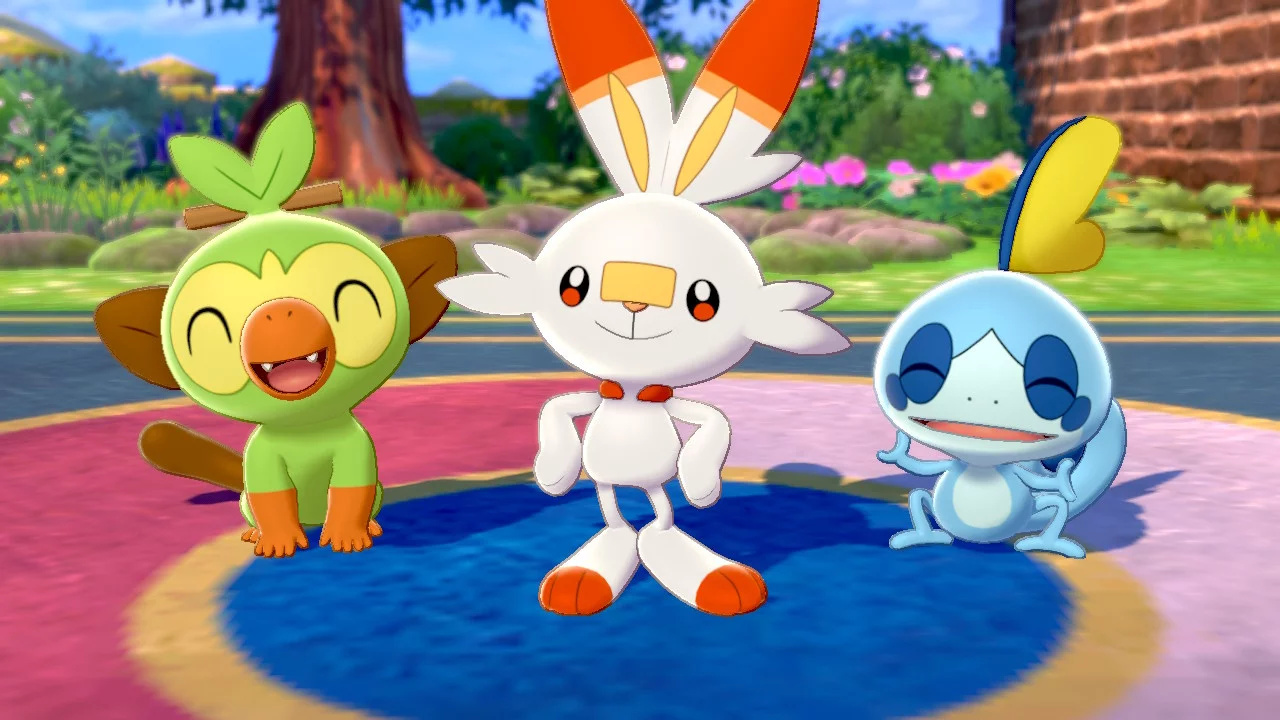
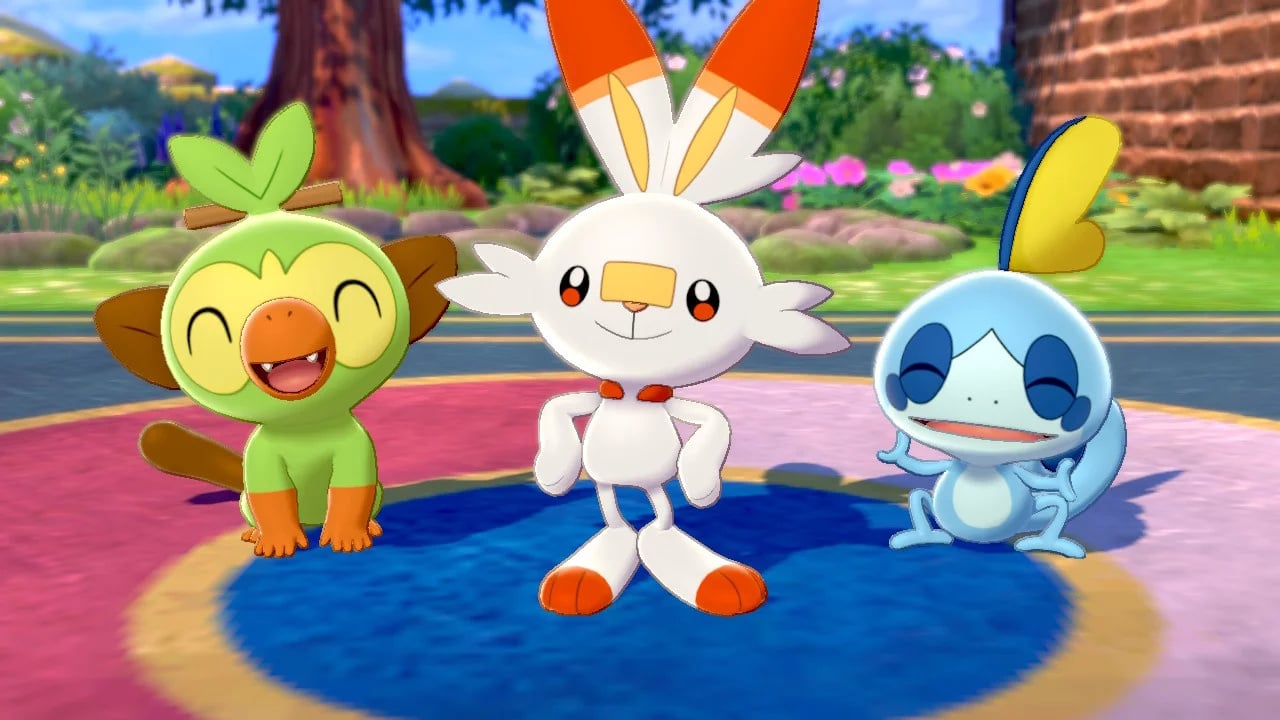
Pokémon Sword And Shield Version 1.1.1 Is Now Live, Pokémon Home Also Updated
It’s been a while since we’ve heard much about Pokémon Sword and Shield. In fact, the last major news about it was the reveal of the new mythical monkey Zarude, and before this in January, we found out about the Expansion Pass coming to the game, and the launch of Pokémon Home.
Today, though, Nintendo’s attention has briefly returned to Sword and Shield – with a new update released for the game. Unfortunately, it’s not all that much. According to the official patch notes over on the Nintendo support page, several issues have been fixed to improve the gameplay experience:
Ver. 1.1.1 (Released March 17, 2020)
Fixed several issues to improve gameplay experience.
Apart from this, that’s it! The next major update for the game is part one (The Isle of Armor) of the Expansion Pass. This will be released in June and The Crown Tundra is expected to follow. You can head over to the eShop right now and pick up the pass for £26.99 / $29.99.
Pokémon Home has also been updated to Version 1.0.1. Like Sword and Shield, it has a patch fixing several issues to improve the overall gameplay experience.
Have you noticed anything else about the latest patch for Sword and Shield? How about Home? Leave a comment down below.
Posted by: xSicKxBot - 03-19-2020, 07:22 AM - Forum: Lounge
- No Replies
When Can You Play Animal Crossing: New Horizons On Nintendo Switch?
The highly-anticipated cutesy life-sim Animal Crossing: New Horizons launches this Friday, March 20 on Nintendo Switch. If you're wondering when Tom Nook will invite you to hang out on the game's new deserted island, Switch owners only need to check Nintendo's support FAQ to see when New Horizons unlocks.
According to Nintendo, certain games available for pre-purchase will become playable at 9 PM PT / 12 AM ET on the day the game is scheduled to go live. This is a policy instated across the entirety of the Eshop and not specific to New Horizons. However, Nintendo does make it clear that "some third-party titles are not available until 12 PM PT" on the day the game is supposed to come out. Being a first-party game, however, we can expect New Horizons to be available at 9 PM PT on Thursday, March 19.
Animal Crossing: New Horizons is available to pre-load right now after you pre-order it on Nintendo Switch. You can check out our New Horizons pre-order guide to learn about the available bonuses. An update for New Horizons is scheduled to go live later today, but the contents of the 1.1.0 patch remain a mystery.
The 160th GalaQuiz will be LIVE soon, win up to $100 in GalaCredit!
[www.indiegala.com] The GalaQuiz will take place in less than 15 minutes from this announcement Today's GalaQuiz[www.indiegala.com] hints are up. The theme will be Freebie #4 Redux.
Super Smash Bros. Ultimate “Reflection” Tournament Begins On Friday
There have been some reasonably exciting Super Smash Bros. Ultimate events so far this year. Just last week, for example, we got three new Ring Fit Adventure spirits. While this week isn’t quite as impressive, it’s still an interesting premise.
This week’s event takes on the form of a “reflection” tournament, limiting the line-up to fighters that can use reflection techniques. A lot of projectile items will also appear. As usual, this event will last a total of three days and starts on Friday.
Will you be participating in this upcoming Smash Bros. Ultimate tournament? Comment below.
We’re Dying To Get Our Hands On I Am Dead When It Launches Later This Year
Overlooking the morbid title, I Am Dead was perhaps one of the most charming reveals during the recent Nintendo Indie World Showcase. It’s a puzzle adventure game being published by Annapurna Interactive –known for titles such as Donut County – and is being developed by Hollow Ponds and Richard Hog (best known for Hohokum and Wilmont’s Warehouse).
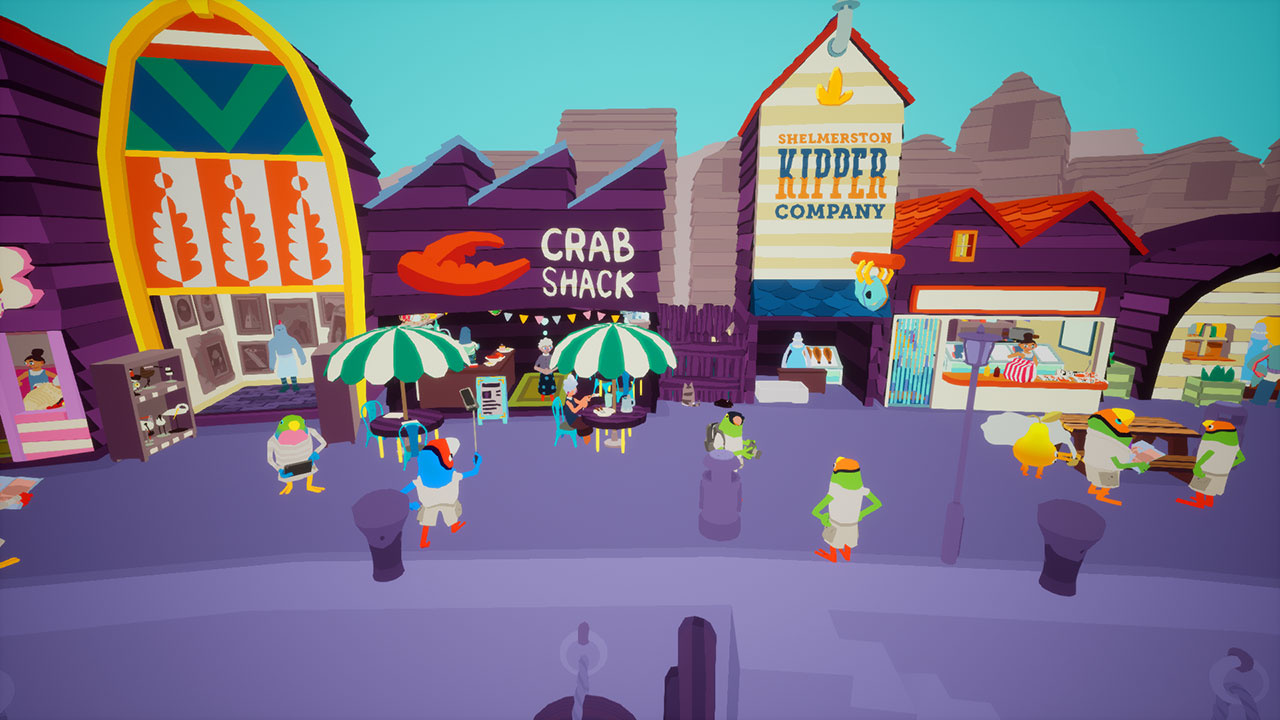
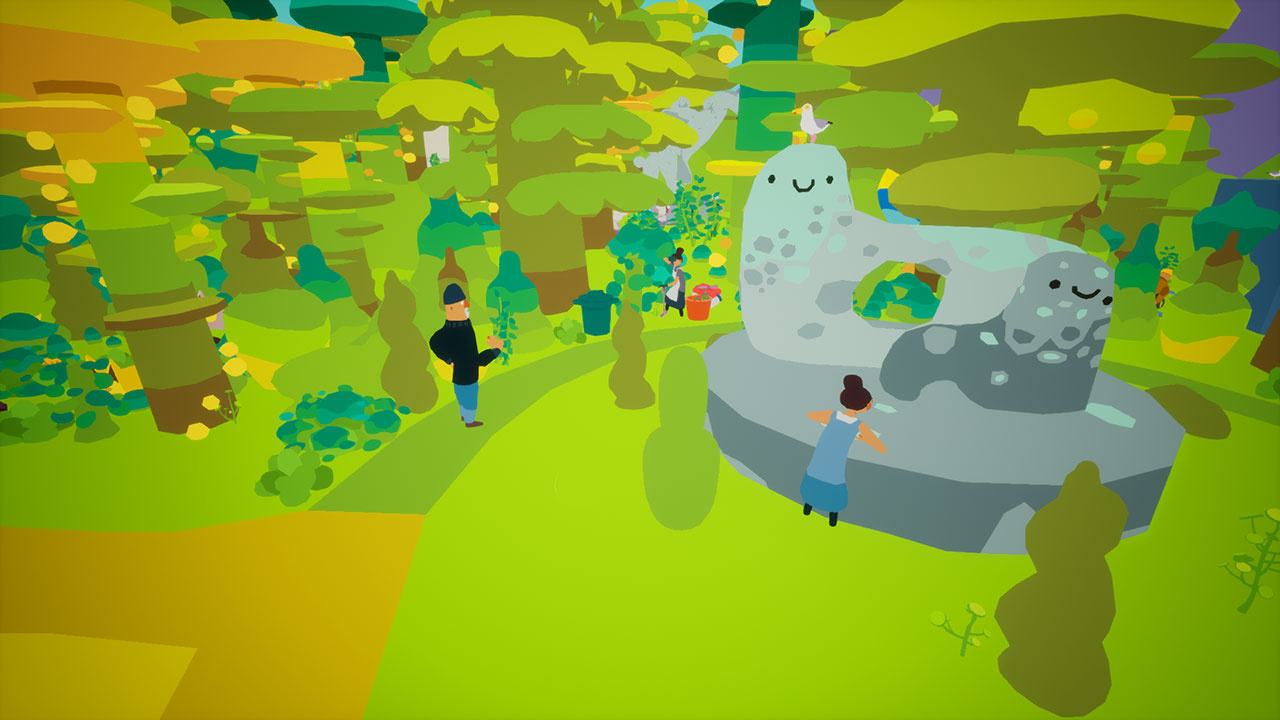
I Am Dead is described as a “heartfelt story” about exploring the afterlife and has you following the story of Morris Lupton, a recently deceased museum curator on a tiny island named Shelmerston. Morris gets reunited with the ghost of his dog Sparky and then discovers a volcano is about to erupt and destroy the island.
Together, the duo must uncover ancient mysteries and prevent the island’s volcano from erupting to save their home. To help with their mission, Morris uses his newfound power, allowing him to peer inside objects and people to reveal their contents and memories.
Along the way you will discover many stories about the history and folklore of Shelmerston, and its cast of curious inhabitants and visitors: tourist finches, the fishfolk, morlos, and the Legend of Aggi – the one who originally silenced the volcano…
I Am Dead will launch “later this year” on the Nintendo Switch as a timed-exclusive. Is this an indie title you would be interested in trying out? Leave a comment below.
Overwatch's New Character Is Echo - Watch The Origin Story Video
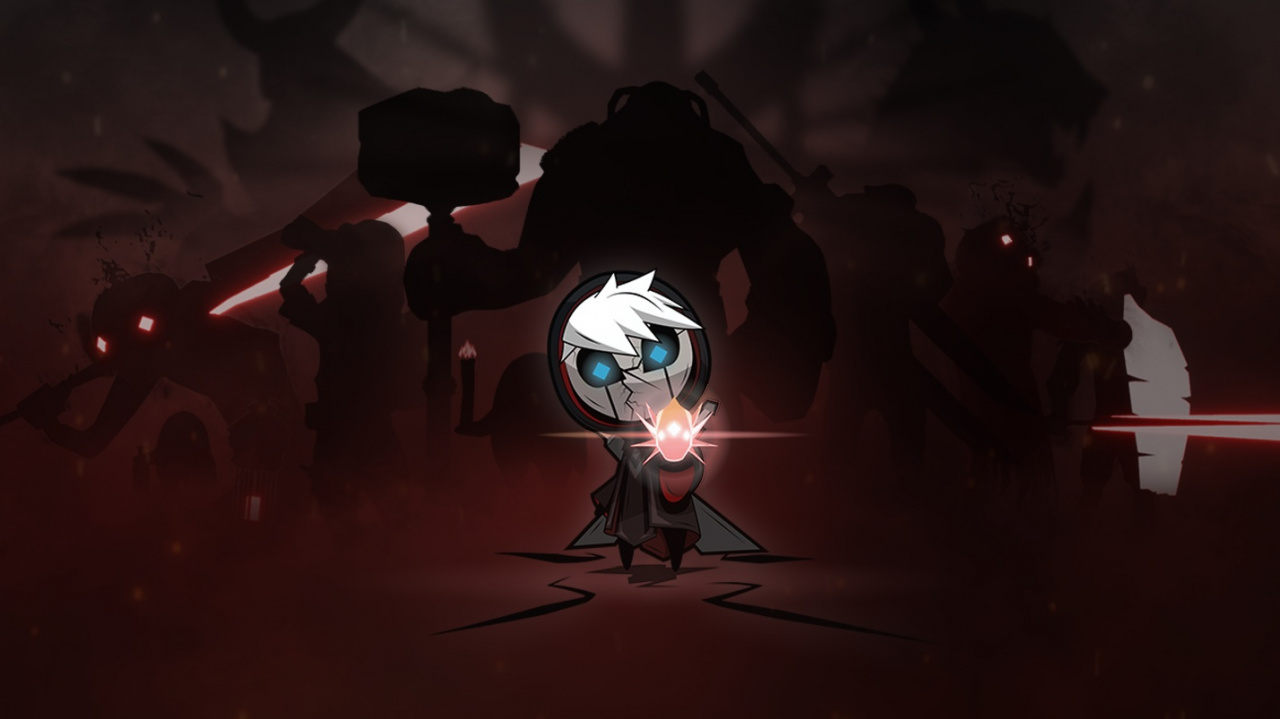
After a whole bunch of speculation from the Overwatch community, Blizzard has finally revealed the identity of its hero shooter's next character. It's Echo, a robotic character we saw back during BlizzCon 2019's Overwatch 2 announcement.
Blizzard dropped an origin story video to give players a sense of who Echo is, which you can watch below. According to Blizzard's tweet introducing the Echo video, she's "an evolutionary robot programmed with a rapidly adapting artificial intelligence." It didn't say when Echo will be available in the game, however.
Introducing Echo. An evolutionary robot programmed with a rapidly adapting artificial intelligence, Echo represents the cutting edge of technology. pic.twitter.com/aStyP5F4Al
We also don't know yet what "rapidly adapting artificial intelligence" means in terms of gameplay. Blizzard hasn't revealed Echo's role or capabilities yet, so we'll have to wait and see what the super robot will bring to her Overwatch teams.
This tutorial shows you everything you need to know to help you master the essential remove() method of the most fundamental container data type in the Python programming language.
Definition and Usage:
The list.remove(element) method removes the first occurrence of the element from an existing list. It does not, however, remove all occurrences of the element in the list!
In the first line of the example, you create the list lst. You then remove the integer element 99 from the list—but only its first occurrence. The result is the list with only four elements [1, 2, 4, 99].
Try it yourself:
Syntax:
You can call this method on each list object in Python. Here’s the syntax:
list.remove(element)
Arguments:
Argument
Description
element
Object you want to remove from the list. Only the first occurrence of the element is removed.
Return value:
The method list.remove(element) has return value None. It operates on an existing list and, therefore, doesn’t return a new list with the removed element
Video:
Code Puzzle:
Now you know the basics. Let’s deepen your understanding with a short code puzzle—can you solve it?
# Puzzle

presidents = ['Obama', 'Trump', 'Washington']

p2 = presidents[:2]

p2.remove('Trump')

print(presidents)

# What's the output of this code snippet?
You can check out the solution on the Finxter app.
Overview:
There are some alternative ways to remove elements from the list. See the overview table:
Method
Description
lst.remove(x)
Remove an element from the list (by value)
lst.pop()
Remove an element from the list (by index) and return the element
lst.clear()
Remove all elements from the list
del lst[3]
Remove one or more elements from the list (by index or slice)
List comprehension
Remove all elements that meet a certain condition
Next, you’ll dive into each of those methods to gain some deep understanding.
remove() — Remove An Element by Value
To remove an element from the list, use the list.remove(element) method you’ve already seen previously:
The method goes from left to right and removes the first occurrence of the element that’s equal to the one to be removed.
Removed Element Does Not Exist
If you’re trying to remove element x from the list but x does not exist in the list, Python throws a Value error:
>>> lst = ['Alice', 'Bob', 'Ann']

>>> lst.remove('Frank')

Traceback (most recent call last): File "<pyshell#19>", line 1, in <module> lst.remove('Frank')

ValueError: list.remove(x): x not in list
pop() — Remove An Element by Index
Per default, the pop() method removes the last element from the list and returns the element.
List Comprehension — Remove Elements Conditionally
Okay, this is kind of cheating because this method does not really remove elements from a list object. It merely creates a new list with some elements that meet your condition.
List comprehension is a compact way of creating lists. The simple formula is [ expression + context ].
Expression: What to do with each list element?
Context: What list elements to select? It consists of an arbitrary number of for and if statements.
The example [x for x in range(3)] creates the list [0, 1, 2].
You can also define a condition such as all odd values x%2==1 in the context part by using an if condition. This leads us to a way to remove all elements that do not meet a certain condition in a given list.
>>> lst = list(range(10))

>>> lst_new = [x for x in lst if x%2]

>>> lst_new

[1, 3, 5, 7, 9]
While you iterate over the whole list lst, the condition x%2 requires that the elements are odd.
The list.remove(x) method only removes the first occurrence of element x from the list.
But what if you want to remove all occurrences of element x from a given list?
The answer is to use a simple loop:
lst = ['Ann', 'Ann', 'Ann', 'Alice', 'Ann', 'Bob']

x = 'Ann' while x in lst: lst.remove(x) print(lst)

# ['Alice', 'Bob']
You simply call the remove() method again and again until element x is not in the list anymore.
Python List Remove Duplicates
How to remove all duplicates of a given value in the list?
The naive approach is to go over each element and check whether this element already exists in the list. If so, remove it. However, this takes a few lines of code.
A shorter and more concise way is to create a dictionary out of the elements in the list. Each list element becomes a new key to the dictionary. All elements that occur multiple times will be assigned to the same key. The dictionary contains only unique keys—there cannot be multiple equal keys.
As dictionary values, you simply take dummy values (per default).
Then, you simply convert the dictionary back to a list throwing away the dummy values. As the dictionary keys stay in the same order, you don’t lose the order information of the original list elements.
How to remove an element from a list—but only if it exists?
The problem is that if you try to remove an element from the list that doesn’t exist, Python throws a Value Error. You can avoid this by checking the membership of the element to be removed first:
>>> lst = ['Alice', 'Bob', 'Ann']

>>> lst.remove('Frank') if 'Frank' in lst else None

>>> lst

['Alice', 'Bob', 'Ann']
This makes use of the Python one-liner feature of conditional assignment (also called the ternary operator).
Do you have a multiple threads that access your list at the same time? Then you need to be sure that the list operations (such as remove()) are actually thread safe.
In other words: can you call the remove() operation in two threads on the same list at the same time? (And can you be sure that the result is meaningful?)
The answer is yes (if you use the cPython implementation). The reason is Python’s global interpreter lock that ensures that a thread that’s currently working on it’s code will first finish its current basic Python operation as defined by the cPython implementation. Only if it terminates with this operation will the next thread be able to access the computational resource. This is ensured with a sophisticated locking scheme by the cPython implementation.
The only thing you need to know is that each basic operation in the cPython implementation is atomic. It’s executed wholly and at once before any other thread has the chance to run on the same virtual engine. Therefore, there are no race conditions. An example for such a race condition would be the following: the first thread reads a value from the list, the second threads overwrites the value, and the first thread overwrites the value again invalidating the second thread’s operation.
All cPython operations are thread-safe. But if you combine those operations into higher-level functions, those are not generally thread safe as they consist of many (possibly interleaving) operations.
Where to Go From Here?
The list.remove(element) method removes the first occurrence of element from the list.
If you keep struggling with those basic Python commands and you feel stuck in your learning progress, I’ve got something for you: Python One-Liners (Amazon Link).
In the book, I’ll give you a thorough overview of critical computer science topics such as machine learning, regular expression, data science, NumPy, and Python basics—all in a single line of Python code!
OFFICIAL BOOK DESCRIPTION:Python One-Liners will show readers how to perform useful tasks with one line of Python code. Following a brief Python refresher, the book covers essential advanced topics like slicing, list comprehension, broadcasting, lambda functions, algorithms, regular expressions, neural networks, logistic regression and more. Each of the 50 book sections introduces a problem to solve, walks the reader through the skills necessary to solve that problem, then provides a concise one-liner Python solution with a detailed explanation.
Introducing The 3D Action-Adventure Blue Fire, A Timed-Exclusive For Switch
Kicking off the Indie World Showcase was the premiere of Blue Fire – a 3D action-adventure from the Argentine developer, Robi Studios. It’ll launch first on the Nintendo Switch this summer, as a timed-exclusive.
As the player, you’ll explore the mysterious and “beautiful forgotten kingdom” of Penumbra, while you slash and platform your way through enemies. Discover secrets of the long-forgotten land, explore mystical temples, encounter survivors and take on stage quests to collect valuable items. Below is a look and some of the features you can expect:
A Haunting World – Travel through the perished world of Penumbra to explore unique areas filled with diverse enemies, sharp 3D platforming challenges, quests, collectibles and more.
Slash Your Way Through Great Adversaries – Encounter dangerous enemies with distinct fighting styles and partake in intense combat-platforming boss fights.
Encounter Peculiar Survivors – A long time has passed since Penumbra fell into darkness, but those that survived the kingdom’s fall will aid your journey to unlock valuable rewards.
Collectibles – Once a rich and lush kingdom, Penumbra is filled with many collectibles and items to discover, loot, collect, sell, trade and purchase.
Upgrades – No great warrior can battle the dangers lurking in Penumbra without the proper equipment. Upgrade your swords, collect valuable amulets and unlock new abilities to transform into a fierce fighter.
Lost in the Void – Far from Penumbra, there is a lost land called The Void. Find Void entrances throughout the world to uncover abstract platforming challenges that require great
Do you like the look of Blue Fire? What did you think of it compared to the other Nindies revealed today? Leave a comment below.
In continuing not-GDC news, Unity have just released Unity 2020.1 beta. This beta continues the trend of moving more and more functionality into packages, including new code performance and analysis tools, support for Visual Studio and VS Code and more. Additionally 2D physics was improved, raytracing support was added and more.
The Unity 2020.1 beta is a milestone in the development cycle of the first TECH stream release this year, one of two 2020 TECH stream releases that lead up to the 2020 Long-Term Support (LTS) release next year.
As a token of our appreciation, everyone who tries out the 2020.1 beta and submits at least one bug report gets a chance to win one of four NVIDIA GeForce RTX™ 2080 graphic cards. See the end of this post for details on the prize draw.
On April 20, we will be hosting a webinar for people interested in a guided tour of the features and updates in this beta. You can register here and find more information at the bottom of this post.
To get started, download the Unity 2020.1 beta from the Unity Hub or from our beta page. We recommend that you check out the beta to evaluate the technology while planning your future development, and don’t use it to work on projects that are live or in production. As always, make sure you back up existing projects before you test them with beta and Preview technology. Read our guide for more details.
For more complete details be sure to check out the video below. If you are interested in the Physics2D samples mentioned in the video, it is available here on GitHub.




 in GalaCredit!