| Welcome, Guest |
You have to register before you can post on our site.
|
| Online Users |
There are currently 877 online users.
» 0 Member(s) | 872 Guest(s)
Applebot, Baidu, Bing, Google, Yandex
|
|
|
| Microsoft - Kick off the new school year with big savings |
|
Posted by: xSicKxBot - 08-03-2018, 04:41 AM - Forum: Windows
- No Replies
|
 |
Kick off the new school year with big savings

It’s that time of year, and whether you’re sending your baby to kindergarten or watching your recent graduate head off to college, a tech upgrade might be on your shopping list.
If you’ve been too busy enjoying the final moments of summer to search for the latest tech offers, we’ve got you covered with a number of great deals for last minute shoppers this month. And while you’re at the Microsoft Store, check out the new Surface Go. It’s available now and for students on the move, it’s the perfect mix of portability and power.
Here are just some of the great deals you can find this month at Microsoft Stores, online and other partner retailers!
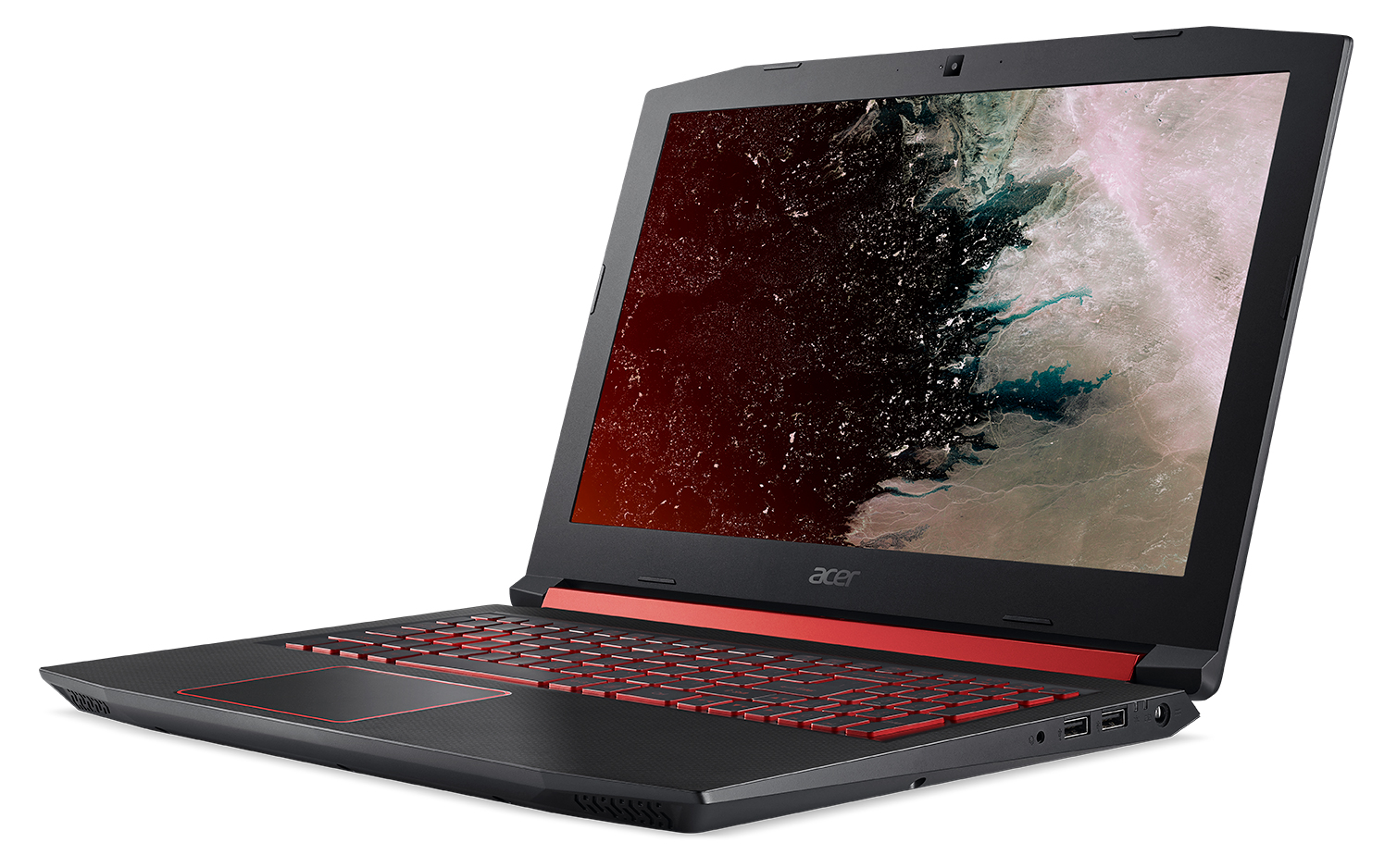
Best Buy is offering $100 off Acer’s Nitro 5 gaming notebook (regularly $749) while supplies last.
 
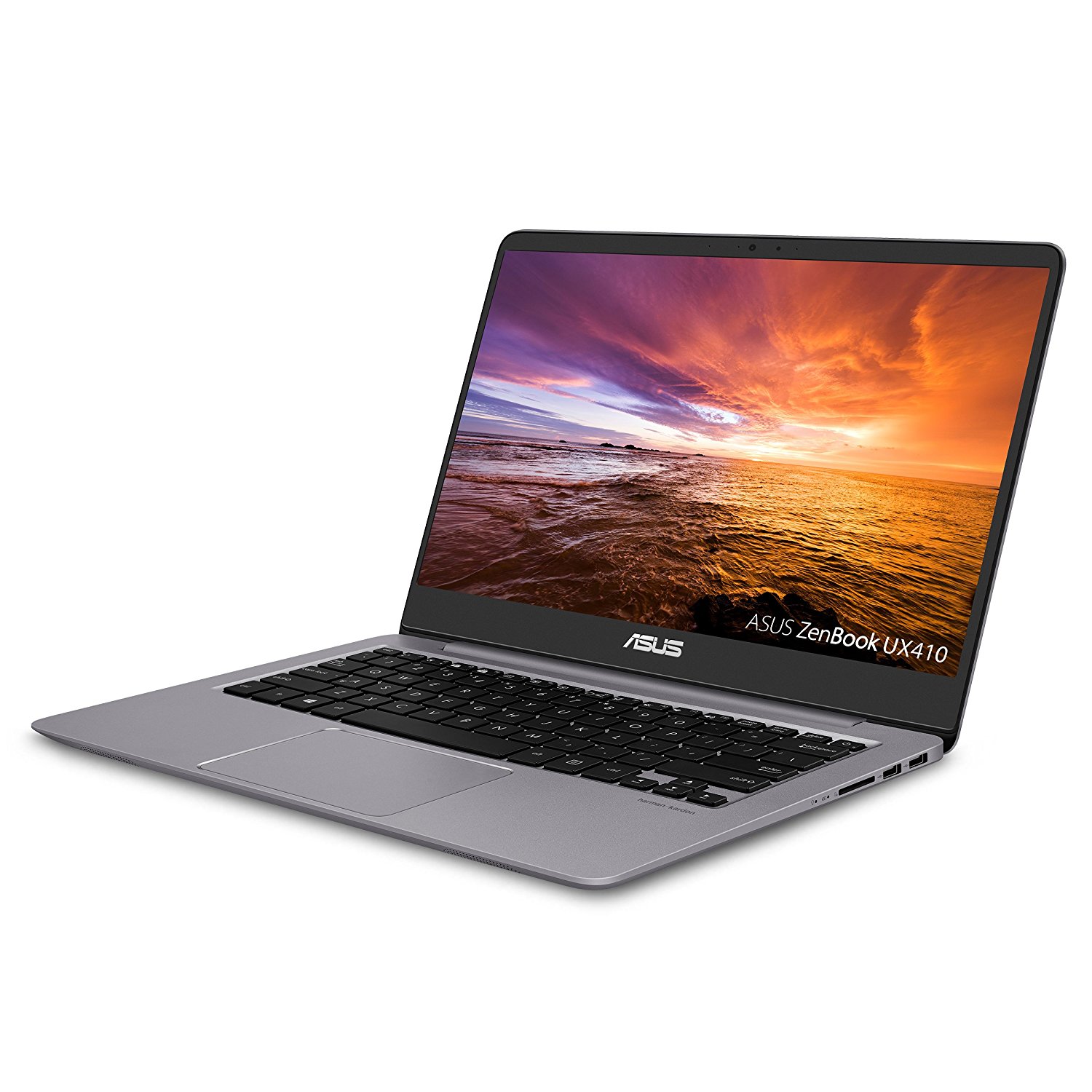
Get $75 off ASUS ZenBook 14 UX410UA, or $80 off ASUS VivoBook Flip 14-TP401CA 5-18 at ASUS.com, Amazon.com and NewEgg.com ( only).


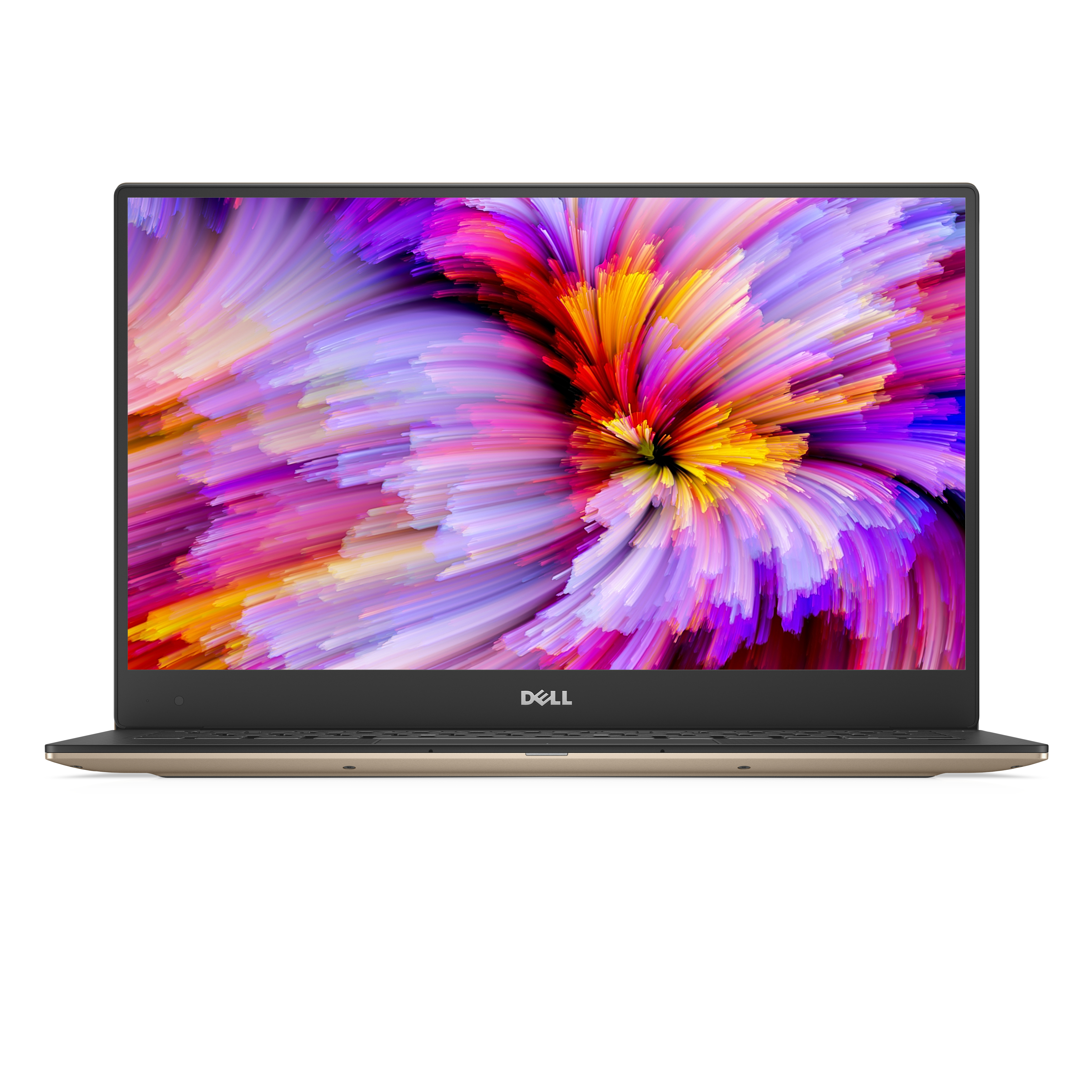
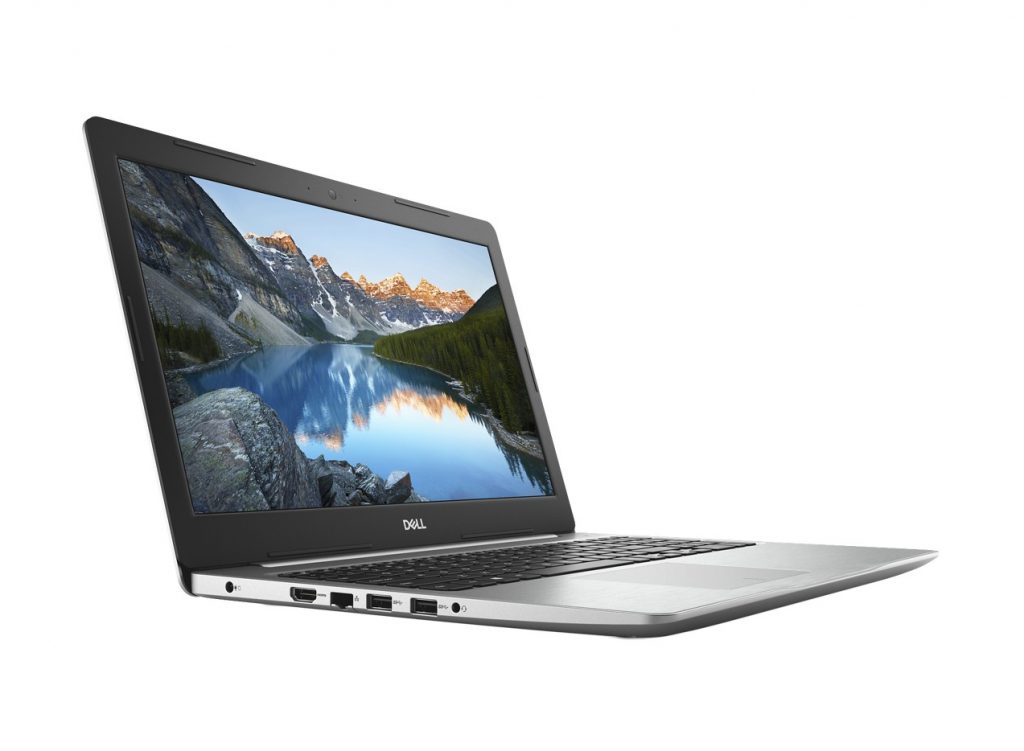
Save $279 on the smallest 13.3-inch laptop, the Dell XPS 13, or save $249 on the 15-inch Inspiron 15 5000 on Dell.com through Aug. 30. (U.S. only)


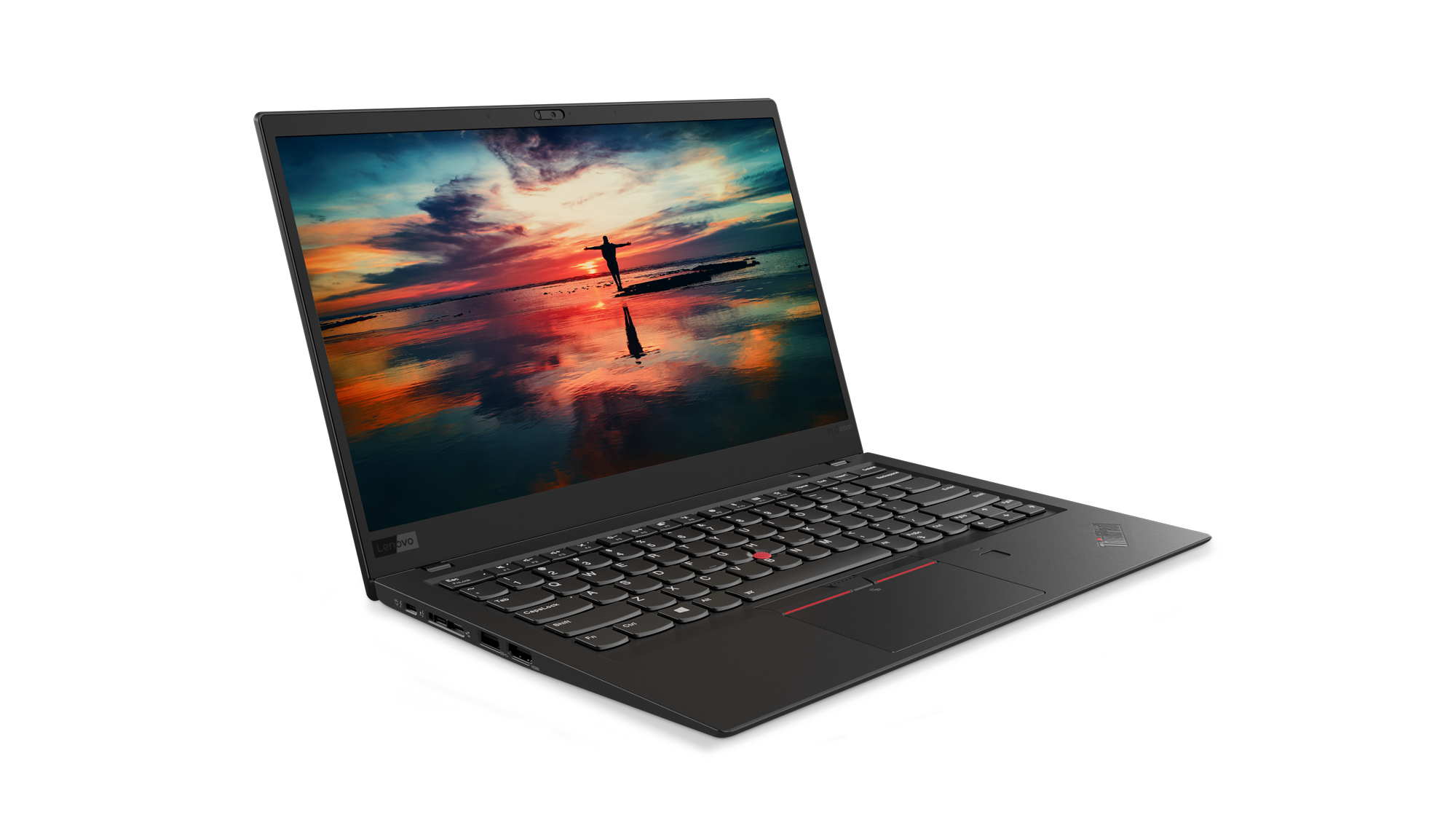
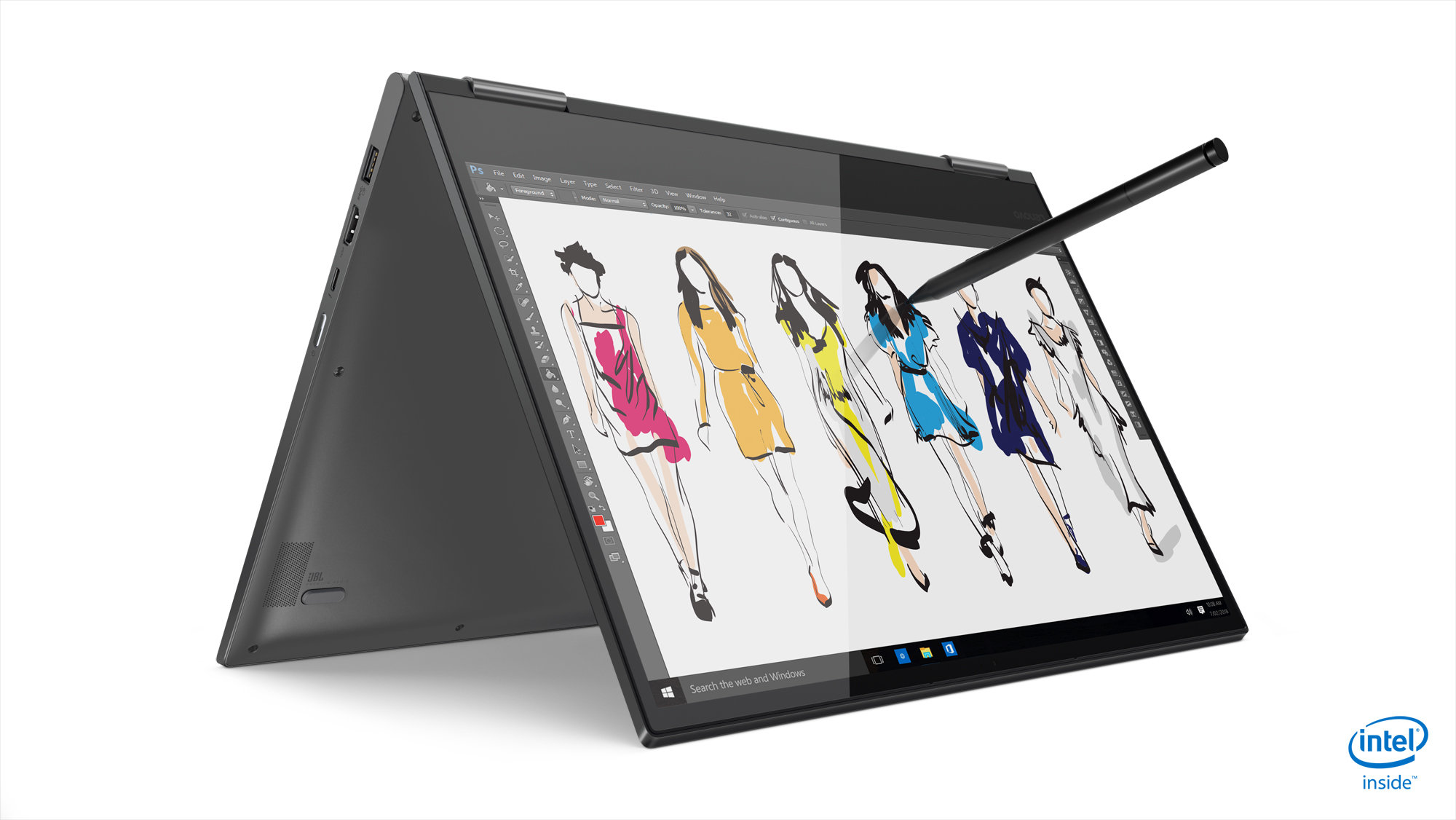
Through Sept. 19, when you buy Lenovo’s Yoga 730 13’’ or the Thinkpad X1 Carbon 6th Gen on Lenovo.com, you’ll also get three-year onsite service and accidental damage protection, Microsoft Office Home and Student and a $100 Southwest Airlines travel voucher! (U.S. and Canada).
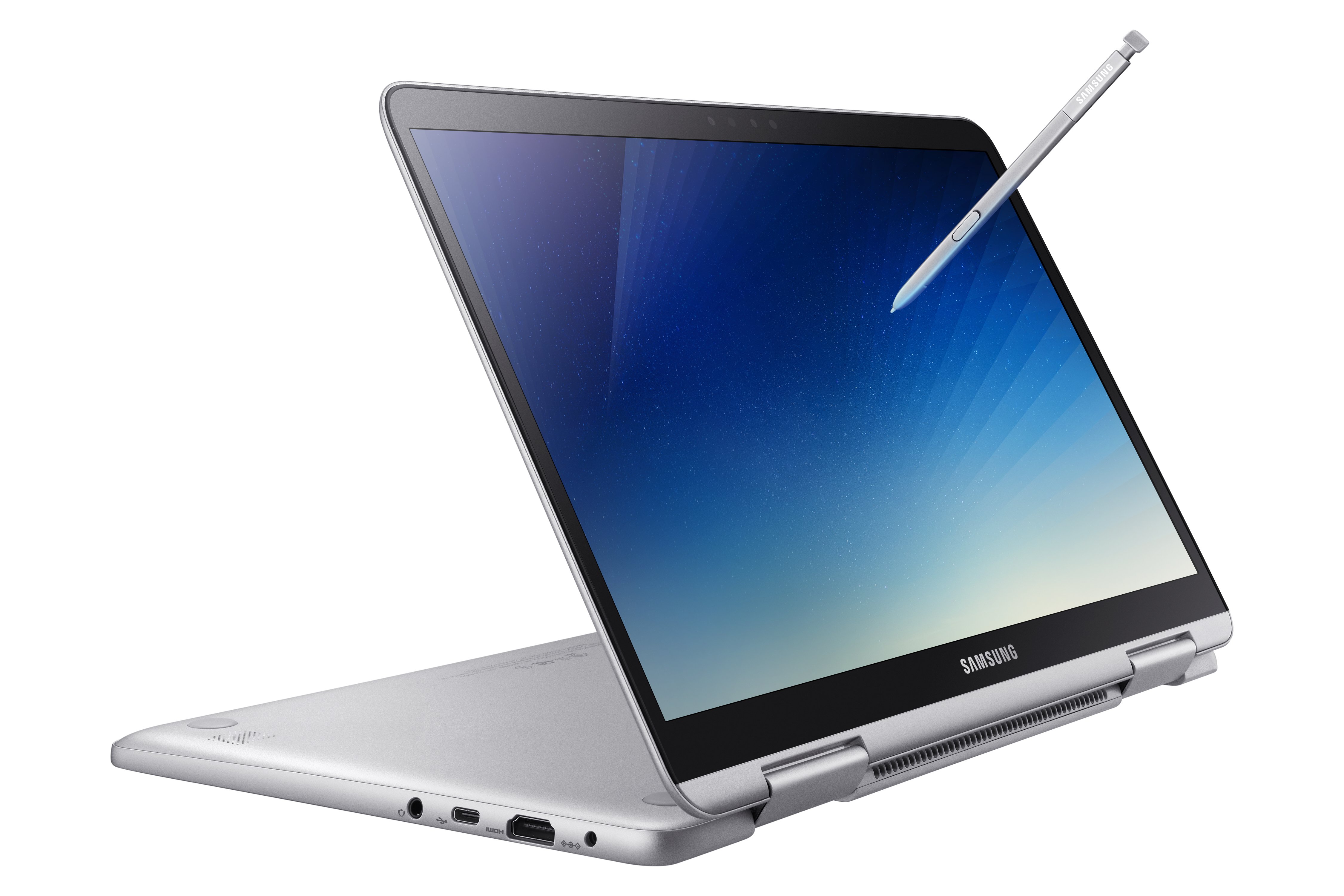
 Get $100 off a Samsung Notebook 9 Pen through Aug. 25 on Samsung.com (U.S. only). Get $100 off a Samsung Notebook 9 Pen through Aug. 25 on Samsung.com (U.S. only).


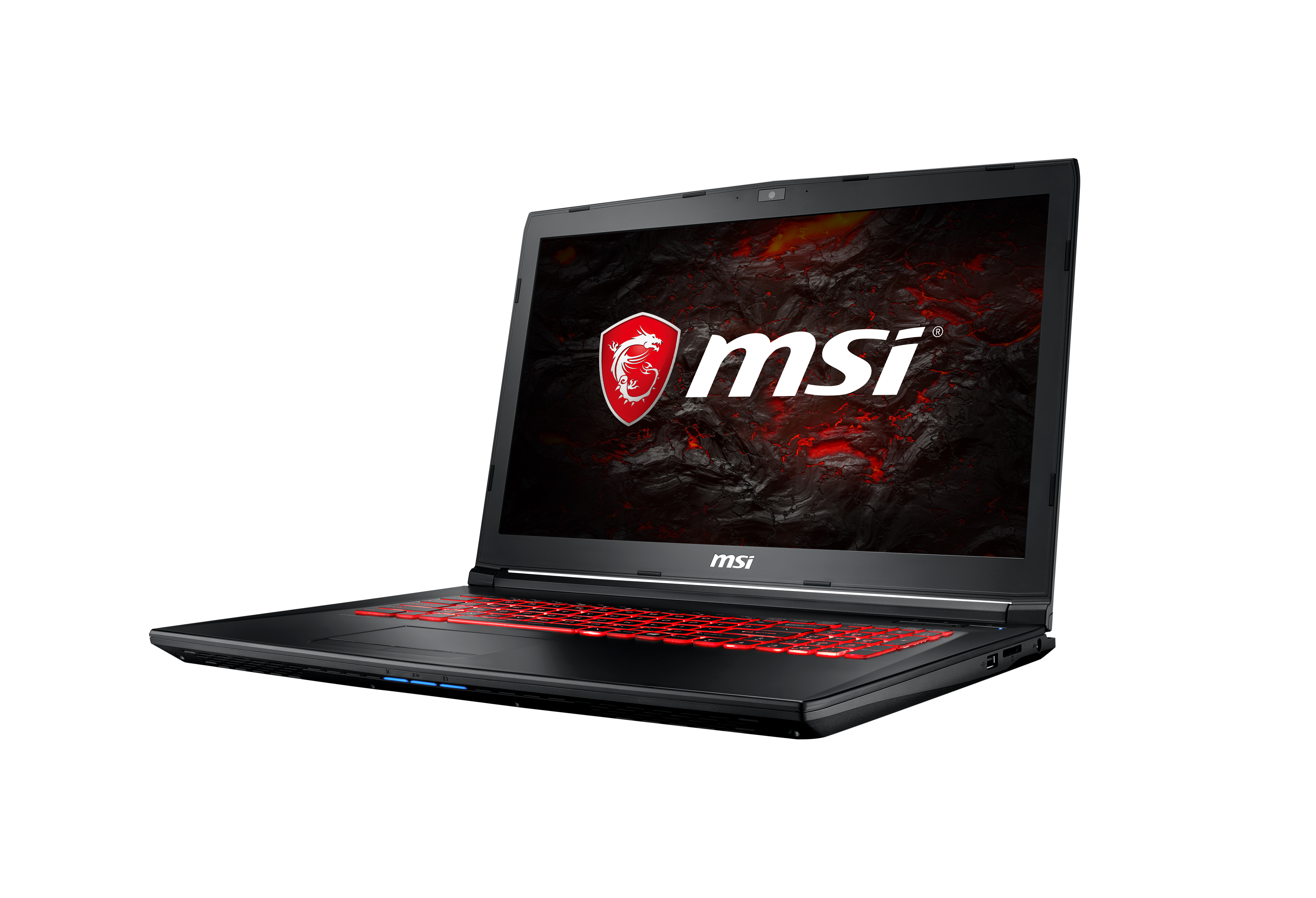
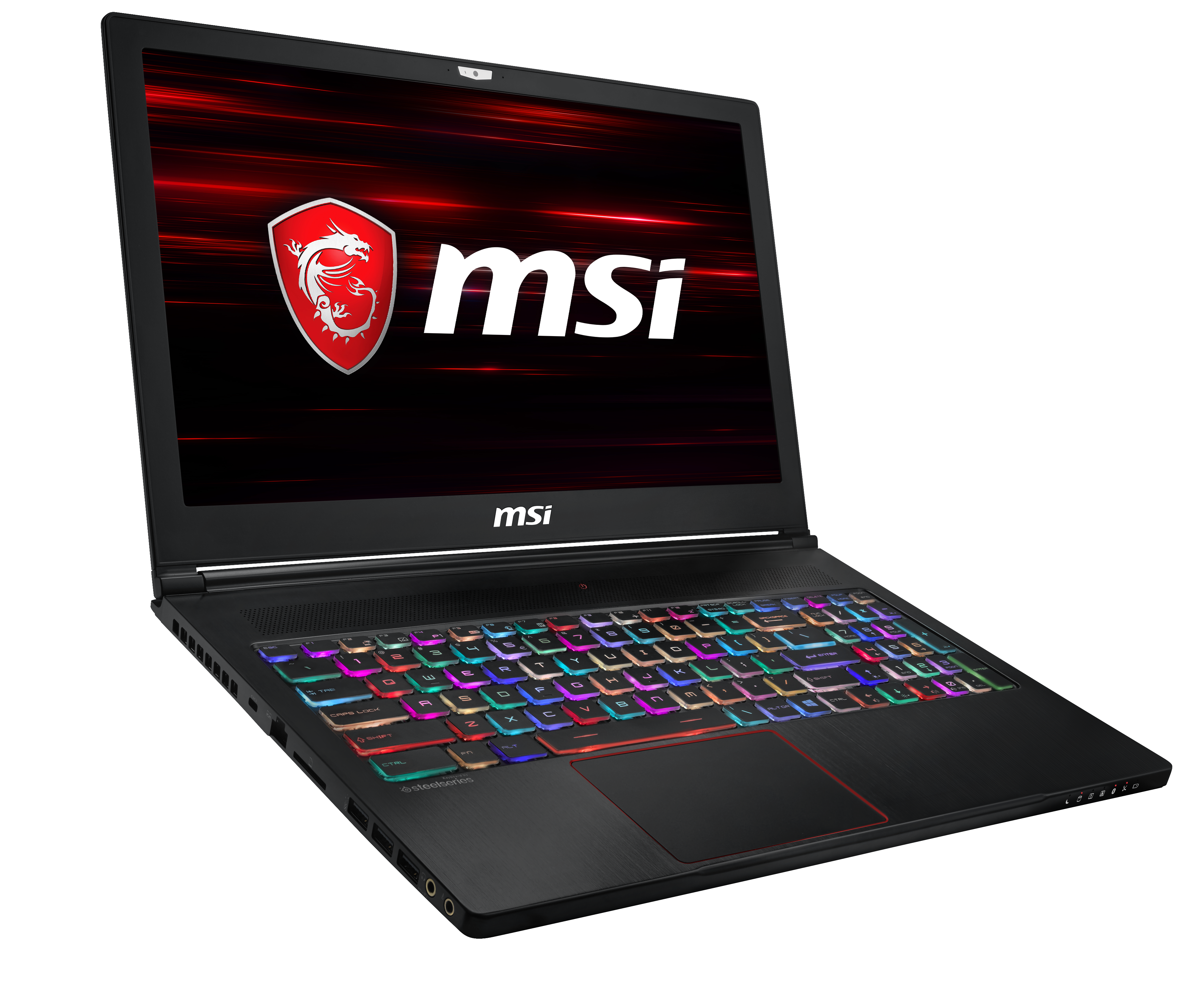
MSI is running a student special through Aug. 12 at Best Buy and BestBuy.com on great laptops for work and play with $100 off the GL72M and $150 off the GS63 Stealth. (U.S. with other deals available worldwide).

Take advantage of the Microsoft Store’s great Back to School savings and save up to 10 percent on select Surface, PCs, and accessories. Parents and students can save up to $500 on select PCs and $360 on a Surface Pro i5 128GB bundle. Through Thursday, Aug. 4, save up to $300 on Surface Laptop i5 256GB/8G and up to $300 on other select Surface Laptops.
Of course, there’s no better deal than FREE, so be sure to check out Microsoft’s many free workshops to help learners of all abilities. This fall, parents can visit the for STEM Saturdays, Literacy Workshops and Productivity Hack Sessions. And teachers can tune in this Saturday for our free Back to School Live teacher training session to get inspiration and tech tips to make the most of Microsoft technology in their classrooms this year.
|

|
|
| iOS 11.4 - 11.4.1 Jailbreak (5 Methods) Virtual, Hardline, Easy, Noob-proof |
|
Posted by: xSicKx - 08-03-2018, 02:39 AM - Forum: Phone Phreaks
- No Replies
|
 |
iOS 11.4 - 11.4.1 Jailbreak (5 Methods) Virtual, Hardline, Easy, Noob-proof
Hello guys.
Today I have 5 methods for Jailbreaking your iPhone.
Compatibility Device
iPhone X, iPhone 8 plus, iPhone 8, iPhone 7 plus, iPhone 7, iPhone 6S plus, iPhone 6S, iPhone 6 plus, iPhone 6, iPhone SE, iPhone 5S.
iPad Pro (10.5-inch), iPad Pro (12.9-inch), iPad (9.7-inch), iPad Mini 4, iPad Air 2, iPad Mini 3, iPad Pro (9.7-inch), iPad Pro (12.9-inch)
iPod Touch 6
Jailbreak is the process of removing Apple software restrictions for iOS devices. Usually, iOS users can install apps from Apple App Store only. Jailbroken device allows you to install 3rd party apps that are not offered by Apple. Therefore, Jailbreak is the only way to install iOS system tweaks, themes, customization apps and many kinds of Apple dissentient apps.
1) Developer code extraction method
Currently, Dev code extraction is the most popular Jailbreak app installation method for the latest iOS versions. Now it is available to Install Cydia and popular Jailbreak apps on iOS 11.4.
2) Electra Jailbreak
Electra 1131 1.0.3 just added support for iOS 11.4 beta 1 to beta 3. Downgrade or restore your device to any of these iOS 11.4 betas.
3) UDID Registration method
Another popular Jailbreak app installation method to install jailbreak apps for iOS 11.4 devices. Users can install Jailbreak apps registering their UDID under Apple developer account.
4) Yalong Semi-Untethered Jailbreak
Semi-untethered Jailbreak is the most popular Jailbreaking method for Cydia. Yalong IPA + Cydia impactor semi untethered jailbreak method available for limited iPhone 11.4 jailbreak.
5) Apricot Virtual Jailbreak
Recently 3rd party web OS has been released for the iPhones instead default iOS 11.4. Now you can Jailbreak 11.4 web OS and install the Cydia Jailbreak app manager for it.
Use following codes for free upgrade to zJailbreak app store.
Use following link to upgrade Xabsi for free. Copy the following link and paste on your safari browser.
Hidden Content
Reply to this thread to unlock the contents
|
|
|
|
| iOS Jailbreak 11.4 + 11.4.1 Jailbreak (Virutal / Online Method) |
|
Posted by: xSicKx - 08-03-2018, 12:27 AM - Forum: Phone Phreaks
- No Replies
|
|
Apricot Virtual Jailbreak
![[Image: maxresdefault.jpg]](https://i.ytimg.com/vi/umShQLvUZpc/maxresdefault.jpg)
Apricot is web-based mirror OS for iPhone devices. Now it is compatible with iOS 11.4. You can install the Apricot to your iOS 11.4 iPhone to get an uncommon experience. Apricot available with zJailbreak and Xabsi third-party app stores.
Apricot Device Compatibility
iPhone X, iPhone 8 & 8 Plus, iPhone 7 & 7 Plus, iPhone 6S & 6S Plus, iPhone 6 & 6 Plus, iPhone SE, iPhone 5S
Install Apricot iOS
Step 01 - Download zJailbreak or Xabsi from right below.
Hidden Content
Reply to this thread to unlock the contents
Step 02 - Open the zJailbreak / Xabsi app store. Find the Apricot OS and tap on it.
Step 03 - Now tap “Allow --> Install --> Enter the device passcode --> Install -->Install --> Done.”
Step 04 - Now you have successfully installed Apricot OS on your iOS 11.4 iPhone.
It is time to get different kind iOS experience with Apricot from your iOS 11.4 devices.
Jailbreak Apricot iOS
It is possible to Jailbreak Apricot iOS 11.4 mirror OS to get virtual jailbreak experience. You can install virtual Cydia app manager on Apricot iOS.
Step Guide to Jailbreak Apricot iOS 11.4.
Step 01 - Go to Apricot app.
Step 02 - Then tap on unlock button from the bottom menu.
Step 03 - Click the “jailbreak Apricot OS.” ---> “Jailbreak Now.”
![[Image: 74ab1b.jpg]](https://pangu8.com/jailbreak/11.4/images/74ab1b.jpg)
Step 04 - After few seconds you will get the Cydia Configuration black screen.
Step 05 - Finally, Cydia icon will be available on your iOS 11.4 Apricot iOS.
|
|
|
|
| Yalong Jailbreak procedure for iOS 11.4 Jailbreak (Semi-untethered) |
|
Posted by: xSicKx - 08-02-2018, 11:52 PM - Forum: Phone Phreaks
- No Replies
|
|
Yalong iOS 11.4 is one of IPA + Cydia impactor Semi-untethered Jailbreak methods. Yalong Jailbreak installs Cydia on your iOS 11.4 running 5S device. It has Yalong Windows version only. Mac version will be available soon.
Currently, Yalong is the only IPA + Cydia impactor method for iOS 11.4 Most probably, Electra, Pangu or Yalu will release Semi-untethered jailbreak tool based on the IPA + Cydia impactor method to target Jailbreak iOS 11.4 version.
Here is the Yalong Jailbreak procedure for iOS 11.4 Jailbreak.
Prerequisites:
■ Make sure to backup your device using iTunes.
■ Disable Passcode/Touch ID/Find My iPhone
■ Turn ON Airplane Mode, while the jailbreak process.
■ Download Cydia impactor from the official site.
Step 01 - Download the Yalong IPA from following link.
Download Yalong:
Hidden Content
Reply to this thread to unlock the contents
Step 02 - Connect your iOS 11.4 iPhone your PC via USB cable.
Step 03 - Drag and drop the Yalong IPA into the Cydia Impactor app.
Step 04 - Enter your Apple ID and password. Now Cydia Impactor will install the new Yalong jailbreak app on your iPhone.
Step 05 - Now Yalong app installed successfully on your iPhone. Go to your device homescreen and run the Yalong app on your device. Click on the Jailbreak button.
Step 06 - After few seconds Cydia icon will show up on your iOS 11.4 device.
|
|
|
|
| PS4 - Remothered: Tormented Fathers |
|
Posted by: xSicKxBot - 08-02-2018, 10:51 PM - Forum: New Game Releases
- No Replies
|
|
Remothered: Tormented Fathers
Remothered: Tormented Fathers is pure and realistic survival horror. The story revolves around Rosemary Reed, a fascinating 35-year-old woman, who reaches Richard Felton?s house, in order to investigate the disappearance of a girl called Celeste. Publisher: Stormind Games Release Date: Jul 25, 2018
|
|
|
|
| PS4 - The Banner Saga 3 |
|
Posted by: xSicKxBot - 08-02-2018, 10:51 PM - Forum: New Game Releases
- No Replies
|
|
The Banner Saga 3
The pack contains a rank 10 Dredge Stoneguard character called Kivi, the unique Tank combat ability, the 'Sculptor's Tools' item, an exclusive Dredge Heraldry, a heroic tale called 'Shield Cleaver,' and an exclusive Banner Saga 3 overture track from Austin Wintory. Publisher: Versus Evil Release Date: Jul 26, 2018
|
|
|
|
| XONE - The Long Reach |
|
Posted by: xSicKxBot - 08-02-2018, 09:30 PM - Forum: New Game Releases
- No Replies
|
|
The Long Reach
The Long Reach is set in New Hampshire, in the fictional town of Baervox. The game draws its inspiration from Lone Survivor and The Cave and all the classical adventures (except that The Long Reach is set in the present day). Publisher: Painted Black Games Release Date: Jul 18, 2018
|
|
|
|
| XONE - Candle: The Power of the Flame |
|
Posted by: xSicKxBot - 08-02-2018, 09:30 PM - Forum: New Game Releases
- No Replies
|
|
Candle: The Power of the Flame
Candle is a 2D sidescrolling adventure game that uses the powerful and indie-lover engine Unity 4. Its creators describe it as a "dynamic graphic adventure", since its gameplay combines both Platformer and Graphic Adventure genres. The player takes control of Teku, a young and inexperienced character in his journey to save his friends and unravel the mysteries of his world. Publisher: Merge Games Release Date: Jul 25, 2018
|
|
|
|
| News - New PUBG PC Event Tests Your Skills On Sanhok; Here Are The Full Details |
|
Posted by: xSicKxBot - 08-02-2018, 09:30 PM - Forum: Lounge
- No Replies
|
|
New PUBG PC Event Tests Your Skills On Sanhok; Here Are The Full Details
A new event called Sanhok Forty-Fivers has started for PlayerUnknown's Battlegrounds on PC. The event only lasts a week--ending August 5 at 7:00 PM PST / August 6 at 4:00 AM CEST / August 6 at 11:00 AM KST--so if you want to participate, grab some friends and get online. Sanhok Forty-Fivers pits 20 teams against one another on Sanhok. Each team is typically composed of a four-person squad for a maximum of 80 players on the battleground, but playing in a full squad isn't mandatory. The safe zone is visible from the beginning and starts out pretty small so players land close together. Both Red Zones and Killer Spectating are disabled, weather is perpetually set to overcast, and it's impossible to kill your teammates. The only weapons in Sanhok Forty-Fivers are throwables and firearms that take .45 ammo. Tommy Guns, Win94s, R45s, and P1911s spawn on the map, while Vectors drop in care packages. Care packages also carry 0.45 ACP rounds, level three gear, and other items that players might find useful. The full details of Sanhok Forty-Fives can be read on Steam. The test server for PUBG on PC is currently live. The new updates on the server tweak inventory management for weapon attachments and makes changes to the Erangel and Miramar maps--even adding entire new clusters of buildings. Weather effects have also been added so players occasionally parachute through cloudy skies that eventually roll over into rain or fog during the match. Bullets also penetrate through arms and hands to strike targets beyond enemy players.
|
|
|
|
|
|
|