How to use an NVMe drive to upgrade your Mac’s SSD
If you’re not able to shell out $1000 or more for a new machine, you can squeeze out a few more years with a storage upgrade for some older MacBook Air or MacBook Pro models. Here’s how to do it.
This year, schools are offering in-person or virtual options. No matter which option your school is offering, the best new computer may be a computer that’s new-to-you.
Last year, we purchased a 2015 MacBook Air with 8GB of RAM and 128GB of storage. The problem is that 128GB is not large enough to meet the school’s requirements. They want 256GB or greater.
Upgrade MacBook Air
First, you’re going to need to gather the computer and parts. We found the 2015 MacBook Air and a 2017 MacBook Air on Craigslist.
Both years are essentially the same computer, with a speed bump in CPU MHz. We could have also found a MacBook Pro, but those cost more and weigh more.
2015 or newer MacBook air
bootable macOS USB drive to reinstall macOS
Sintech NVMe adapter
Crucial P1 1TB drive
P5 pentalobe screwdriver
T5 torx screwdriver
Supported models
The Mac you upgrade doesn’t have to be a MacBook Air. It could also be a MacBook Pro, or Mac mini.
In general, any 2013 to 2017 MacBook Air, 2013 to 2015 MacBook Pro, and 2014 Mac mini can be upgraded, with good results. How can you tell if your computer is compatible with an upgrade? When you click on About this Mac, System Report, the Hardware Overview section has a Model Identifier number that you can use to determine compatibility.
MacBook Pro
MacBook Pro (15-inch Retina display Mid 2015) Model ID: MacBookPro11,5
MacBook Pro (15-inch Retina display Mid 2015) Model ID: MacBookPro11,4
MacBook Pro (13-inch Retina display Early 2015) Model ID: MacBookPro12,1
MacBook Pro (15-inch Retina Display 2014) Model ID: MacBookPro11,3
MacBook Pro (15-inch Retina Display 2014) Model ID: MacBookPro11,2
MacBook Pro (13-inch Retina Display 2014) Model ID: MacBookPro11,1
MacBook Pro (15-inch Retina Display 2013) Model ID: MacBookPro11,3
MacBook Pro (15-inch Retina Display 2013) Model ID: MacBookPro11,2
MacBook Pro (13-inch Retina Display 2013) Model ID: MacBookPro11,1
MacBook Air
MacBook Air (13-inch Mid 2017) Model ID: MacBookAir7,2
MacBook Air (13-inch Early 2015) Model ID: MacBookAir7,2
MacBook Air (11-inch Early 2015) Model ID: MacBookAir7,1
MacBook Air (13-inch Early 2014) Model ID: MacBookAir6,2
MacBook Air (11-inch Early 2014) Model ID: MacBookAir6,1
MacBook Air (13-inch Mid 2013) Model ID: MacBookAir6,2
MacBook Air (11-inch Mid 2013) Model ID: MacBookAir6,1
Mac mini
Mac mini (Late 2014) Model ID: Macmini7,1
The problem with Standby
When we write, “with good results,” there is a caveat. 2013-2014 machines treat hibernation differently than 2015 and later machines.
Apple has different power management modes for increasing battery life. One of those can cause a problem for users who upgrade to an NVMe drive in a 2013-2014 machine.
Some of these machines will kernel panic when attempting to go into standby mode. Standby is where the computer records a snapshot of the current state of your computer to the flash drive, usually after about 3 hours. A Mac on Standby can stay charged for up to 30 days without being plugged in.
The solution is to prevent the computer from going into Standby. Here’s how to do it.
Open the Terminal app
Type sudo pmset -a standby 0
Press Return
Quit the Terminal
The computer will still hibernate or sleep, without saving the current state of the computer to the flash drive. You’ll still have battery-life, although maybe not the 30-days-without-charging kind of battery life.
2015 and later machines need no modifications like this at all.
Supported OS
You can run a range of macOS using these NVMe drives:
High Sierra
Mojave
Catalina
Big Sur (probably)
For the students in our house, we’re going with Mojave. Every app they’re going to use will work fine with Mojave, but your mileage may vary.
At some point in the future, we will likely upgrade the machines to Big Sur, but not until it’s been out for a few point releases.
Supported drives
There are a range of drives available that will work, but unless the Mac has a controller that can take advantage of faster speeds, there’s no benefit to spending more on a faster drive.
While the WD Black SN750 can transfer speeds at a rated 3400 MB/s, it’s not useful if the Mac can’t support those speeds.
The Samsung drives have a history of working after firmware updates have been applied. The problem with firmware updates is that they require a Windows machine to install them. If you’re preparing a computer for a student, this may be outside your comfort level.
The Crucial P1 drives are affordable (1TB for $104) where every other terabyte drive was more money.
Our advice: buy the drive that’s within budget and will meet the needs of your Macintosh and your school’s recommendations.
What you can you do to max things out:
We considered what the machines we had were capable of, and maxed them out based on that.
For example, you could get a 4TB drive. It will be expensive. Practically, we targeted 1TB or fewer.
For a MacBook Air, the maximum speeds of the controller are between 700 and 1500 MB/s. The Retina 15″ Mid-2015 MacBook Pro supports 4x lanes PCIe 3.0 speed, and can support 3000 MB/s.
The upgraded MacBook Air
For our MacBook Airs, the Crucial P1 makes sense. If we were upgrading a Retina MacBook Pro 15″ from 2015, the WD Black might make more sense.
Even though we chose the slower Crucial drive, it reached 1476 MB/s read and 1323 MB/s write speeds on the MacBook Air. On our stock 2015 MacBook Pro, we get only 529 MB/s read, 482 MB/s write speeds.
The original drive in a 2014 MacBook Pro
It’s worth noting that just because a drive is rated at a high speed it’s possible to achieve less than that speed. For example, We tried the WD Black drive in a computer running Windows, and it reached 2900 MB/s. On macOS on the same computer, it reached 2400 MB/s.
There are a lot of variables, and while we’re doing something not officially supported, it’s still an impressive speed increase over stock drives.
Okay, you’ve convinced me. How’s it done?
Shut down the computer. Use the Pentalobe P5 to remove the bottom cover of the MacBook. Not all screws are the same length, and it’s important to get each back into the same hole it came out of.
keep the screws in order
You might take cardboard and poke the screws into the cardboard in orientations similar to the screw holes they came out of. Or you might put strips of double sided tape down and organize them on that. Whichever you do, make sure the screws go into the holes they came out of when you’re done.
The cover will come off easily. On the MacBook Air, we lift at a corner or hinge area working around the sides. There’s a sort of latch at the middle of the sides of the machine, where you’ll feel the cover pop free and lift off.
Removing the original drive
Locate the SSD. In the center of the MacBook Air, there’s a Torx screw holding it down. Unscrew it and remove the drive, setting it aside.
Take the Sintech NGFF to M.2 NVMe adapter, and insert it in place of the original drive. Then, take the new NVMe drive and insert it into the adapter. When everything is aligned, the notch in the end of the NVMe drive will line up with the post the Torx screw came out of. You can reuse it, or use the Philips screw that came with the adapter.
Inserting the adapter
Make sure to align the adapter and drive correctly on the standoff that the Torx screw goes in. This may require some care to insert the adapter and drive fully into their slots.
Put the cover of the computer back on, taking care to replace the screws in the holes they came out of. Normally on Macs, the longest screws go near the hinge area, or near the center of that hinge edge.
The new drive and adapter installed
Insert the USB macOS drive you made earlier. Power on while holding down the Option key. When the list of drives comes up, select the USB drive. The computer will boot to recovery.
Open Disk Utility to format the new SSD drive as GUID partition scheme with macOS journaled file system. Once done, quit Disk Utility and proceed installing macOS.
Reinstalling macOS
The result will be a faster computer than stock configuration, more storage, and the drive will show up in System Report under NVMExpress.
System Report showing success
Squeeze some life out of those storage-constrained MacBook Air and MacBook Pro models
We purchased a 2015 MacBook Air for $280 and a 2017 MacBook Air for $420. Craigslist is subject to availability and haggling, and your willingness to meet strangers wearing face masks with considerable sums of cash.
There’s a lot of life left in second-hand Macs, and upgrading one from just a few years ago is an affordable way to meet or exceed back-to-school computing requirements. The computer will be faster, have more storage, on a budget.
User data is the most important thing on a computer. Whether it’s source code for the next big release, family pictures, a music library, or anything else, you want it to be safe. Changing the default file system is not a change to make casually. The Fedora Project is changing the default file system for desktop variants (Fedora Workstation, Fedora KDE, etc), for the first time since Fedora 11. Btrfs will replace ext4 as the default filesystem in Fedora 33.
What does this mean for me?
Btrfs is a stable and mature file system with modern features: data integrity, optimizations for SSDs, compression, cheap writable snapshots, multiple device support, and more.
The switch to Btrfs will use a single-partition disk layout, and Btrfs’ built-in volume management. The previous default layout placed constraints on disk usage that can be a difficult adjustment for novice users. Btrfs solves this problem by avoiding it.
As a techie, you may have heard of bit rot, and memory bit flips. Data can be corrupted by a multitude of physical factors, even cosmic rays from the sun! Before an SSD fails outright, often it will return either zeros or garbage, instead of your data. Btrfs safeguards your data with checksums, and performs verification on every read. Corrupt data is never given to your programs, and it won’t replicate into your backups to be discovered another day (or year).
Btrfs uses a “copy-on-write” model: your data and the file system itself are never overwritten. This enhances crash-safeness. When copying a file, Btrfs does not write new data until you actually change the old data, saving space.
In fact, users will save more space when using Btrfs’ transparent compression. Compressing data reduces total writes, saves space, and extends flash drive life. In many cases, it can also improve performance. Compression can be enabled on an entire file system, or per subvolume, directory, and even per file. You will be able to opt-in to using compression in Fedora 33. And it’s one of the features we’re looking forward to taking advantage of by default in future Fedora releases.
Trusted
Facebook uses Btrfs on millions of machines in production. They compare its stability to ext4 and XFS (another file system available in Fedora). In fact, they use Btrfs to “improve” the quality of the consumer storage hardware that they use in production. Btrfs detects problems before the hardware fails.
(open)SUSE have been using Btrfs for many years now, including SUSE Linux Enterprise Server (SLES). You can’t imagine a company that provides support to customers shipping software that they don’t completely trust.
What’s next?
The Change is code complete, and has been testable in Rawhide as the default file system since early July. Btrfs has been explicitly supported in Fedora since 2012. This is expected to be a transparent change for most users, however it is still significant. Fedora will ensure we deliver the dependable and reliable experience Fedora users have come to expect.
Special thanks to: Ben Cotton, Michael Catanzaro, and the Fedora Workstation Working Group for contributing to this article.
Another Sonic The Hedgehog Double Pack Appears To Be Coming To Switch
If you need more blue blur in your life, perhaps a Sonic the Hedgehog double game pack for Switch might be of interest.
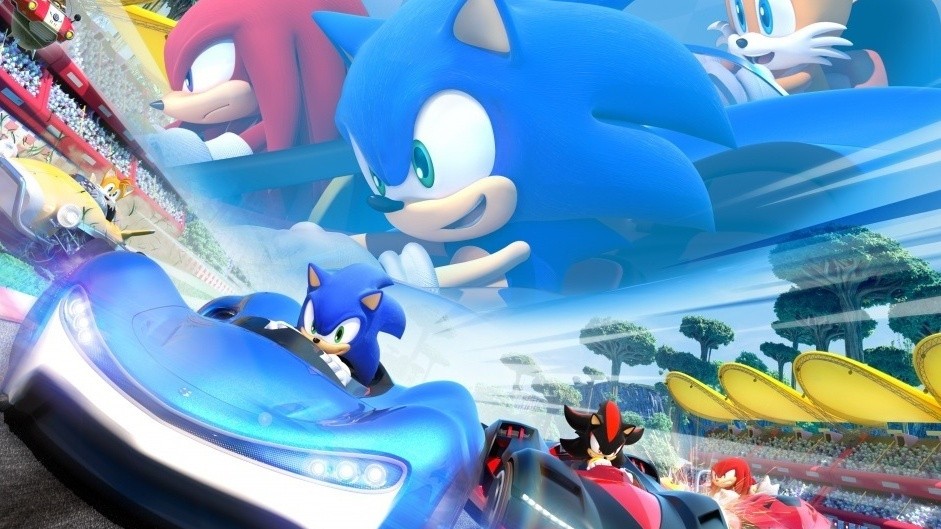
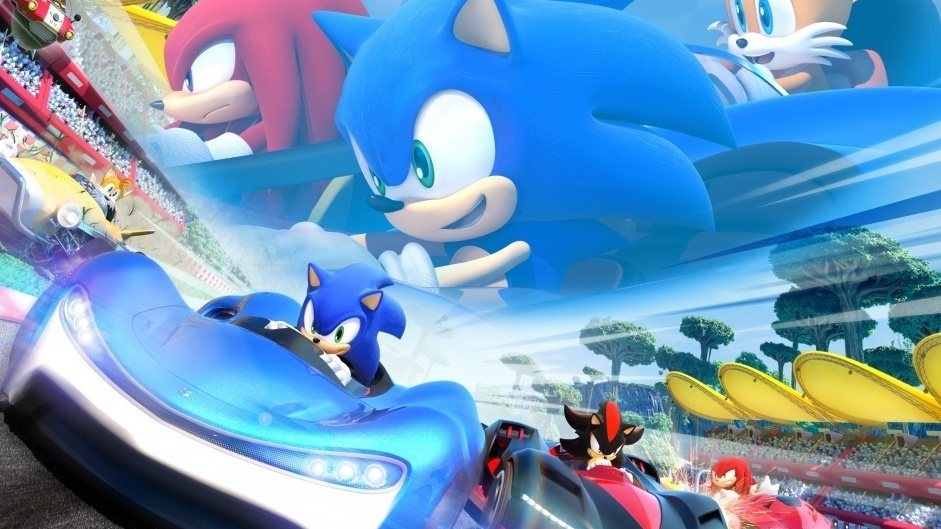
According to a new listing over on Amazon, Sega is releasing a package collection containing the original Sonic Mania game and Team Sonic Racing. The page says it’ll be arriving on 26th October this year for $39.99 USD. Here’s the box art:
As you might recall, Sega has already released something similar in the past when it previously bundled Sonic Mania with Sonic Forces. Is this the two-in-one Sonic pack you’ve been waiting for? Leave a comment down below.
Please note that some external links on this page are affiliate links, which means if you click them and make a purchase we may receive a small percentage of the sale. Please read our FTC Disclosure for more information.
Dataminer Uncovers Support For Switch SDK In Fall Guys Game Files On Steam
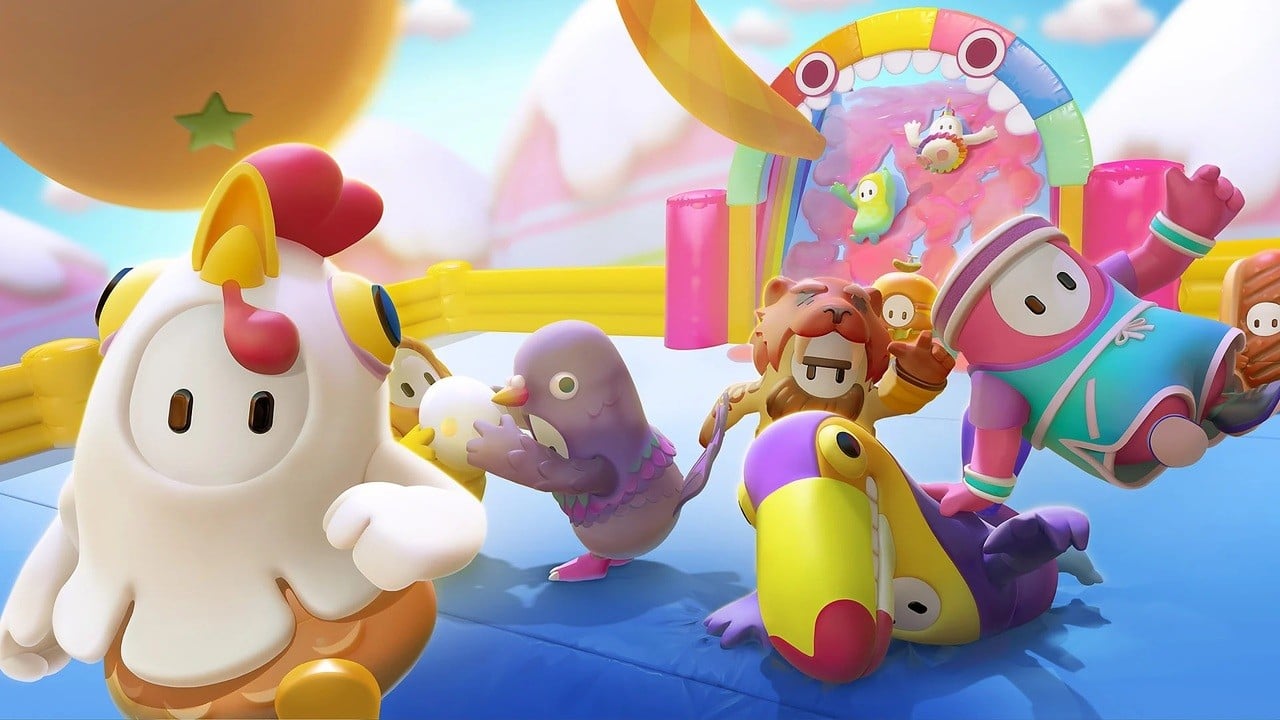
One of the surprise video game hits of 2020 is Fall Guys: Ultimate Knockout – a 60-player battle royale party title inspired by hilarious television game shows like Takeshi’s Castle and Total Wipeout.
Mediatonic – the developer behind this relatively new release – has an FAQ on its website. Within this, it says it would “love” to bring the game to other platforms like the Switch and Xbox further down the line.
Following on from this, Switch dataminer OatmealDome has apparently found a “NintendoSDKPlugin.dll” file within the game’s files on Steam. It’s supposedly been present since the original version of the game.
As noted, the support for Nintendo’s SDK (software development kit) doesn’t guarantee it’s coming to the Switch. If you’re thinking this might just be linked to Pro Controller support for the game on Steam, it’s likely not that, either. OatmealDome explains why in a seperate tweet:
There’s also the possibility it’s all an accident on Mediatonic’s behalf:
What do you make of this? Would you like to see Fall Guys make the Switch eventually? Tell us down below.
Posted by: chirleyarry - 08-24-2020, 07:25 AM - Forum: Lounge
- No Replies
Existe una buena cantidad de análisis que respaldan los posibles beneficios de la dieta cetogénica, junto con la regulación del azúcar en sangre para la pérdida de peso. Sin embargo, la gran mayoría de los estudios solo se han realizado durante períodos cortos de algunas semanas o meses.
Dar prioridad a las comidas cetogénicas ricas en micronutrientes y quizás usar un suplemento mineral son dos métodos para prevenir las deficiencias de micronutrientes. Además, la restricción de carbohidratos tiene un efecto diurético, aumentando la producción de orina y una "pérdida" de agua corporal.
Random: Astronomical Discovery In Super Mario Galaxy’s Logo
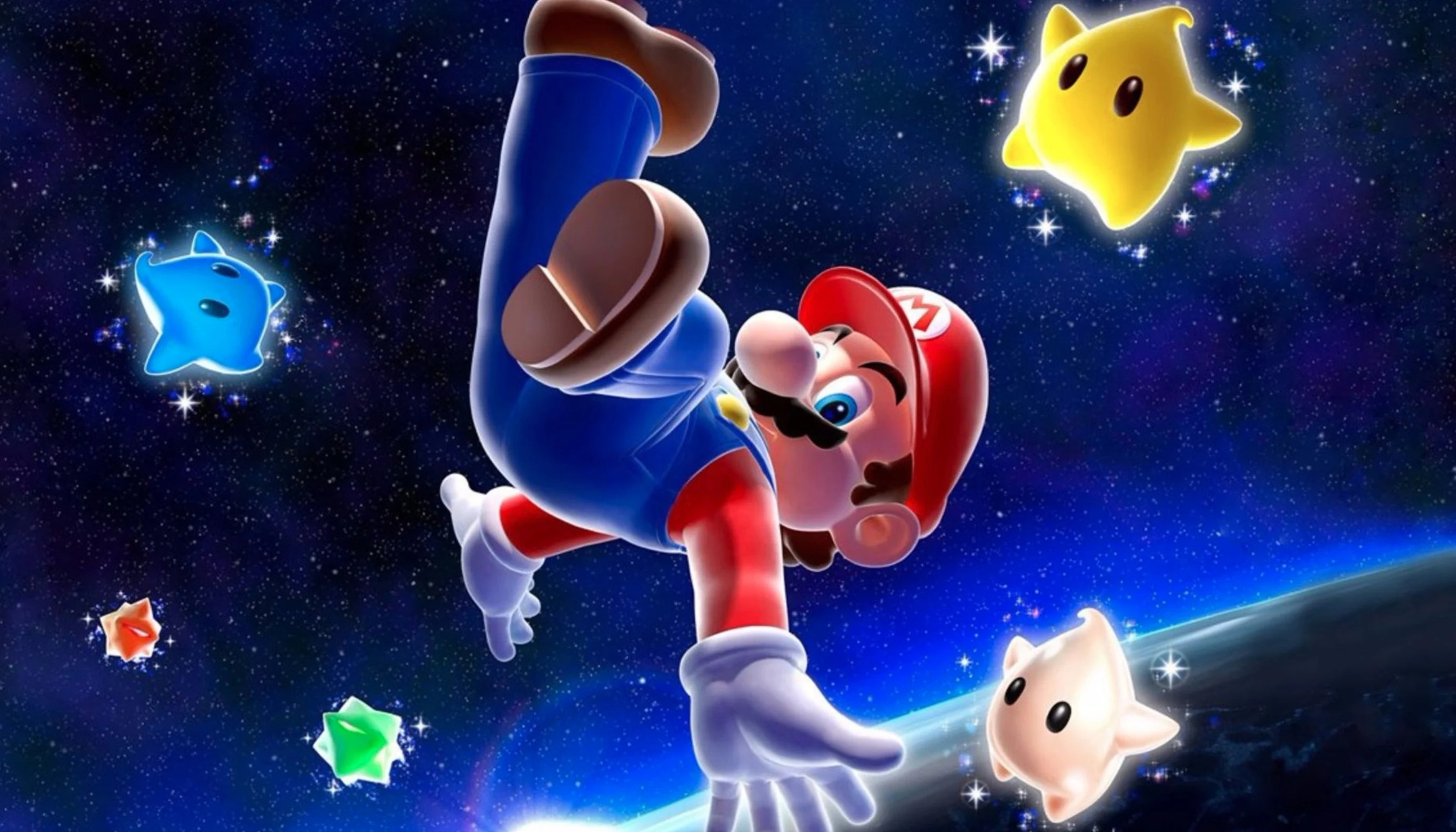
This probably isn’t the sort of Super Mario Galaxy article you were hoping or expecting to see around the time of the Nintendo mascot’s 35th-anniversary celebrations but here we are…Twitter user and “starboy” CometMedal has been closely inspecting the 2007 Wii entry’s logo.
So what have they found? An edited image of the Andromeda Galaxy, originally taken by Robert Gendler in 2005. Here’s the full rundown, along with some comparison shots:
“I found the full image of the galaxy depicted in Super Mario Galaxy’s logo – an edited image of Andromeda Galaxy taken by Robert Gendler in 2005. It took some tricky work to confirm, but I pulled it off.”
Although the Andromeda Galaxy is depicted in Super Mario Galaxy’s logo, the game – to our knowledge – is simply set in outer space above the Mushroom Kingdom. If you do want to visit this galaxy though, you might be better off checking out the 2017 EA title, Mass Effect: Andromeda.
In case you didn’t know, the Andromeda Galaxy is the nearest major galaxy to our own, the Milky Way.
What do you think of this amazing find? Share your thoughts in the comments.
Posted by: xSicKxBot - 08-24-2020, 02:09 AM - Forum: Lounge
- No Replies
Gotham Knights Gameplay Demo Features Mr. Freeze Boss Fight
Following its official reveal trailer during DC Fandome, WB Games Montreal has posted an extended gameplay demonstration for Gotham Knights. The demonstration shows off Batgirl's combat prowess, which is distinctly different from how she, and other characters, played in previous Batman: Arkham games.
The video, narrated by creative director Patrick Redding, takes place about a dozen hours into Batgirl's progression in the game. Featuring an attack on Elliot Center--where Mr. Freeze has set up shop--it shows off several of the other playable characters in the game, including Red Hood. Freeze has manipulated the weather to actually flash-freeze the city, and it will take everything the young cast of heroes has to take him down.
Batgirl's agile fighting style allows her to quickly close the gaps on enemies and use their aggression against them. It's a far cry from the brutal and power-focused style of Batman, and should help to separate her from the other playable characters.
Remember that only those on Xbox One / Windows 10 / and Android may participate in the Beta builds. You will not be able to join Realms or non-beta players worlds and you will not be able to open worlds opened in the Beta in earlier/current stable builds of Bedrock.
Stability and Performance
The game no longer crashes if a player opens a Shulker Box they’re standing on after rejoining a multiplayer session (MCPE-60856)
Vanilla Parity
Sea Turtles now play a sound when they lay eggs
Dolphins will now dry out at the same rate as they do in Java Edition; 120 seconds
Undamaged Mending items will no longer prevent damaged Mending items from being repaired (MCPE-80156)
Basalt can no longer be destroyed by Ghast fireballs (MCPE-75252)
Basalt blocks now take slightly more time to destroy
TNT no longer activates when a Redstone Torch is placed directly on it (MCPE-81258)
Collecting fish with a bucket now works more consistently
User Interface
Fixed a visual issue where clicking to edit the text box in the NPC dialog would not show the caret (Education Edition Features)
New Achievements Screen
We have made some tweaks to the new achievements screen that is available to some beta players (through a gradual roll-out). Please continue to share your feedback on it in this post!
Gamepad bumpers can now be used to switch tabs in the achievements screen
Tweaked the default focus on the tabs in the achievements screen
Added extra space between the end of the list and the “input legend” at the bottom
The achievement detail screen now shows “Completed on other platform” section
Fix for ItemDescriptors
Item names of the format “minecraft:item.someitem” no longer need the “item.” portion and it will be ignored
If you were hoping for everything – including the two-player update – to be on the game cartridge, unfortunately, that won’t be happening. The Australian-based developer House House confirmed this during a recent Q&A session on Twitter (via the official Indie World Nintendo account).
#AskIndieWorldNA Will the physical version have the multiplayer update already installed?
We’re afraid not. We had to lock in the physical release build long before two-player was stable enough. As long as you can connect to the internet on your Nintendo Switch the game will update itself.