The NeoAxis Engine just released the source code, although it’s technically not “open source” according to OSI compliant licenses. You can now access the source code on GitHub.
Here is the license:
1. When publishing your product, you must add “Made with NeoAxis Engine (www.neoaxis.com)” with the product information and in its credits.
2. You can distribute the NeoAxis editor with your product. When you do it the window title of the editor must be:
“Your project name – NeoAxis Engine 2020.3 (www.neoaxis.com)”.
Or if you made engine modification:
“Your project name – Modified version of NeoAxis Engine 2020.3 (www.neoaxis.com)”
This can be done by changing the value of the ModifiedVersionOfNeoAxisEngine field in the Sources\Engine\NeoAxis.Core\Utility\EngineInfo.cs file.
3. You can distribute the source code of the NeoAxis Engine. In the case of publishing any part of the modified source code, for example, by means of creating a fork or other distribution method, you automatically become the contributor of the NeoAxis Engine. This means that the NeoAxis Group Ltd reserves the right to use your modified source code at its discretion, for example, to improve the original version of the NeoAxis Engine. Copyright for modified code is saved to you.
To me that certainly sounds like something an existing OSI license should cover. You can learn more about NeoAxis making the source available in the video below.
We are thrilled to announce that Orchard Core RC2 is now available.
What is Orchard Core?
Orchard Core Framework is a community-based application framework for building modular, multi-tenant applications on ASP.NET Core. It has been created by more than 150 contributors and has over 4K stars on GitHub.
Orchard Core also includes Orchard Core CMS, a Web Content Management System (CMS), that is built on top of the Orchard Core Framework. It allows you to build full websites, or headless websites using GraphQL.
Getting Started
Installing the templates
You can install the recommended templates by running:
dotnet new -i OrchardCore.ProjectTemplates::1.0.0-*
Creating a new modular application
Using the templates, a modular MVC application can be created by running:
dotnet new ocmvc -n MySite
And a module is created by running:
dotnet new ocmodulemvc -n MyModule
dotnet add MySite reference MyModule
Creating an Orchard CMS website
To create a new site based on the Orchard Core CMS run:
dotnet new occms -n MySite
dotnet run --project .\MySite\MySite.csproj
After going through the setup form you get a working Blog.
What’s new
Some notable improvements include:
Content localization support, and pre-configured localized Setup experience
Improved block content management experience
Sitemaps management
Azure support improvements
Resources
Development plan
The Orchard Core source code is available on GitHub.
There are still many important pieces to add and you might want to check our roadmap, but it’s also the best time to jump into the project and start contributing new modules, themes, improvements, or just ideas.
Feel free to drop on our dedicated Gitter chat and ask questions.
Every new HomeKit feature in iOS 14, tvOS 14, & macOS Big Sur
With iOS 14, Apple is boosting its HomeKit smart home platform with new features and quality of life improvements that users have been clamoring for such as motion zones, facial recognition, and more. We walk you through all the changes coming this fall.
Apple’s iOS 14 update — along with tvOS 14 and macOS Big Sur — are packed with changes, HomeKit enhancements among them. Apple demoed a few of the features in various WWDC sessions, but we were able to pull out a few more changes you’ll see once these updates are released.
[embedded content]
HomeKit across Apple’s platforms
HomeKit may have some new tricks, but the platform it runs on must be solid to sell the experience. For that reason, Apple tidied up and improved everything from the setup process to using the Home app and controlling different devices.
The Mac in particular got some love this year. Now, Catalyst supports HomeKit apps. This means developers will be able to create their own third-party HomeKit apps for the Mac, which was never possible before.
Very early look of HomeCam running on macOS Big Sur
We even got an early look at Aaron Pearce’s HomeCam app that is slated to hit the Mac later this year. While it is still a very early build, it was encouraging to see how quickly Aaron got it running with Catalyst. It’s also enlightening to see what the future holds not just for HomeCam, but other great third-party HomeKit apps.
Home app on macOS Big Sur
The Mac HomeKit app was refreshed with a new full-height vertical sidebar that greatly improves the usability. Additionally, it has received many of the shared features that we see on iPhone and iPad.
Speaking of which, Apple’s Home app now features a row of status icons across the top of the Home as a whole, as well as individual rooms. These small pieces of glanceable information give you everything you need to know about a room. “Is there motion detected in the backyard,” “what’s the temperature in the living room,” “what’s my home’s air quality,” “is my window open,” are all common questions you may see answered in these little status icons.
Status icons in Home app on iOS 14
You can’t choose status icons as they are automatically selected for you based on the room and what’s inside it.
Similar rationale goes for the new HomeKit icons in Control Center. You’ve been able to add your favorites to Control Center but now it will show your favorites, and then various scenes and accessories you use most often. Control Center will automatically choose these icons, which in my case was our large living room window, my front door, and various lights.
Recommended automations in the Home app with iOS 14
The Home app now has the ability to recommend automations based on the accessory. There are some creative ones that make it far easier for beginners to start automating their home instead of manually controlling it.
For a lock, it will suggest locking the door when the last person leaves and unlocking it when the first person arrives home. For lights, it may “say turn them on” when the shades in the same room are opened at least 50 percent or when the door lock is unlocked. There are countless options for automations and by adding these toggles during setup and in the Home app it’s even easier to get started.
AirPlay 2 is also technically part of HomeKit, which is why we wanted to mention that users are now able to AirPlay videos from the Photos app to the Apple TV 4K at full 4K resolution for the first time.
HomeKit lights
Lights in HomeKit, are gaining a feature that may sound familiar to steadfast Apple users. Night Shift is a useful feature for iPhone, iPad, and even Mac that adjusts the level of blue light in the display throughout the day.
Many lights can adjust the amount of blue light
The idea is that in the morning it is a warmer screen that is easier on your just-awake eyes before leveling out mid-day and then warming up in the evening before bed. Now that principle applies to the lights in your home.
Any HomeKit lights that support the white color spectrum will be able to automatically shift their color throughout the day. Again, starting warm in the morning, going more blue and white mid-day to help you be productive, then removing the blue light and leaning toward warmer shades in the evening to help you get ready for bed.
Third-party lights such as Hue and LIFX already do this so we are very excited to see HomeKit support the feature natively.
HomeKit Secure Video cameras
HomeKit Secure Video cameras are starting to really take off following the launch of the Eve Cam and Circle View as well as the updates to Netatmo and Eufy. More are already promised but Apple is taking this chance to make them even more capable.
With iOS 14, HomeKit Secure Video cameras are gaining full support for activity zones as well as facial recognition.
Creating an activity zone in iOS 14
Activity zones can be configured within the Home app and allow you to section off portions of the captured image to monitor for motion and parts to ignore. A good example of this is a HomeKit Secure Video doorbell cam. You can actively monitor your porch and sidewalk for motion while ignoring the street. It is easy to do and each camera can have multiple zones.
Offline time denoted in a HomeKit Secure Video camera’s timeline
Cameras also send notifications when they go offline and come back online, and this is shown visually with a notification and on the history timeline in the Home app.
Adding a HomeKit video doorbell. Images credit: Rayan Khan
Developer Rayan Khan clued us in on a new onboarding process for HomeKit-enabled doorbells that will ask you where you’d like it to chime — your traditional chime, HomePod, or both.
Facial recognition is also enabled in the Home app for HSV cameras. The cameras utilize the facial data from your Photos library to know who people are who visit your home. That way it can send you alerts based on who is at your door.
Enabling facial recognition with HomeKit Secure Video cameras
Of course, Apple is very upfront about privacy here, ensuring to get all permissions before any photos are analyzed. This is also all done locally so none of your footage is shared outside your home.
Whenever your camera does capture someone at your home, you can now get notified via HomePod or Apple TV. When your doorbell rings, the HomePod will announce exactly who is at your door and it will also show as a notification on Apple TV.
Acessing cameras and scenes on tvOS 14 Apple TV
Looking more at Apple TV, it can now open camera streams when asked via Siri and your Home view is accessible from Control Center which is opened by holding the TV button. It shows your camera feeds on top, followed by all of your favorite scenes. Feeds can be viewed small or brought full-screen.
Your home, more control
iOS 14 Home app
Regardless of which devices you use, Apple has made some big improvements this year. We’d have loved to see some new accessory types, easy toggle options, and other improvements but we still got some major new features and a lot of “nice to have” changes that will make HomeKit even better.
If you haven’t already, be sure to check out our new weekly HomeKit-specific podcast, HomeKit Insider, where we talk all things HomeKit.
With the release of Fedora 32, regular users of Docker have been confronted by a small challenge. At the time of writing, Docker is not supported on Fedora 32. There are alternatives, like Podman and Buildah, but for many existing users, switching now might not be the best time. As such, this article can help you set up your Docker environment on Fedora 32.
Step 0: Removing conflicts
This step is for any user upgrading from Fedora 30 or 31. If this is a fresh installation of Fedora 32, you can move on to step 1.
With the last two versions of Fedora, the operating system has moved to two new technologies: CGroups and NFTables for the Firewall. While the details of these new technologies is behind the scope of this tutorial, it’s a sad fact that docker doesn’t support them yet. As such, you’ll have to make some changes to facilitate Docker on Fedora.
Enable old CGroups
The previous implementation of CGroups is still supported and it can be enabled using the following command.
The first command will add the Docker-interface to the trusted environment which allows Docker to make remote connections. The second command will allow docker to make local connections. This is particularly useful when multiple Docker containers are in as a development environment.
Step 2: installing Moby
Moby is the open-source, white label version of Docker. It’s based on the same code but it does not carry the trademark. It’s included in the main Fedora repository, which makes it easy to install.
sudo dnf install moby-engine docker-compose
This installs moby-engine, docker-compose, containerd and some other related libraries. Once installed, you’ll have to enable the system-wide daemon to run docker.
sudo systemctl enable docker
Step 3: Restart and test
To ensure that all systems and settings are properly processed, you’ll now have to reboot your machine.
sudo systemctl reboot
After that, you can validate your installation using the Docker hello-world package.
sudo docker run hello-world
You are then greeted by the Hello from Docker! unless something went wrong.
Running as admin
Optionally, you can now also add your user to the group account of Docker, so that you can start docker images without typing sudo.
Logout and login for the change to take effect. If the thought of running containers with administrator privileges concerns you, then you should look into Podman.
In summary
From this point on, Docker will work how you’re used to, including docker-compose and all docker-related tools. Don’t forget to check out the official documentation which can help you in many cases where something isn’t quite right.
The current state of Docker on Fedora 32 is not ideal. The lack of an official package might bother some, and there is an issue upstream where this is discussed. The missing support for both CGroups and NFTables is more technical, but you can check their progress in their public issues.
These instruction should allow you to continue working like nothing has happened. If this has not satisfied your needs, don’t forget to address your technical issues at the Moby or Docker Github pages, or take a look at Podman which might prove more robust in the long-term future.
Posted by: xSicKxBot - 06-27-2020, 06:27 AM - Forum: Lounge
- No Replies
Watching Inception Through Fortnite Was Better Than I Expected
The first of Fortnite's Movie Nite events took place this morning, allowing players to watch a full-length Christopher Nolan movie from inside the game. For those in the United States, that movie is Inception, and I watched a significant chunk of it myself, only to find it was a far less strange experience than I had imagined.
The showing happens inside Fortnite Party Royale, a playlist introduced earlier this year that disables combat and throws players onto a smaller, custom island with a variety of activities that don't involve shooting each other. If you haven't jumped into this mode before, it's a bit confusing as to where you need to go, but look around and you'll quickly see spotlights in the distance calling attention to The Big Screen. As I approached and could see a corner of the screen from around a rock, I was worried the quality of the video would be low, but I was pleasantly surprised to find it was actually quite smooth, with no stutter or issues to report.
Inception on Fortnite's Big Screen (with party names cropped out)
Of course, the logistics of watching something on a screen in a third-person game required an adjustment period. A series of small, ascending cliffs are located in front of the screen, and you need to position your camera in such a way that you're not blocking the screen--something other players wandering by or paragliding in front of the screen did a few times. There are also elements of the HUD on screen by default, including your fellow party members and inventory selection, although from the distance I was watching, they never got in the way. There was no option to take the film full-screen, probably because that would defeat the purpose of this unique experience.
Dharker Studio Bundle | 11 Steam Games + 3 DLC | 96% OFF
[www.indiegala.com] Hot story driven games, soundtracks and plenty of romantic dates: the Dharker Studio Bundle has you covered.
Day 5: Codemasters, Humongous & Retroism Sales
Awesome Summer days await you with the IndieGala Scratchy Summer Sale. Get huge discounts on your favorite games + a Scratch Card with a secret Steam game in it! [www.indiegala.com] [www.indiegala.com] [www.indiegala.com]
Hello, welcome to another year to one of the two most popular events on Steam, the Summer Sale! We have people on discord and the steam group alike who happen to be new to Steam and haven't experienced a Summer Sale event before. I'l be posting a summary of what the Summer Sale is, and everything that it contains.
Steam's servers are known to be crippling alcoholic drivers and it is a tradition that they will always spectacularly crash on day 1. So expect heavy traffic, long loading times and unresponsive pages, but you're probably already experiencing that. Things usually calm down a few hours later, at most on the next day. Surprisingly the servers are working a bit better this time around.
Introduction
Much like Ireland's Great Potato Famine of 1845-1849, a mass starvation will ensue to people's wallets once the blight of discounts will start infecting them throughout the event. Every year Steam has a couple of discount events, however the most notable ones are the Summer Sale and the Winter Sale.
Despite being Steam's biggest discount events of the year, many 3rd party sites can occasionally have even better discounts. Sites such as:
And many more. There are of course grey market sites such as G2A and Kinguin, which can have games incredibly cheap, but keys are not always guaranteed to work due to the exploitative nature of the market and the occasional fraudulent purchases associated with it.
To check the discount history of a game, visit https://isthereanydeal.com/ and search any game of your interest and check their history of discounts, many happening on various sites outside of steam.
Augmented Steam[chrome.google.com] is a Google Chrome extension (also on Firefox[addons.mozilla.org]) that includes many useful information to the steam store, including the display of price history on any game that you visit their respective store page:
With that in mind, you will inevitably encounter "The steam sale isn't what it used to be", "Pretty underwhelming sale tbh" type of comments, and they are right to a degree. Steam used to have Flash Sales that lasted 24 hours most of the time, having discounted games be discounted even further. Very easy to miss if you had the wrong timezone. That was back in 2016 or so, however since then Valve has removed Flash Sales, and every Summer/Winter Sale these past years have remained with fixed discounts throughout the entire event, never changing its price. They are still the two best events of the year to grab cheap games.
If you spend 30€, you will receive a 5€ discount. This will only happen on your first 30€ purchase during this sale. Only available for personal purchases, you will not receive the 5€ discount on gift purchases.
Summer Sale Trading Cards
Commence your army of tens/hundreds (or more) of farming bot accounts and let's all shamelessly exploit the system once again for some free money or to level up our accounts, cause the Summer Sale have reintroduced their event exclusive trading cards. They were removed in 2019's Summer Sale, however it seems they have added them back this year. Any Mysterious Cards you have accumulated these past days, have all been transformed into Summer Sale cards.
There are 10 Summer Cards that you need for a badge:
You can get 1 of them per day by using the Explore feature and earning 1 for each time you finish a discovery queue https://store.steampowered.com/explore where it used to be 3 per day, however due to exploitative reasons of farming, Valve reduced them to 1 card per day.
You can also get these cards by:
Trading with friends.
Drops from purchasing on the Steam Store. (Approximately 1 card every $10 spent on the Store)
Crafting badges from other games. 1 badge crafted will give you 1 summer sale card.
There will be many 1:1 card exchange bots throughout this sale, trade any duplicate you have with them, or with your friends.
Points
This event has a point based system on your purchases on steam. Some of you might've already started with a number of points. They are given by the times you have purchased games since the Lunar sale.
Here is the store on what you can buy with your points. Things include like backgrounds, chat emoticons, animated stickers, animated profiles, golden profiles and such https://store.steampowered.com/points/shop alongside a free sticker every day that you can claim.
As a rough estimate, you get 100 points for every 1$ you spend on the Steam Store. Keep in mind, all items bought from the shop are untradable and unmarketable.
Additionally, you can go on any reviews, mods or other content people made, and award them. You spend 300 points giving them an award, and they get 100 points for being awarded.
If you give them an award, you get a badge and 10 xp per award, meaning 300 points = 10xp. The person getting awarded also gets 10xp and another badge for BEING awarded by people. I can already sense the alt account exploitation.
So basically: Awarding people gets you 10xp per 300 points you spend to award. Being awarded gets you 10xp and you earn 100 points.
NOTE: You might NOT get 10x per award every time. If you get to a certain high level, it might eventually reduce the XP you get per award. Still need to confirm it.
You can also spend 1,000 points directly on another badge here and leveling it up for every 1,000 additional points you spend https://store.steampowered.com/points/shop/c/steambadge giving you 100xp every time you level it up.
So there are a total of 4 badges as far as i know. 1 badge for accumulating 10 cards to craft it, 1 badge to buy it for 1k points on the store, and 2 badges for awarding and being awarded respectively.
The event started today on June 25th and it will end on July 9th. The point shop will last the entire year, not just the summer sale.
Summary
That was quite the wall of text, so let's summarize the most important points for people who don't want to read as much:
Accumulate 10 summer sale cards for 1 badge. The Summer Sale badge itself also gives a summer sale card upon crafting it alongside a free sticker. Currently not everyone got their cards dropped. Day 1 is always filled with bugs, so best to wait it out.
A shop where you can spend your points, which will last throughout the year and the items will be permanent without an expiration date (excluding the golden profile, which only lasts for 30 days). You can also claim a free sticker for free in the shop, 1 per day.
You can spend another 1,000 points for a badge, giving you 100xp. Spending 1,000 again will level it up, giving you another 100xp.
100 points can be earned for every 1$ you spend, you might already have some points from past purchases. You can spend 300 of those points by awarding people's contents, such as reviews, workshop mods, screenshots and such, earning you a badge[i.imgur.com] upon giving the first award, with 10xp for every award you give. People who receive awards get a different badge[i.imgur.com] and 10xp, alongside 100 points. You might not get the same 10xp as you level it up to high amounts, and it might reduce the amount of XP you get per award.
If you spend 30$ (in one single purchase), you get a 5$ discount. Can only be done once, and it won't stack if you spend more.
All prices will remain the same throughout the entire sale.
Be sure to consult 3rd party stores for steam keys, as Steam itself might not always have the cheapest prices.
Before we talk about the game, we are going to talk about the incredibly important conversation that is taking place online and the events that lead to it. Many courageous women have come forward with stories of harassment and abuse. There has been a lot of pain laid bare in story after story told by these survivors.
Some of us have not experienced this pain first-hand and can’t truly understand it. Yet, there are many people in our community feeling empathy, sadness, and anger when confronted with the truly awful harassment and abuse that so many of our friends have had to endure. Sadly, this wasn’t isolated to our corner of the world and has also affected men and non-binary folks as well. In the days that followed the initial revelations, we witnessed more people who have been similarly affected coming forward. This is a bigger issue that the entire gaming industry needs to face. Together, we can take action to make the spaces we share better for everyone.
Amidst all of this heartache, it has been inspiring to see these stories met with a wave of love, belief, and support that is turning into momentum for more change. Thank you for reaffirming that, though every community has problems, ours doesn’t shy away from confronting them and banding together to overcome them head-on.
We have reaffirmed our commitment to enforce the standards of our code of conduct on the platforms and channels we control. We are currently working on other ways we can help combat toxicity and abuse in the gaming community. This is going to take time, but we pledge our support to help make things better.
Now, let’s talk about the game we have made, in the hopes that it might further inspire friendship.
Strike While the Iron’s Hot
There is a time for harmony among players and a time for honorable battle as well. The venerable Lord Saladin will see to it himself. Next week, he’ll return to the Tower for the first Iron Banner of Season of Arrivals.
Bonus Valor will also enabled throughout the week.
Iron Banner and Bonus Valor Begins: 10 AM PDT on June 30 Ends: 10 AM PDT on July 7
The event will work similar to last Season with a few new rewards. We will be adding two reprised weapons and curating the weapon reward pool down to eight weapons.
Reprised Weapons
The Forward Path
The Fool’s Remedy
All weapons listed below are considered “reissued” and will have Season of Arrival Max Infusion Caps.
Shining Sphere
Swarm of the Raven
Talons of the Eagle
Bite of the Fox
Orewing’s Maul
Crimil’s Dagger
The Forward Path and The Fool’s Remedy will also be updated to have two additional perks specific to these Iron Banner weapons. Here is a look at what they do:
Iron Grip – Improves weapon stability at the cost of reload speed.
Iron Gaze – Improves weapon target acquisition at the cost of range.
The armor set this Season will be a reprise of the Iron Fellowship set. Here is a look at it with the new shader as well as the new emblem for this Season:
We also want to remind players that skill-based matchmaking has been disabled in Iron Banner this Season.
Speak with Saladin after the reset and then get out there and prove your worth to the Iron Lords of the past.
Be Heard – Now Available for Pre-Order
Pre-orders for the pin are now live on the Bungie Store. All profits from the sales of the Be Heard Collectible Pin & Emblem will benefit the Equal Justice Initiative (eji.org). All pre-orders will include the “Be Heard” emblem that will be emailed within 24 hours of your order.
We have already had tens of thousands of Guardians showing their support. Thank you so much for supporting this cause and showing your support in game.
Twitch Prime
This week we rolled out our sixth straight month of Twitch Prime Rewards. If you have an active Prime subscription, visit this page to link your Bungie.net account and claim your rewards. After that, they should be available at Amanda Holliday in the Tower. Here’s a look at what you can get this month:
Cerebral Explosion – Exotic Emote
Burnout – Exotic Sparrow
Plasma Shell – Exotic Ghost Shell
Stellar Pavements – Legendary Ship
\
Helpers
It’s time now to hear from the Player Support Team on what issues they are seeing and what fixes we have recently rolled out.
This is their report.
GCX EMBLEMS
Players who have donated to St. Jude through the GCX Stream will receive their emblem later this Season and will be notified through a separate email. We will announce when these emails have been sent out, so please follow us @Bungie on Twitter to keep up-to-date on these emblems and our latest news.
PROPHECY DUNGEON
Due to an exploit, we have disabled the final checkpoint in the Prophecy dungeon’s final room which occurs after the boss has been defeated. Players who had a checkpoint in the final room will have their checkpoint removed.
RESOLVED ISSUES
On Tuesday, June 23, we released Hotfix 2.9.0.2. to players. This hotfix included fixes to the following issues:
Gear could drop at 750 Power instead of near player’s actual Power.
The “Upgrade Gift Ranks” Triumph wasn’t tracking gift ranks purchased at the Prismatic Recaster.
The “Prophecy Dungeon Solo” Triumph wasn’t unlocking when players solo the Prophecy dungeon.
Console players were experiencing blacked out emblems, invisible ships, and a Power Level of 0 in orbit.
The Almost Mighty Exotic Ghost Shell and the Saint’s Vocation Exotic ship were appearing invisible.
The Tommy’s Matchbook Catalyst quest had been removed from player inventories.
CURRENT KNOWN ISSUES
While we continue investigating various known issues, here is a list of the latest issues that were reported to us in our #Help Forum:
Players who have previously completed the Tommy’s Matchbook Catalyst quest are being given the quest again.
Characters are unable to pick up the Means to an End quest from the Prismatic Recaster.
The Masterworked Trinity Ghoul Exotic Bow is not tracking enemies defeated using chain lightning damage.
Jade Rabbit’s Fate of All Fools perk is no longer activating.
The Rival Warlock Shell from the Guardian Games doesn’t show Ghost Projections.
Players may freeze when respawning in Gambit.
Players who purchased the “Be Heard” collectible pin and receive an emblem code that states “contact merchant for license” should reach out to Bungie Store Customer Service.
For a full list of emergent issues in Destiny 2, players can review our Known Issues article. Players who observe other issues should report them to our #Help forum.
Movie Time
Every week we deliver the movies that you create. It’s kind of like Netflix, back when they actually mailed you physical movies. Remember that? Weird, right? Well, we don’t actually mail you these movies, we just link you to the video – which is actually more like Netflix now. What were we talking about? Oh yeah, here are the winners.
Movie of the Week: Doesn’t Hurt to Ask
Honorable Mention: Pass the Ghost
As always, the creators of these videos will be awarded a special emblem in the game. If you won, congrats! Make sure you add your Bungie.net profiles in the description of the video or a comment so we know that you are you.
The intro was pretty heavy, but those things needed to be said. We also want to remind you all that we’re immensely proud of you as a community. Last week saw some truly inspiring triumphs to talk about as well. You donated over $800,000 dollars during our four-hour block for St. Jude Children’s Research Hospital. Donors went on to raise more than $6 million for the entire marathon.
We want to thank our friends at GCX for creating a platform where we can all join forces to make the world a better place – like Guardians do. Thanks to everyone who participated and donated. When you come together, you all do amazing things. Keep doing them.
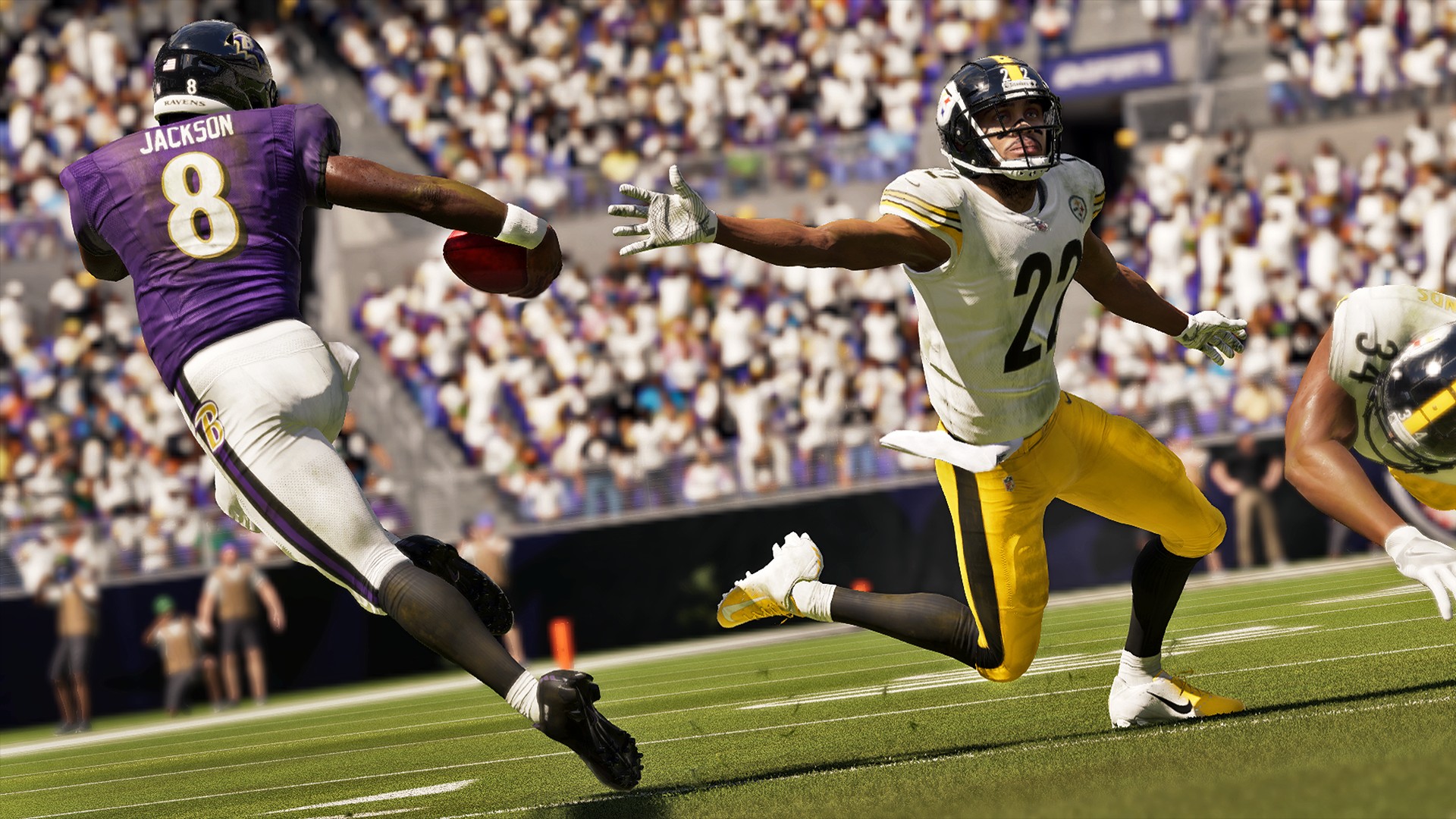
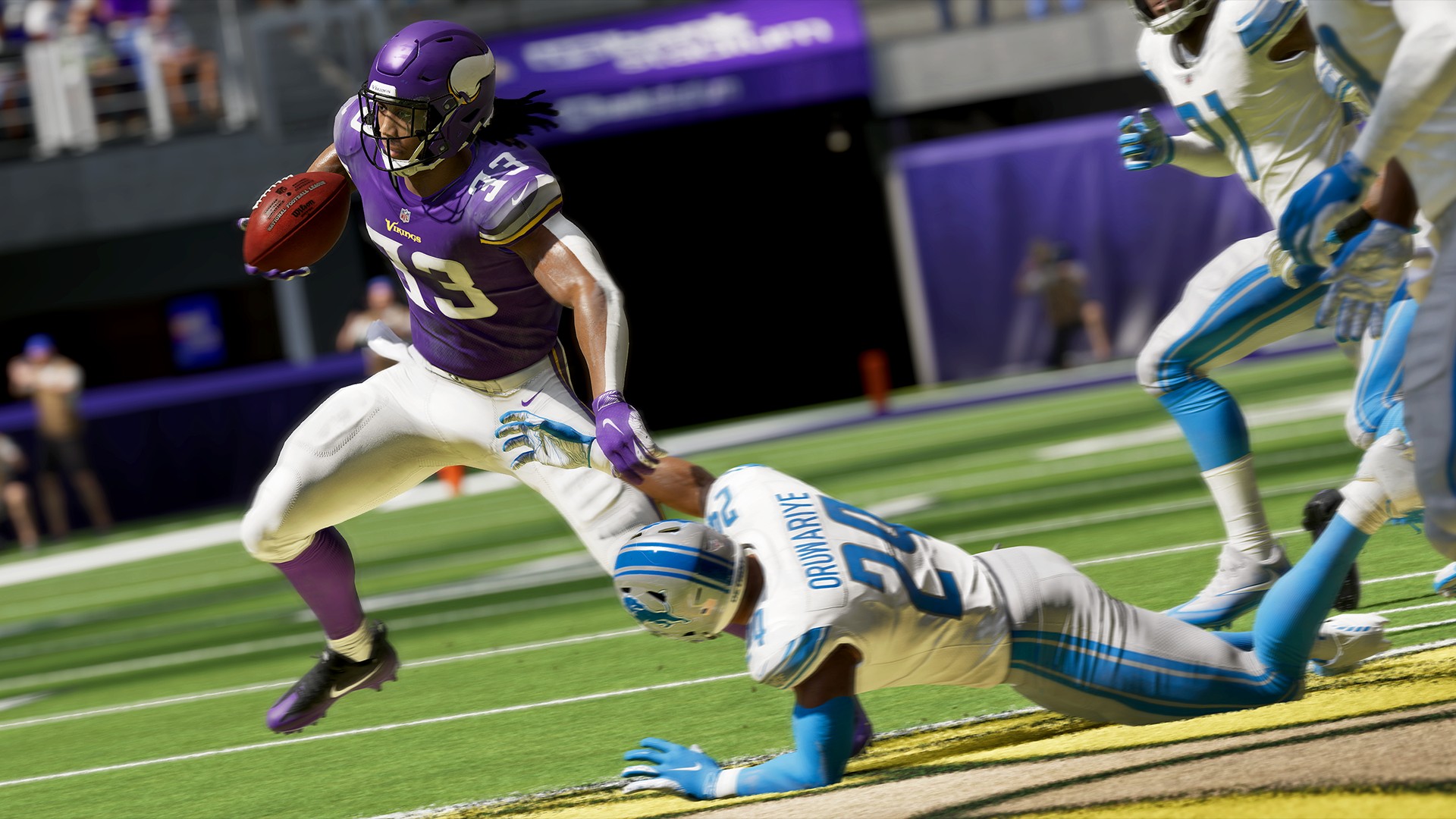
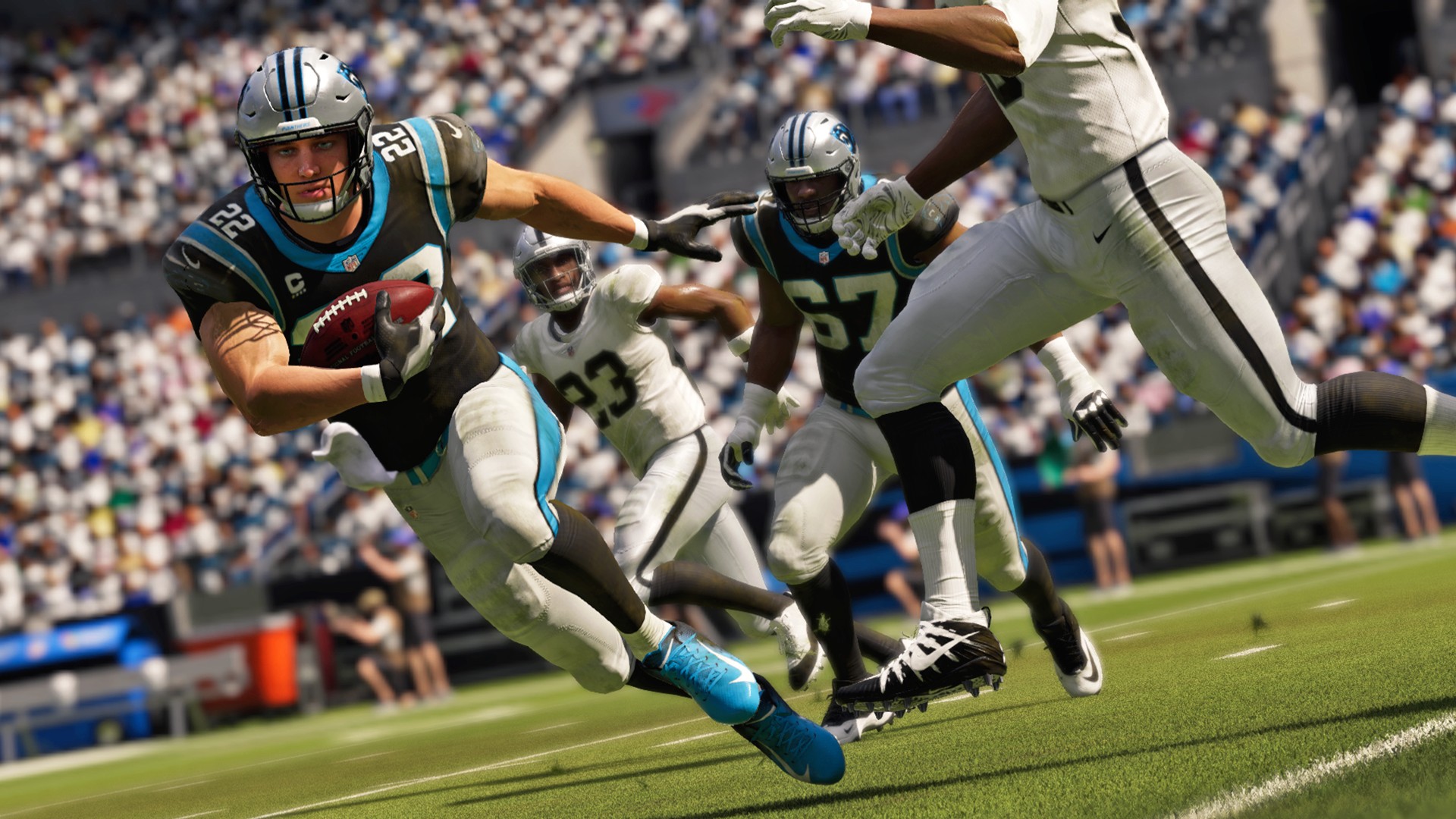
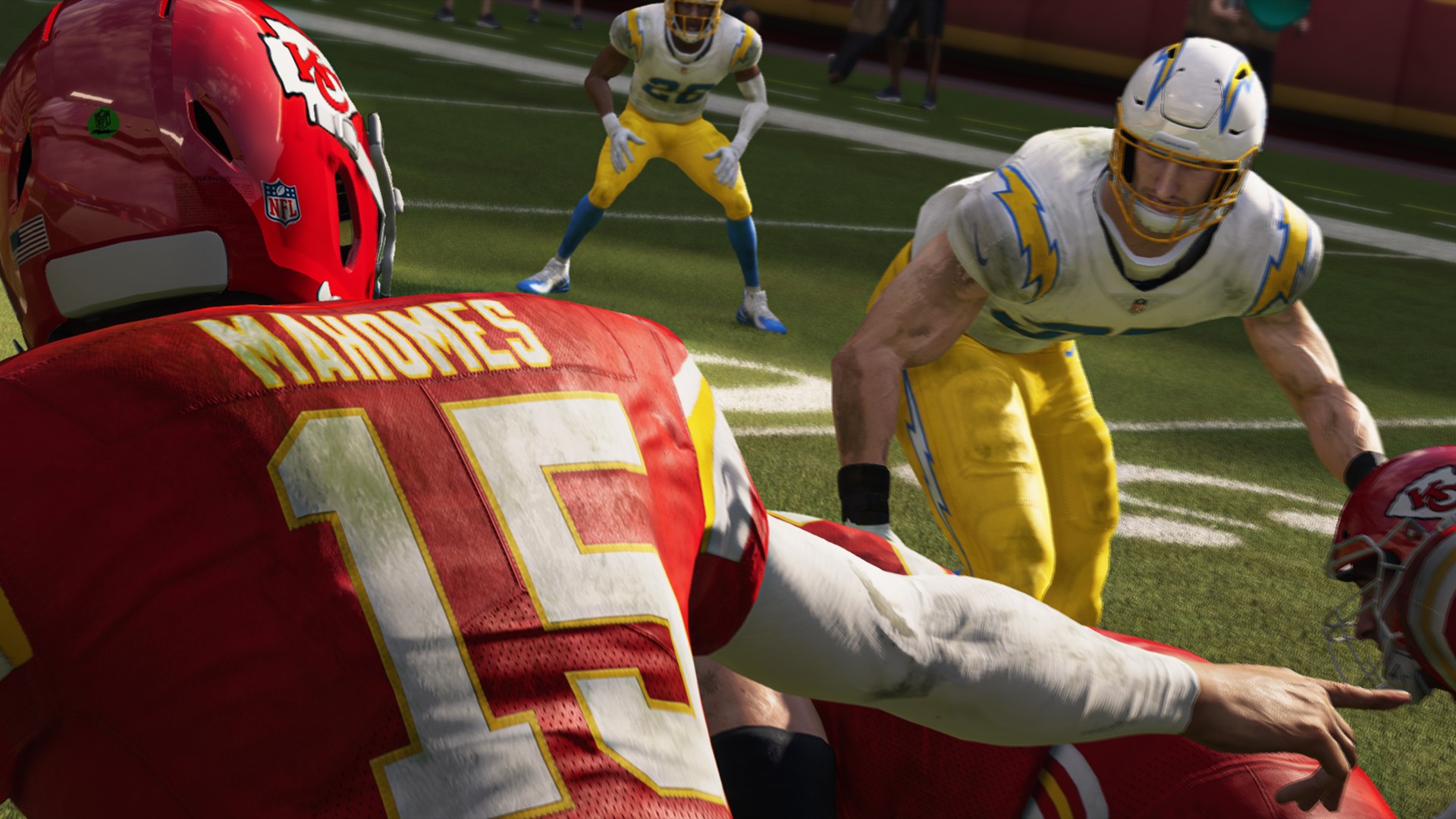
Get ready to pick up the sticks and go all out in Madden NFL 21. Pre-order your copy today to ensure the game is in your hands as soon as it launches. Pre-order the MVP or Deluxe Edition, and get into the game three-days early to access all of the fresh new features and innovative new gameplay mechanics that Madden NFL 21 has to offer.
New features and ways to play include the all-new Face of the Franchise: Rise To Fame. Push the limits of your legacy in this new playable documentary career mode. For the first time ever in Madden, kick-off your career as a high school QB and choose to pivot to HB or WR in college and shatter expectations as you rise to Hall of Fame immortality, in a way that only you can.
Explore over 50 new Superstar and X-Factor abilities, fresh out of the lab designed to elevate the stars of a new generation. Pull up for a brand-new season of Madden Ultimate Team content as you earn rewards to make your Ultimate Team the best it can be. And with Live Playbooks, your favorite NFL teams’ playbooks are updated in Play Now and Franchise based on new schemes and new plays utilized during the real-life NFL season.
Developed to inspire creativity on and off the field, Innovative new gameplay enhancements in Madden NFL 21 offer new levels of ingenuity and control on both sides of the ball. Get crafty with the all-new Skill Stick ball-carrier system. Chain together evasive skill-moves like stop-on-a-dime, stutter step, spin, slide-hurdle, and dead-leg for brand new combinations that set up amazing gameplay moments.
On defense, feel fully in control with specific pass rush moves and combos all on the new Skill Stick. Strategy is crucial, as o-linemen now build resistance to repeated moves. Diversify your play calling to outsmart Adaptive AI adjustments that counter your tendencies in new ways. Tackling advancements like breakdown tackles and location-based tackles around the pylon and first-down markers allow for all-out precision on defense.
Plus, check out the new face of Madden, Baltimore Ravens quarterback and reigning NFL MVP, Lamar Jackson who dazzles on the bold new Madden NFL 21 cover design just as he does against opposing defenses. Dynamic agility and blazing speed make the Baltimore Ravens superstar quarterback untouchable in the open field. Jackson is the face of a fearless new generation of rising NFL stars, poised to change the game, both on the field and in Madden NFL 21.
Rise to fame in Madden NFL 21. Pre-order and receive the following: *1 of 32 NFL Team Elite Packs *5 MUT Gold Team Fantasy Packs *1-Your Choice Uniform Pack *Power Up for the Lamar Jackson Elite Item MVP Edition includes: *3-day early access *12 MUT Gold Team Fantasy Packs *1 large Quicksell Training Pack *MCS Ultimate Champion Pack *1 Lamar Jackson Elite Item A new generation is leaving its mark on the NFL. Will you rise to the occasion? Change the game, and take control of your own legacy. Madden NFL 21 delivers new features and modes including: *Face of the Franchise: Rise to Fame: Rise to fame and become immortalized in Madden NFL 21 as you transcend NFL history and shape your own path to greatness. *Take Control: Master innovative running enhancements and live playbooks to run up the score in Madden NFL 21. *X-Factor 2.0: New X-Factor abilities, fresh out of the lab, are designed to elevate the stars of a new generation in Madden NFL 21. Entitle for MADDEN NFL 21 Xbox One before the release of MADDEN NFL 22, and upgrade to MADDEN NFL 21 Xbox Series X at no additional cost. Visit easports.com/nextlevel for more information. Conditions and restrictions apply. See https://www.easports.com/madden-nfl/game-disclaimers for details.
Founded in 1993, Digital Extremes has become an employer of choice for talented people seeking rewarding career opportunities in the gaming industry. We are widely recognized for creating the award-winning Warframe, a free-to-play, third-person coop, PVP action shooter, space ninja adventure game available on PC, PlayStation, Xbox and Nintendo Switch. Our early titles include Epic Pinball, Solar Winds: The Escape, Unreal and Unreal Tournament co-created series (and all its iterations) as well as The Darkness II. With over 300 of the industry’s widely talented and culturally diverse employees in both Canada and the US, we are warriors combining our expertise to deliver superior fast-paced gameplay and intense melee combat all with a great deal of passion.
WHY WORK AT DIGITAL EXTREMES
Our culture is centered on providing great opportunities to our employees so that everyone feels they are making a meaningful impact. Developing new and existing talent is our long-term focus. We are honored that our work environment has been consistently recognized as one of “Canada’s Top 100 Employers”. We summon you to join our elite team!
The rewards of a career with Digital Extremes include:
Competitive salary with bonus opportunities
Excellent benefits and paid time off
Matching RRSP plan
Employee Assistance Program (EAP)
Professional development and career support
Fitness and parking/transit subsidies
Daily lunches prepared onsite by our in-studio Executive Chef and professional kitchen staff
All-day snacks and drinks, sleep pods, massage chairs, cold brew, dog therapy days and more
ABOUT THIS POSITION
Digital Extremes is currently seeking a Senior Lighting Artist to join our team. In this role, you will be working with the Creative Director, Art Directors and other Artists to create dynamic environment and cinematic lighting while maintaining a consistent style throughout the game. You have an outstanding grasp of both the art and technique of lighting and can balance both the creative and technical/performance aspects required for a top-quality game. In addition, you also possess an excellent understanding of Physically Based Rendering techniques and keep up to date with the changes in industry standards and best practices. You have an advanced level understanding of the colour theory and the use of light in telling a story. Preferred extras include experience with level population and world building, a strong traditional art background, as well as an understanding of the impact lighting can have on a final product.
RESPONSIBILITIES
Work with art director and other artists to create compelling environment lighting while maintaining a consistent style throughout the game
Create atmospheric lighting that communicates mood, storytelling and gameplay
Create and manage the assets required in our post process pipeline, including colour volume textures, fog textures, HDR Skies, etc.
Optimization of lighting to meet performance requirements while maintaining the established look and feel
Adjust textures and objects as necessary for best lighting results
Collaborate with programming, art, and design teams to solve lighting challenges
Provide feedback and insight in the development of lighting pipelines and tools
Establish best practices and mentor other artists in the use of good lighting techniques
QUALIFICATIONS
3+ years’ experience in game development lighting
University degree in visual arts with specialization in graphic design, commercial art, graphic communications or cartooning OR completion of a college diploma program in graphic arts
Excellent understanding of real-time and pre-rendered lighting techniques (including dynamic lights, global illumination, ambient occlusion, and pre-baked light map solutions)
Excellent understanding of Physically Based Rendering standards and techniques.
Excellent understanding of the impacts of lighting on a typical game level and the ability to demonstrate problem solving in this regard.
A strong understanding of light, shadow, and color, with the ability to use that understanding to create dynamic compositions.
Demonstrated ability to work self-directed when necessary
Proficient with Maya, 3ds Max (or at least one major 3D software package) & Photoshop
Ability to meet tight deadlines in our fast-paced environment
Aptitude for learning new software tools
Possess exemplary oral and written communication skills
A passion for games and the games industry
Must be willing to relocate to London, Ontario
JOIN US
Permanent, Full time (40 hrs/wk) position @ $52,500.00 – $93,000.00/yr based on experience and ability. Benefits include dental insurance, medical insurance, disability insurance and more.
Digital Extremes is an equal opportunity employer committed to diversity and inclusion. We welcome and encourage applications from people with disabilities. Accommodations are available upon request for candidates taking part in all aspects of the recruitment process. We thank you for your interest, however, only those candidates selected for the next steps in the hiring process will be contacted.
Whether you’re just starting out, looking for something new, or just seeing what’s out there, the Gamasutra Job Board is the place where game developers move ahead in their careers.
Gamasutra’s Job Board is the most diverse, most active, and most established board of its kind in the video game industry, serving companies of all sizes, from indie to triple-A.