


The easiest way to convert a tab-delimited values (TSV) file to a comma-separated values (CSV) file is to use the following three lines of code:
import pandas as pddf = pd.read_csv('my_file.txt', sep='\t', header=None)df.to_csv('my_file.csv', header=None)
We’ll explain this and other approaches in more detail next—scroll down to Method 3 for this exact method.
Problem Formulation
Given a tab-delimited file with one tab character '\t' between two values in a given column.
Input: 'my_file.tsv'

'my_file.tsv' with tab '\t' separated values.Alice DataScience $100000
Bob Programmer $90000
Carl Manager $122000
Dave Freelancer $144000
How to convert the tab-delimited values (TSV) to a comma-separated values (CSV) file?
Output: 'my_file.csv'
0,Alice,DataScience,$100000
1,Bob,Programmer,$90000
2,Carl,Manager,$122000
3,Dave,Freelancer,$144000
We’ll also look at slight variations of this problem. Let’s go!
Method 1: String Replace Single Tab
The most straightforward way to convert a tab-delimited (TSV) to a comma-separated (CSV) file in Python is to replace each tabular character '\t' with a comma ',' character using the string.replace() method. This works if two values are separated by exactly one tabular character.
Here’s an example input file 'my_file.tsv':

Here’s an example of some code to convert the tab-delimited file to the CSV file:
with open('my_file.tsv') as f: # Read space-delimited file and replace all empty spaces by commas data = f.read().replace('\t', ',') # Write the CSV data in the output file print(data, file=open('my_file.csv', 'w'))
Output file 'my_file.csv':

If you have any doubts, feel free to dive into our related tutorials:
- Python String Replace Method
- Python
open()Function - Python
print()to File - Python
print()Function - Python Context Managers
Method 2: Regex Replace Arbitrary Tabs
To replace one '\t' or more tabs '\t\t\t' between two column values with a comma ',' and obtain a CSV, use the regular expressions operation re.sub('[\t]+', ',', data) on the space-separated data.
If you have any doubts, feel free to dive into our related tutorials:
- Python Regex
re.sub() - Python Regex
[]Character Class - Python Regex
+Quantifier - Python Regex Superpower
Here’s an example input file 'my_file.tsv', notice the additional tabular characters that may separate two column values:

Here’s an example of some code to convert the TSV to the CSV file:
import re with open('my_file.txt') as infile: # Read space-delimited file and replace all empty spaces by commas data = re.sub('[ ]+', ',', infile.read()) # Write the CSV data in the output file print(data, file=open('my_file.csv', 'w'))
Output file 'my_file.csv':

Method 3: Pandas read_csv() and to_csv()
To convert a tab-delimited file to a CSV, first read the file into a Pandas DataFrame using pd.read_csv(filename, sep='\t+', header=None) and then write the DataFrame to a file using df.to_csv(outfilename, header=None).
Here’s an example input file 'my_file.tsv':
Here’s an example of some code to convert the tab-delimited file to the CSV file:
import pandas as pd # Read space-delimited file

df = pd.read_csv('my_file.tsv', sep='\t+', header=None) # Write DataFrame to file

df.to_csv('my_file.csv', header=None)
Output file 'my_file.csv':

You can also use the simpler sep='\t' if you are sure that only a single tabular character separates two column values.
If you have any doubts, feel free to dive into our related tutorials:
Summary
We examined three great ways to convert a space-delimited to a comma-separated CSV file:
- Method 1: String Replace Single Tab
- Method 2: Regex Replace Arbitrary Tabs
- Method 3: Pandas
read_csv()andto_csv()
Thanks for taking the time to read this article, my friend! 

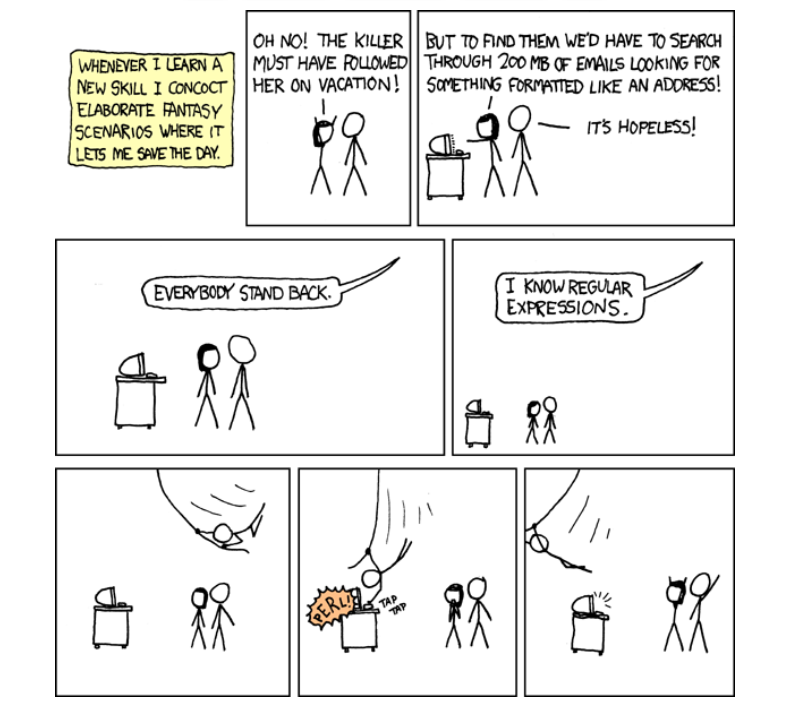
Regex Humor
https://www.sickgaming.net/blog/2022/08/...in-python/