Note that you can change the font-size to 15px, 17px, or even 20px—as you like! Also note that if you use another theme/style for your embedded code than bootstrap4, you need to set the CSS selector accordingly.
The game is free to keep until Nov 12th, 2020 - 16:00 UTC.
We are welcoming everyone to join our discord[discord.gg]. We are more active there on finding giveaways, small or large, and there are daily raffles you can participate.
Halloween Scratchy Sale Day 3: Yu-Gi-Oh! Sale, all titles -50%
[www.indiegala.com] Spooky scary deals send you free scratchy treats filled with mysterious Steamy sweets! For every purchase...you'll get something special: a BONUS Scratch Card with a secret Steam game in it for every store cart purchase!
PS5, Xbox Series X Launch Day Order Times At Walmart Announced
Following Sony's announcement earlier this morning that all PlayStation 5 launch day orders will be online-only, Walmart has released details about launch day availability for the PS5 on November 12 as well as the Xbox Series X/S on November 10.
Hopeful PS5 purchasers will have four different chances to snag the next-gen console next Thursday. The PS5 and PS5 Digital Edition will be available to purchase at Walmart.com at 12 PM, 3 PM, 6 PM, and 9 PM ET on November 12. As usual, expect stock to be extremely limited, especially as Walmart will be holding back units to have enough for each wave.
Meanwhile, those hoping to get their hands on the Xbox Series X and S will only have one chance to buy either console at Walmart on Tuesday. Walmart's online Xbox listings will restock at 12 PM ET on November 10, so you'll want to be ready at your computer then. For both the PS5 and Xbox, we suggest making sure your Walmart account and payment information is up to date beforehand to help the process go smoothly.
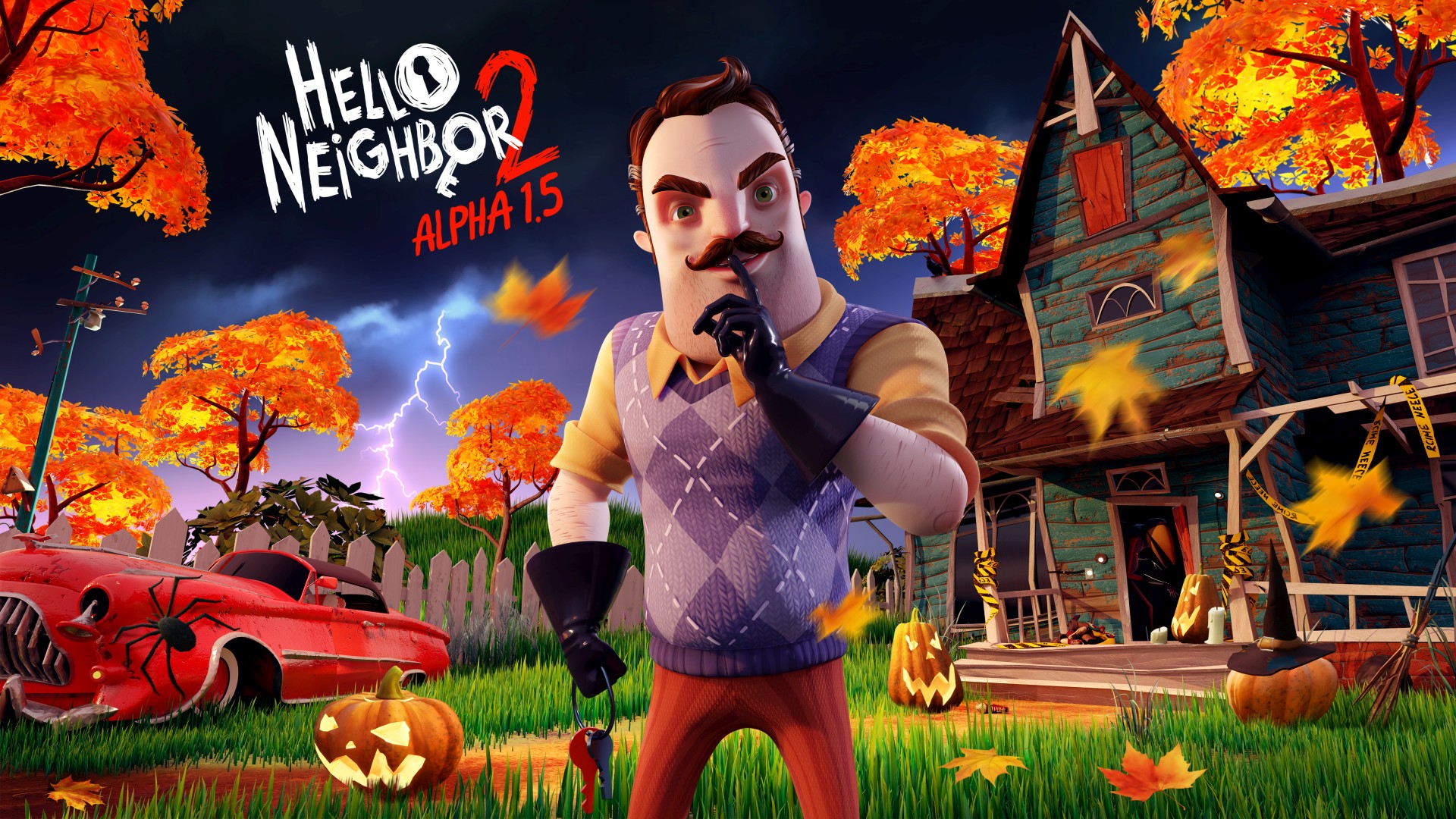
In July we announced Hello Neighbor 2– the sequel to our original stealth horror game about sneaking into your creepy Neighbor’s house – and released its first Alpha. Alphas are a great way for us to get some feedback from you and adjust the gameplay accordingly, and for the players – to experience some of the upcoming game for free!
And now it’s the time for the next iteration – Alpha 1.5. Come closer, avid Neighbor fans and new players, and let us tell you what to expect from this new Alpha.
Sneaky-Beaky Like
For anyone unfamiliar, welcome to Raven Brooks! A small town that seems to have a serious missing persons problem…
The game takes place directly after the events of the original Hello Neighbor, and the Neighbor is missing.
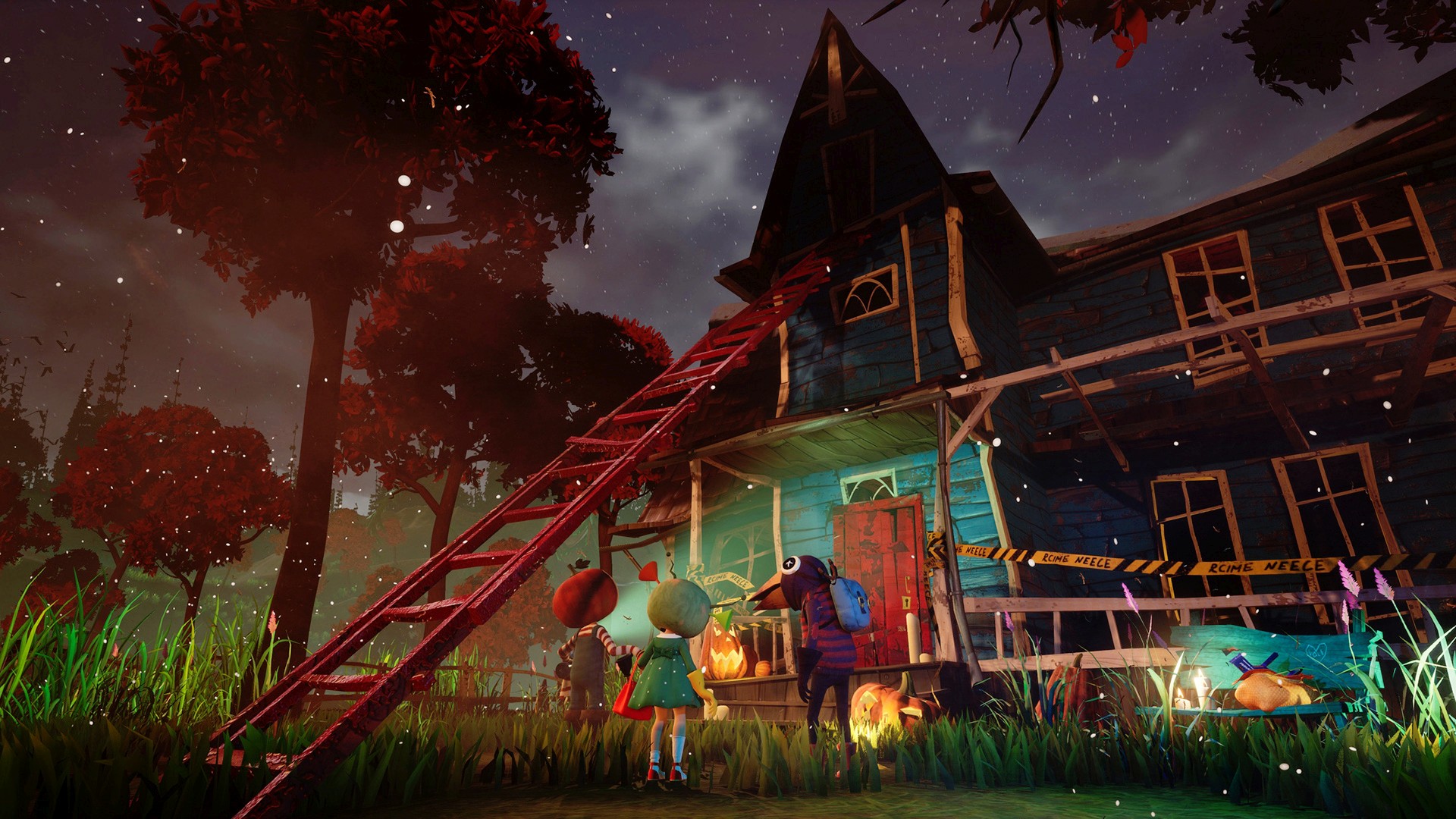
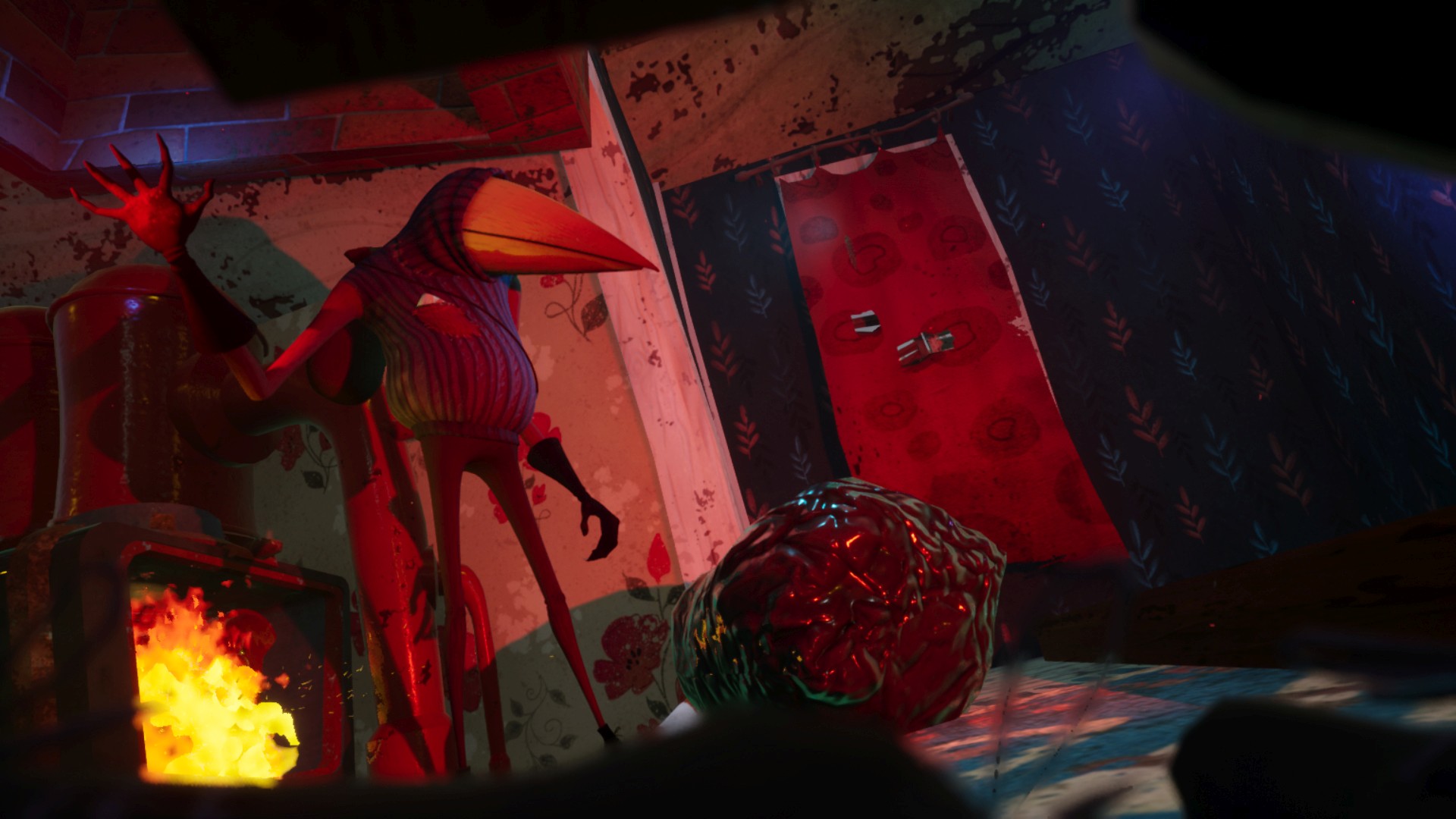
You play as Quentin, a local journalist investigating this sudden string of cases. Your investigative prowess (and a little luck) leads you to a creepy abandoned house only to discover it’s occupied by a mysterious, beaked individual who seems to really dislike trick-or-treaters. Naturally, you want to sneak into this house to find out what’s going on, because knocking politely never got anyone the big scoop.
New tricks and treats!… But mostly tricks
Initial gameplay had players exploring the creepy deserted house and the surrounding open world while being stalked by the raven-like AI. Players had to solve tricky puzzles while either outsmarting the raven man or hiding from him. This newest update improves virtually every gameplay aspect!
The Guest is now smarter and his routine is more complex; there are more puzzles and interesting interactions both inside the house and in the open world. Level design has been reworked to make life a bit easier for the new players while remaining challenging. And, of course, there’s a huge Halloween puzzle.
We’ve also added more lore. There is a new intro and ending that will expand on the lore of the Hello Neighbor universe, and possibly introduce new characters! We can’t promise that you wont end up with more answers than questions, though…
Way better than candy corn
And lastly we have one final treat (no, it’s not a king size candy bar). We’re big fans of the holiday here, if you couldn’t tell, and we miiight have prepared a special gift for you.
Inside the game you will find a very special invitation – an invite to our Discord server. Follow the link and receive a unique tool which will help you explore Raven Brooks – the Grappling Hook!
Honestly, our Discord server is a gift of its own. We have an amazing dedicated community, we run contests, and in the future – who knows – maybe we’ll do more treats like this one. And, of course, our community is always the first to know about all the upcoming events and developments.
We’re super excited for players to jump into exploring all of the new goodies we have in store and begin to uncover the secrets behind everything from mysterious swarms of ravens flocking to the town to unfortunate events surrounding Mr. Peterson (the Neighbor).
It’s up to you to shine new light onto this new chapter in the Hello Neighbor story and help to solve the mystery of just what exactly is going on in Raven Brooks. We’ll see you there!
YouTube is an incredible resource for game developers, but sorting the gems out can be a challenge. Today we are going to highlight 6 excellent game development channels, especially if you are a Godot developer, as well as general game development guides, Blender, GameMaker and more.
AskGameDev is a collection of game developers that set out to answer your questions about game development. They cover many of aspects of gamedev that are often not covered, such as how to run a Kickstarter, how to get or deal with a publisher, as well as several game development themed compilations. AskGameDev also have a website available here.
GDQuest are home to dozens of Godot tutorials, in fact Nathan from GDQuest is a member of the Godot documentation team. In addition to Godot coverage, GDQuest has tutorials on all kinds of FOSS software such a Blender and Krita. The GDQuest website is available here.
HeartBeast started out as a GameMaker tutorial channel, of which there are dozens of high quality long form tutorial series. In more recent years, Heartbeast has been instead creating high quality multipart and stand-alone tutorials on Godot. HeartBeast also has a website available here.
BornCG has been making high quality Blender YouTube tutorials on his channel created in 2008! In more recent years BornCG has been increasingly covering the Godot game engine, as well as creating modern Blender tutorials as well.
DevDuck is the newest channel on this list, less than two year old and already over 100K subscribers, an impressive feat! DevDuck is a professional developer that is documenting his indie game development experience on the side. He started off with Unity but switched to Godot and of course did videos explaining why and how.
KidsCanCode have the project mission to get kids started in coding as young as possible, often through the process of creating games. Early on they did mostly Python and PyGame tutorials but then switched to Godot in recent years. They also run the Godot Recipes on their site, a collection of snippets on how to accomplish specific tasks in Godot and GDScript.
You can learn more about all the above channels in the video below.
MLB used fleet of iPads to create fake crowd sounds during COVID-19
When Major League Baseball needed to solve the problem of silent stadiums during the COVID-19 pandemic, the league looked to the iPad.
To provide simulated crowd noises during the 2020 season, MLB used 30 iPads — one for each team — that were loaded with crowd reactions. But, as Sports Illustrated points out, getting the sound right is harder than it seems.
“You’re a conductor of sorts. You’re controlling a symphony,” said Amelia Schimmel, Oakland A’s ballpark entertainment executive producer.
While normal-sounding crowd noise is difficult to simulate, it’s also crucial to keep players from performing in dead silence, and to keep the games familiar for fans watching at home.
According to SI, the dozens of sound noises loaded onto each iPad were originally made for PlayStation game “MLB: The Show.” Each noise has three sound levels, and layering can create different effects. All a so-called “conductor” needs to do is scroll and tap to trigger specific reactions.
During the coronavirus health crisis, stadium crews needed to constantly adjust the background noise and reactions to plays. The senior director of productions for the Seattle Mariners, Ben Martens, gave one specific example to SI.
“There’s that initial reaction of the ball hitting the bat,” Martens said of a Mariners player making hard contact. But it isn’t a full cheer yet, because the crowd wouldn’t know how it would play out.
Different production teams prepared in different ways. The Milwaukee Brewers, for example, watched a few 2019 games with the crowd noises isolated to get a better sense of how fans reacted to actual plays and situations. The goal wasn’t to conduct crowd noises that sounded ideal, it was to “make it sound real,” said Schimmel.
Teams also had the opportunity to add their own custom sounds into the mix. The Oakland A’s, for example, added a recording of super-fan The Banjo Man.
This isn’t the first time that MLB has used iPads for a variety of tasks. The league first kicked off an iPad dugout program in 2016, before expanding it in 2020. Prior to 2015, iPads were actually banned in dugouts.
Cyberpunk Parkour Game Ghostrunner Speeds Onto Switch Next Week
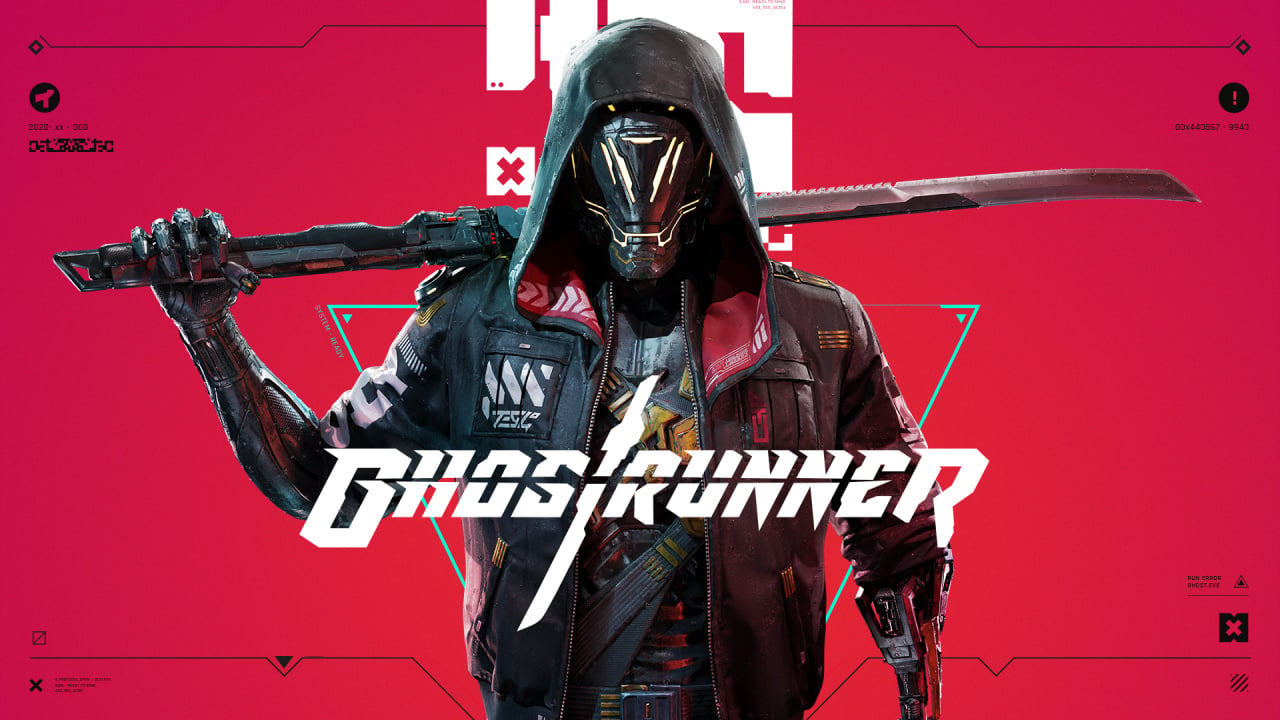
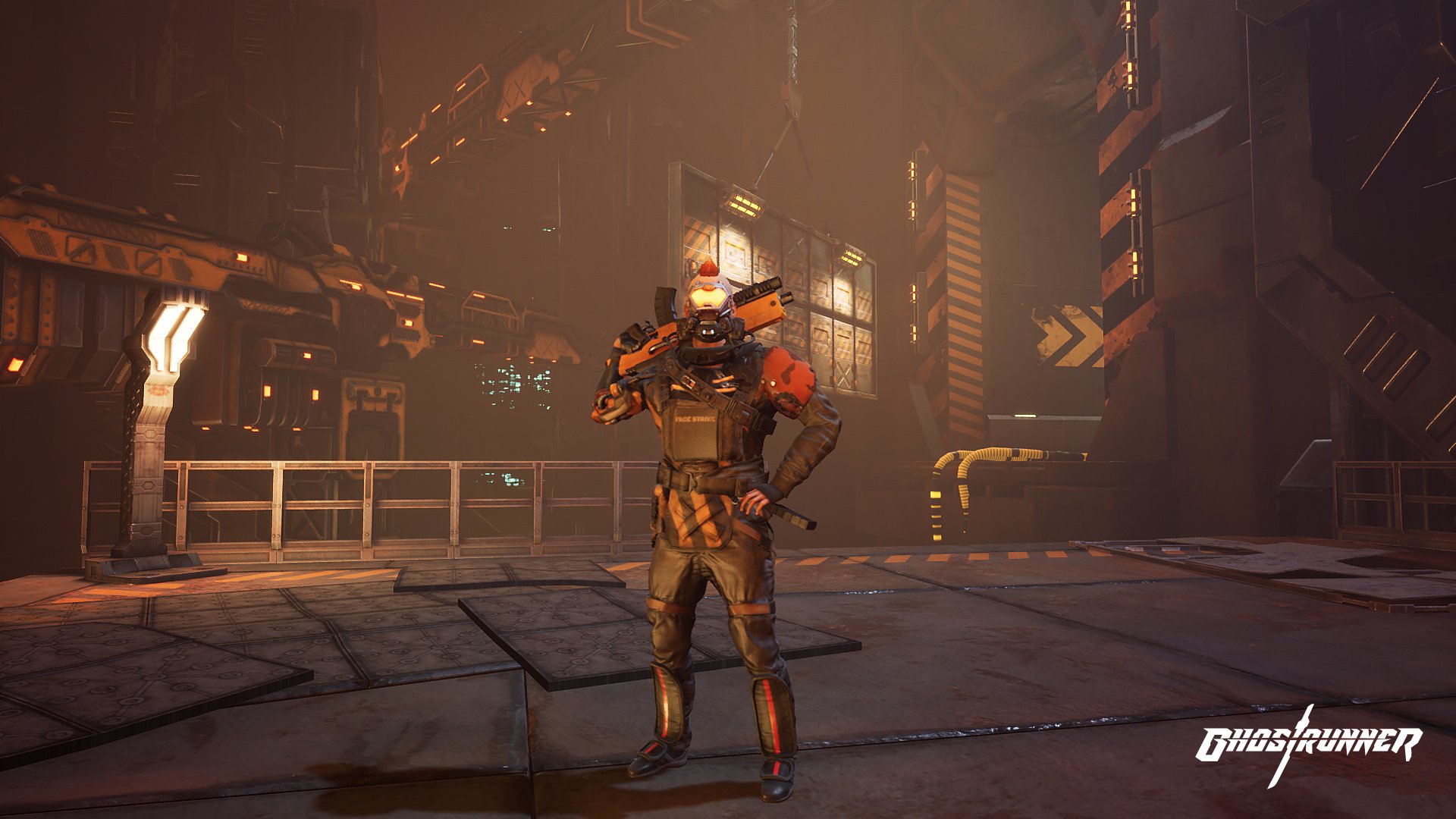
Co-publishers All In! Games and 505 Games have announced that Ghostrunner, a cyberpunk parkour game described as “AAA quality”, will be launching on Switch next week on 10th November.
It was originally planned to hit the eShop in October alongside its launch on other platforms, but was pushed back to give the developers a little more time and ensure it offered Switch players “the best possible experience”.
It’s also been revealed that if you pick it up within the first month, so up until 10th December, you’ll get your hands on an in-game bonus made up of two exclusive Katanas, one of which is called the ‘Exclusive Nintendo Katana Sword’.
Here’s a feature list for the game:
– Become the ultimate cyberpunk ninja on the go – Ghostrunner is designed to take full advantage of the Switch hardware, delivering a smooth experience – Ascend a dystopian tower: run on walls, deploy an energy-based grappling hook, hijack and ride flying drones, and much more – Wield a katana sharp enough to cut through flesh and steel in thrilling one-hit-one-kill combat – Fast respawns alleviate frustration to keep players gripped by the twisting narrative
The game’s reviewed pretty well on other platforms so it’ll be interesting to see how it fares on Switch.
As ever, make sure to let us know if you’re planning on buying this one in the comments below.
Video: New Monster Hunter Rise Gameplay Shows Off A Great Sword Hunt
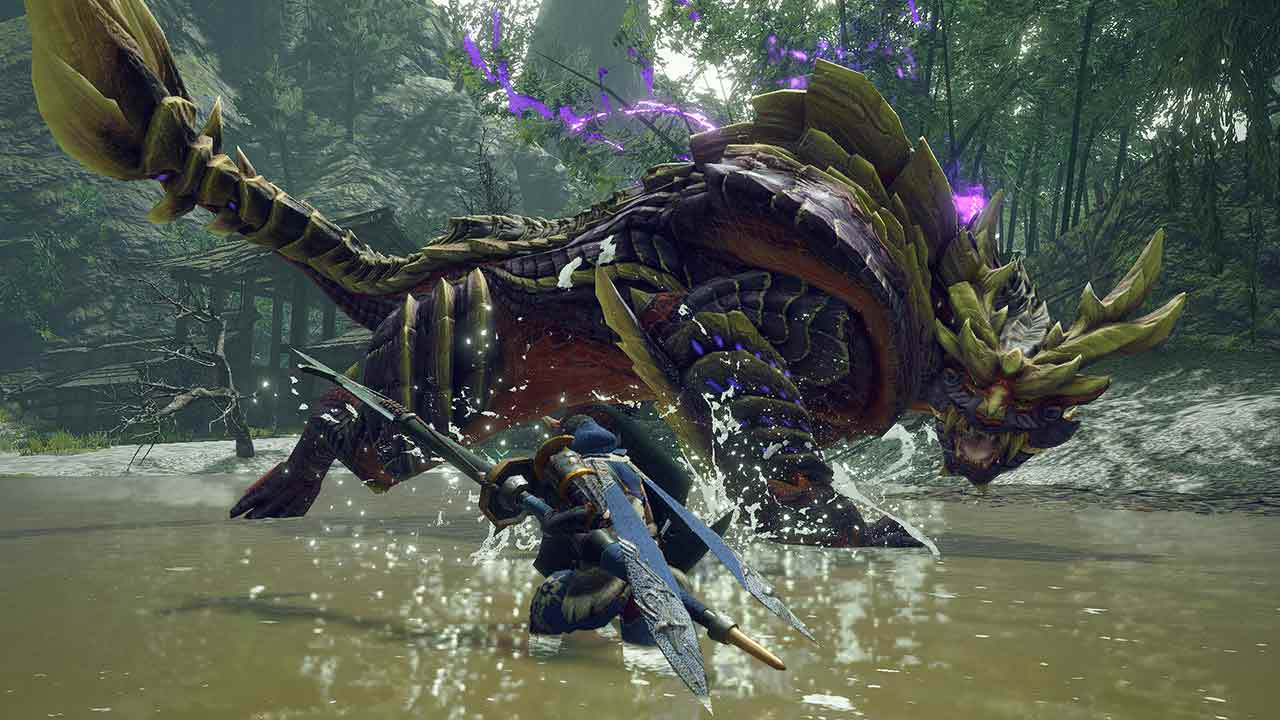
Capcom has shared brand new gameplay footage from the upcoming Monster Hunter Rise, giving us another look at the Great Sword in action.
The footage comes from a new Capcom TV livestream, and has been reshared to YouTube by friend of Nintendo Life, Arekkz Gaming. While we’ve already seen some Great Sword gameplay in the new title before, this new clip shows off a different area of the map and a new hunt – which should come in especially handy if you happen to main the Great Sword for the majority of your Monster Hunter game time.
Just in case it had somehow slipped your mind, Monster Hunter Rise is due to launch on 26th March 2021 on Switch. The game and the new amiibo planned to release alongside it are already available to pre-order at select stores.
Are you excited for Monster Hunter Rise? Is it on your 2021 gaming wishlist? Tell us below.
Call Of Duty: Black Ops Cold War Pre-Load And File Size Details
Call of Duty: Black Ops Cold War's November 13 release date is quickly approaching. Fans who want to hop in as soon as the game drops are in luck: Pre-loading will be available, though only if you preorder. Pre-loading on PS4 and Xbox One will start on November 5 at 9 PM PT/ midnight ET. Pre-loading on PC will start on November 10 at 10 AM PT/ 1PM ET. Pre-loading on next gen consoles will start on their respective launch dates--November 10 for Xbox Series X and November 12 for PlayStation 5. The file size for PS4 is 95 GB. Xbox one file size is 93 GB. PC is 35 GB for just multiplayer, 82 GB for the full game, and 125 GB for the full game on Ultra settings. The PS5's file size will be 133 GB and the Series X/S will be a whopping 136 GB.
In addition to the ability to pre-load, folks who preorder Call of Duty: Black Ops Cold War will get the Confrontation Weapon Pack. According to a blog post on the Call of Duty site, the Confrontation Weapon Pack for Cold War comes with digital preorders, along with the Woods Operator pack for Modern Warfare and Warzone. It will be available as soon as Create-a-Class is unlocked and comes with two rifles "stylized to show the cultural divide between East and West Cold War Forces."
The rifle representing the USSR is the Iron Curtain. It's an assault rifle based on "an iconic Soviet heavy-hitting weapon." The other Blueprint is the Western Front, which is a three-round burst tactical rifle with "plenty of patriotic flare." Both Blueprints will have five pre-configured attachments, so you can experiment with which ones work best for you before they're unlocked organically for each weapon. To check out and equip these Blueprints, you will need to head to the Create-a-Class section of the Loadouts menu.