
Craftmine in a nutshell
Simply put, you’ll now be able to craft your own mines! Craft+Mine – get it? And by “mines” we mean levels (but after countless hours of meetings (and fika – hm… can you do a parenthesis within a parenthesis? turns out you can) we came up with this nifty name for the update, and there’s no chance in Nether that we’ll go back to the drawing board now!)
How to play
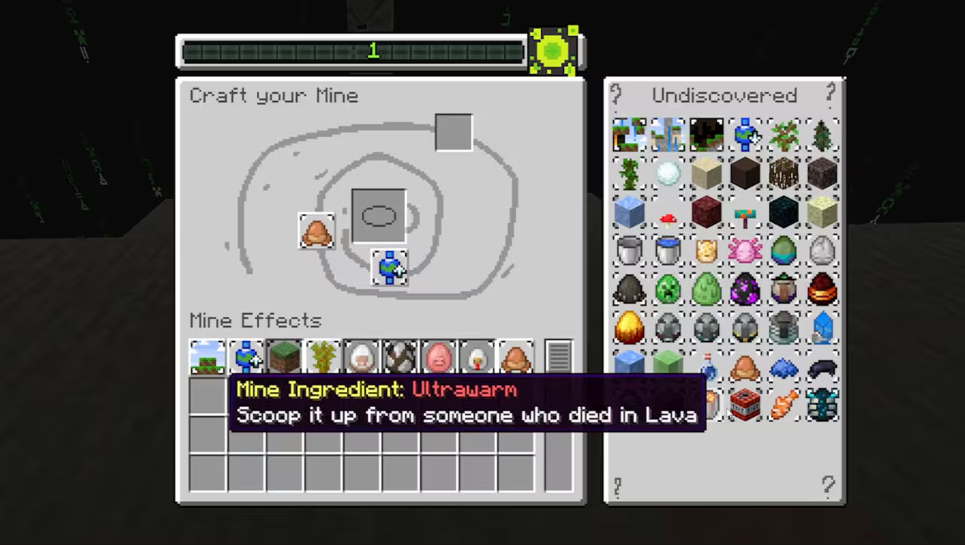
So, in this new update, crafting is way more random, fun, and rife with results that won’t make any sense to anyone, options that will allow you to create the most chaotic exact world you want!
You pick a few resources, put them in the Mine Crafter (we spent a lot of time coming up with that name!) – and it will then generate a mine for you.
Behold: The Mine Crafter!
Inside your mine are more resources to collect, which you can use to create even more astonishing mines! All you have to do is survive long enough to reach the exit. Or not survive… well, you do have to survive, but how difficult surviving is depends on the elements of the world you created. It’s not YOU who created it, it was the Mine Crafter, but it wasn’t really the Mine Crafter either, it’s just code, you know, dev code, it’s not a real machine, it’s not like we created a real machine in real life, and then managed to put that into the game, no way, but hopefully you’ll have a good time!
And that’s all there is to it: just dive into the mine and see if you can find the exit. Once you have, you can generate the next one!
Any questions? No? Good because I probably don’t have the answer for you.

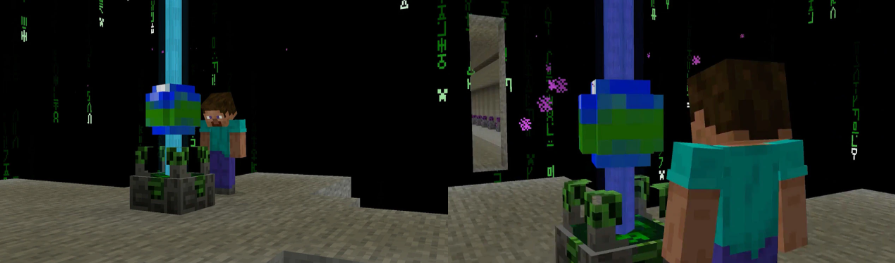
The Next Step
If you’re sitting there thinking that this will utterly mess up crafting and make it odd and weird, then let me assure you we had a lot of fika coming up with these ideas, and we really can’t waste those cinnamon buns. So… enjoy!
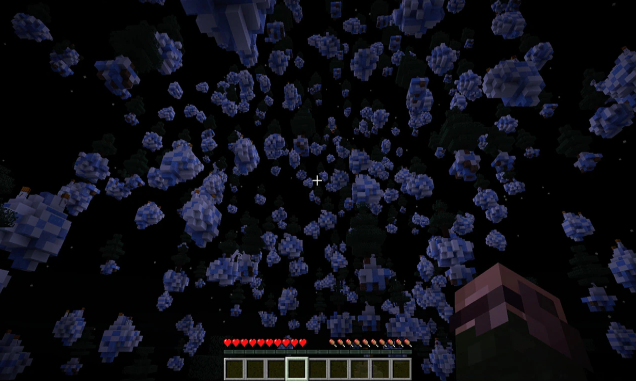
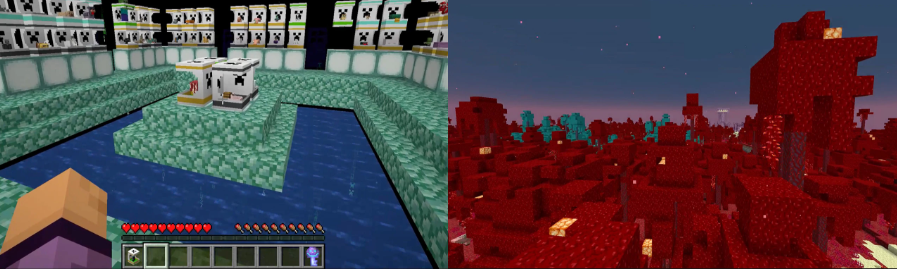
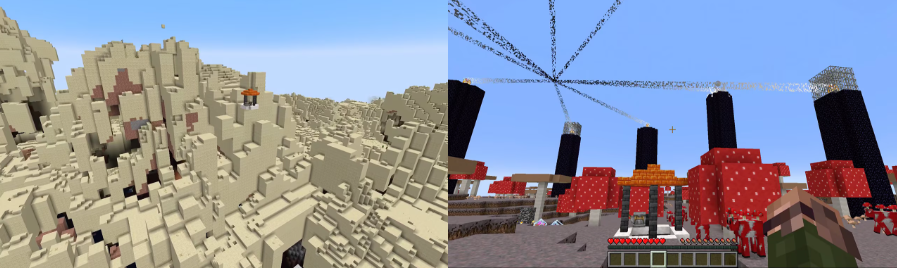
We’re all very excited, just look at these worlds:
How to Try This Update
Snapshots are available for Minecraft: Java Edition. To install the snapshot, open the Minecraft Launcher and enable snapshots in the “Installations” tab, then select the “Latest Snapshot”. You can even play the snapshot on your own Java Realms together with your friends!
Remember, snapshots can corrupt your world, so please back up your world and/or run the snapshot in a different folder from your main worlds.