
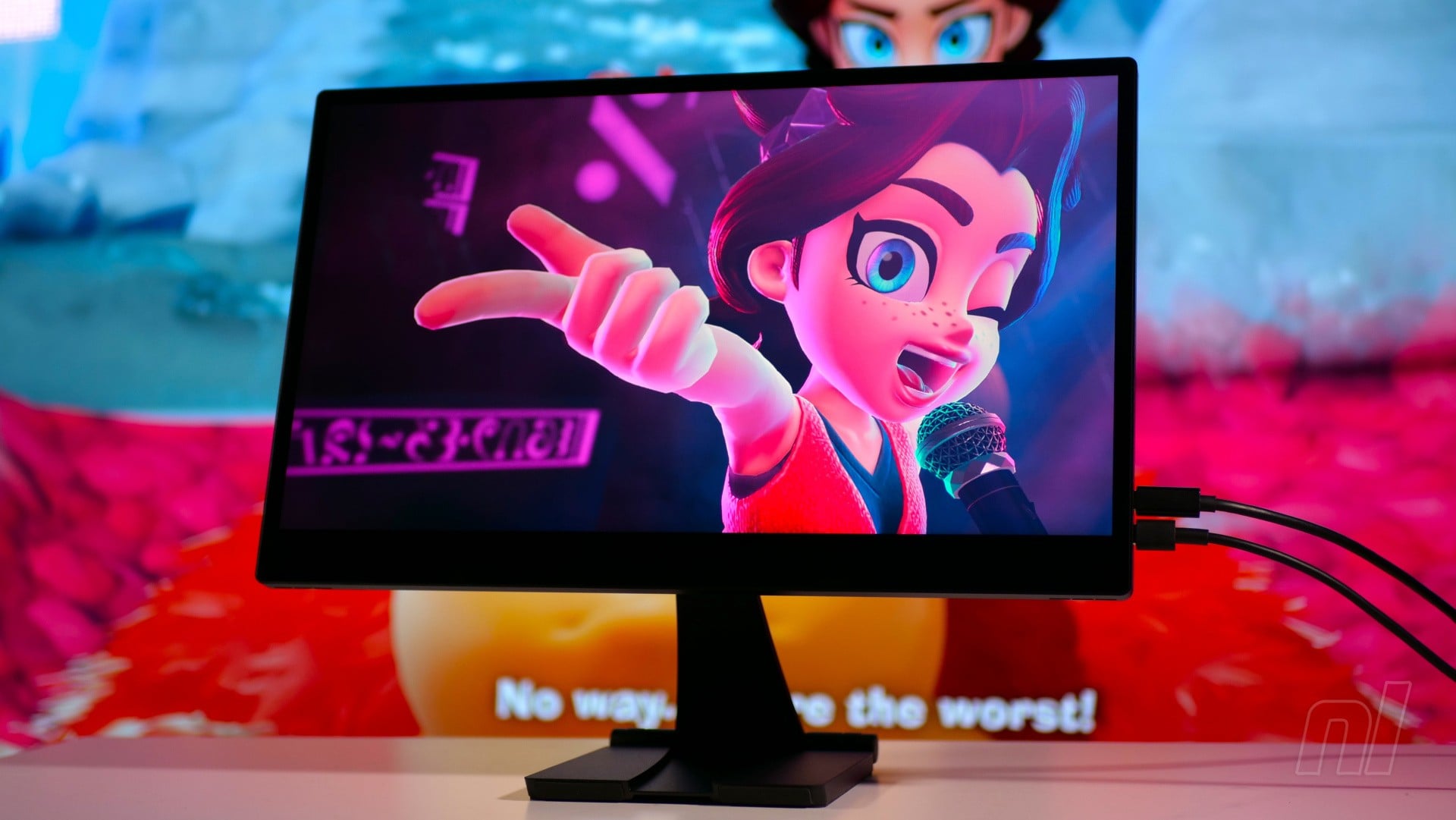
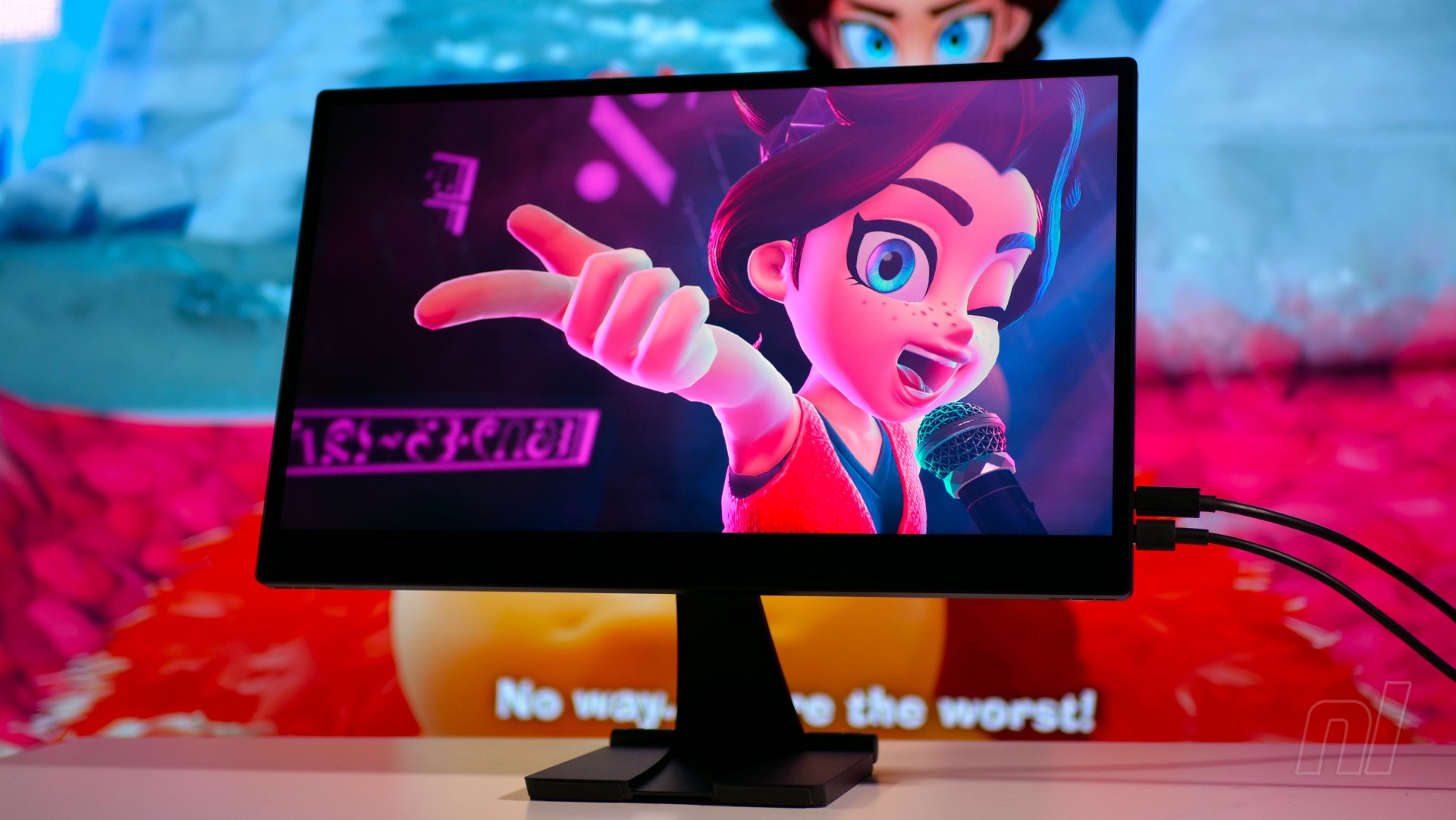
While the Switch and Switch 2 are portable systems that come with their own built-in screens, I’ve often been drawn to pairing Nintendo’s hybrid consoles with portable monitors when I’m on the road and away from my TV.
One of my favourite choices for the original Switch is the Espresso V2, a premium 1080p screen which doesn’t even need the dock – you can connect the console via a USB-C cable and power the screen using another USB-C-based power brick.
You can imagine, then, how excited I was when Espresso Displays offered to send out the 4K version of their screen to test with the Switch 2. The £650 Espresso Pro 15 boasts a 15.6-inch, 60Hz LCD panel capable of displaying 1.07 billion colours and weighs 800 grams. With its anodised aluminium casing and super-tough glass front, it’s the kind of screen I can see myself taking on the road with me – but there’s one big drawback.
It seems that Nintendo has changed the way the Switch 2 outputs video through its USB-C ports, so you need the dock to run it on external displays like this – and that means using Espresso’s own HDMI-to-USB-C cable, which comes at an extra cost of £60.
Even then, there are issues. Espesso’s aforementioned cable has an extra USB-A cable built in for additional power to turn on the screen, but this cable isn’t physically long enough to reach the USB-C port on the Switch 2 dock.
Therefore, I had to place the dock next to a wall socket so I could plug in a USB power brick to juice up the screen. Alas, even this isn’t enough to bring the display to life, so another USB-C power supply was required, plugged directly into the Espresso Pro 15’s second USB-C port.
It’s worth noting that the Espresso V2 required a similar setup (both of its USB-C ports were occupied), but the need to use the dock and an extra power supply for the HDMI cable is somewhat inconvenient.
Elsewhere, the fact that the Espresso Pro 15 isn’t using an OLED panel is a disappointment, as the difference is definitely noticeable; while the LCD screen seen here is bright, it lacks the punch of other displays I’ve used, such as the INNOCN PU15-PRE (which is also 4K).
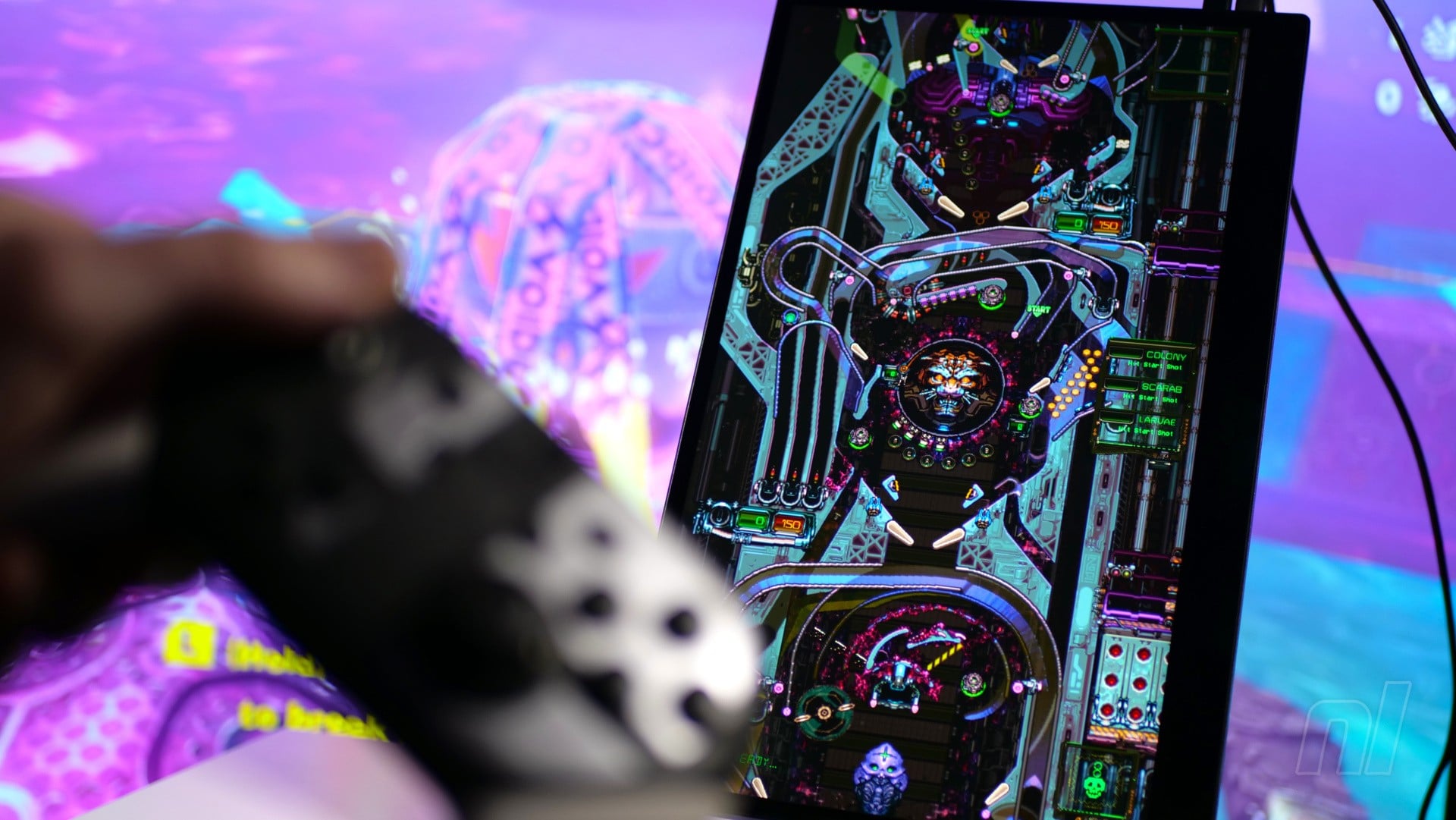
It’s a shame, because the bundled Espresso Stand+ makes this even more appealing for gamers. Using powerful neodymium magnets, the screen bolts onto the stand with ease, and even allows you to spin the display 90 degrees for some TATE-mode shmup action. The Stand+ is adjustable and comes with two height settings, making it quite versatile.
It’s worth noting that I used the Espresso Pro 15 from a gamer’s point of view. However, its maker describes it as a screen aimed at professionals, and it’s certainly more successful when viewed from that perspective. It can be powered using a single USB-C cable, which also connects to your Mac or PC and turns it into a second display, complete with touch support. That’s a far more elegant solution than having to use a dock and two power supplies, as is the case when playing on it with a Switch 2.
With its lofty price tag and dependence on an additional extra in the shape of a specialised HDMI cable, it’s hard to recommend the Espresso Pro 15 if you’re solely looking for a portable gaming screen to use with your Switch 2 – but if you in the market for one that can double as a work monitor and a gaming one, then it might be worth a look.