Posted on Leave a comment

Want to start a side gig? Hustle Up! for higher education students is here to help

While many are interested in starting a side gig, there is one group in particular that’s looking for ways to make extra money and improve business skills this time of year—higher education students.

With the arrival of a new academic year comes a diverse crop of achievement-minded students looking for innovative ways to gain invaluable on-the-go experience while earning much-needed income.

Considering student loans, single parenthood, increased costs of living, and more, the reality for today’s higher education students is that they need to earn money now, while expanding their professional know-how. They understand employers are looking for nontraditional employees with uniquely diversified expertise and specialties, and they don’t have the luxury of depending solely on internships anymore.

These students have found they can leverage their passions to start side hustles to turn a profit and gain hands-on knowledge that aligns with the theories they are learning in class.

In order to pinpoint the most advantageous resources and tips needed for a side hustle, Microsoft Store collaborated with Chris Guillebeau, a New York Times bestselling author and host of the Side Hustle School podcast.

“Side hustles are a great way to create options, which are important in today’s world. They’re a fast track to freedom and job security. Consider the purpose of an internship—experience. Why not get paid for your experience by learning to start an income-generating project?”
—Chris Guillebeau

The challenge for some people who build a side hustle is that they have amazing ideas to generate extra income, but need help managing their business operations. That’s where solutions like Microsoft 365 and other Microsoft Store resources can help.

Start to Hustle Up!

Hustle Up!, a mobile experience, was developed by Microsoft Store to help identify the right resources needed to amplify different kinds of side hustles. By answering a series of questions, Hustle Up! explores your side hustle aptitude, identifies your strengths and interests, and connects you with the best resources to help you on your way.

Each of the four Hustle Up! outcomes—Freelancer, Maker, Reseller, and Expert—were carefully crafted to match you with your top side hustle type and each highlight your professional skills along with top actionable tips from Chris Guillebeau. Tips include prime resources that help you maintain work, school, and life balance, such as:

  • For Freelancers, having the ability to get reviews ASAP is critical. Reviews matter a lot in business, especially when you are trying to stand out in an overly saturated market. Chris recommends that Freelancers gather real-time client feedback by creating surveys and polls using Microsoft 365 offerings.
  • Side hustlers who fall into the Expert category know how to adapt their knowledge to a product or service but can struggle trying to stay on top of all their clients’ various needs. To manage multiple asks and schedules, Chris advises Experts to keep track of their daily, weekly, and monthly tasks while on the go with OneNote.

Eager to learn and achieve more with your side hustle? Even more expert tips await! Try Hustle Up! to discover how to better your side hustle and visit Microsoft Store in person or online to uncover additional resources, fun and free workshops, and solutions that will amplify your entrepreneurial skills.

Posted on Leave a comment

Microsoft’s new London flagship store opens to the public

Microsoft’s new flagship store in London has opened its doors to the public for the first time, with people waiting hours to be among the first to set foot inside.

The first physical retail store for Microsoft in the UK, which is located on Oxford Circus and covers 22,000 square feet over three floors, was officially unveiled to the crowd at 11am.

Chris Capossela, Microsoft’s Chief Marketing Officer, Cindy Rose, UK Chief Executive, and Senior Store Manager John Carter welcomed the public by giving speeches in front of the doors on Regent Street.

Rose said the store was a “symbol of Microsoft’s enduring commitment to the UK”, which allows people to “experience the best the company has to offer”. “Thank you for helping us make history today,” she added.

People had started queuing along Regent Street from 7am to see Microsoft’s Surface devices, HoloLens, Xbox Gaming Lounge and sit in the McLaren Senna on the ground floor.

<img data-attachment-id="75171" data-permalink="https://news.microsoft.com/en-gb/2019/07/11/thank-you-for-helping-us-make-history-microsofts-new-london-store-opens-to-the-public/jmp_microsoft_store_003/" data-orig-file="http://www.sickgaming.net/blog/wp-content/uploads/2019/07/microsofts-new-london-flagship-store-opens-to-the-public.jpg" data-orig-size="5562,3708" data-comments-opened="1" data-image-meta="{"aperture":"5.6","credit":"jeff moore","camera":"ILCE-7M3","caption":"THIS PICTURE IS FREE FOR EDITORIAL USE \rExcited fans queue for the official opening of Flagship Microsoft Store on Oxford Circus","created_timestamp":"1562839001","copyright":"Jeff Moore","focal_length":"31","iso":"800","shutter_speed":"0.003125","title":"","orientation":"0"}" data-image-title="JMP_MICROSOFT_STORE_003" data-image-description="

Excited fans queue for the official opening of Flagship Microsoft Store on Oxford Circus

” data-medium-file=”http://www.sickgaming.net/blog/wp-content/uploads/2019/07/microsofts-new-london-flagship-store-opens-to-the-public-2.jpg” data-large-file=”http://www.sickgaming.net/blog/wp-content/uploads/2019/07/microsofts-new-london-flagship-store-opens-to-the-public.jpg” class=”size-full wp-image-75171″ src=”http://www.sickgaming.net/blog/wp-content/uploads/2019/07/microsofts-new-london-flagship-store-opens-to-the-public.jpg” alt=”Excited fans queue for the official opening of Flagship Microsoft Store on Oxford Circus” width=”5562″ height=”3708″ srcset=”http://www.sickgaming.net/blog/wp-content/uploads/2019/07/microsofts-new-london-flagship-store-opens-to-the-public.jpg 5562w, http://www.sickgaming.net/blog/wp-content/uploads/2019/07/microsofts-new-london-flagship-store-opens-to-the-public-2.jpg 300w, http://www.sickgaming.net/blog/wp-content/uploads/2019/07/microsofts-new-london-flagship-store-opens-to-the-public-3.jpg 768w, http://www.sickgaming.net/blog/wp-content/uploads/2019/07/microsofts-new-london-flagship-store-opens-to-the-public-4.jpg 960w” sizes=”(max-width: 5562px) 100vw, 5562px”>

Store associates welcome customers to the store

One customer, Blair, had started queuing at 7:30am after travelling from Wiltshire by bus. “I’m a Microsoft fan but I especially love Xbox. I heard there would be a few games from [videogame event] E3 here,” he said. “I really want to have a go in the McLaren Senna.”

Denise, from Sutton, was interested in seeing the Surface devices. “I want to see the latest technology and products that Microsoft has in there. I might buy a new laptop today.”

Callum, from London, also wanted to sit in the McLaren Senna. “I play a lot of Forza, so I want to experience the car and the Xbox Gaming Lounge,” he said.

James, from Reading, wanted to see how the store could help businesses. “I’m excited to see what it’s like,” he said. “I want to see what they can offer businesses. The outside of the store looks incredible; it’s a masterpiece of architecture.”

Microsoft handed out free T-shirts and Xbox Game Pass codes to people in the queue, while the first 100 visitors to buy a Surface Pro 6 were also given a free limited edition Liberty Surface Type Cover.

<img data-attachment-id="75169" data-permalink="https://news.microsoft.com/en-gb/2019/07/11/thank-you-for-helping-us-make-history-microsofts-new-london-store-opens-to-the-public/jmp_microsoft_store_001/" data-orig-file="http://www.sickgaming.net/blog/wp-content/uploads/2019/07/microsofts-new-london-flagship-store-opens-to-the-public-1.jpg" data-orig-size="5208,3472" data-comments-opened="1" data-image-meta="{"aperture":"5","credit":"jeff moore","camera":"ILCE-7M3","caption":"THIS PICTURE IS FREE FOR EDITORIAL USE \rExcited fans queue for the official opening of Flagship Microsoft Store on Oxford Circus","created_timestamp":"1562834893","copyright":"Jeff Moore","focal_length":"24","iso":"1250","shutter_speed":"0.004","title":"","orientation":"0"}" data-image-title data-image-description="

Staff clap as customers enter the store

” data-medium-file=”http://www.sickgaming.net/blog/wp-content/uploads/2019/07/microsofts-new-london-flagship-store-opens-to-the-public-5.jpg” data-large-file=”http://www.sickgaming.net/blog/wp-content/uploads/2019/07/microsofts-new-london-flagship-store-opens-to-the-public-1.jpg” class=”size-full wp-image-75169″ src=”http://www.sickgaming.net/blog/wp-content/uploads/2019/07/microsofts-new-london-flagship-store-opens-to-the-public-1.jpg” alt=”Staff clap as customers enter the store” width=”5208″ height=”3472″ srcset=”http://www.sickgaming.net/blog/wp-content/uploads/2019/07/microsofts-new-london-flagship-store-opens-to-the-public-1.jpg 5208w, http://www.sickgaming.net/blog/wp-content/uploads/2019/07/microsofts-new-london-flagship-store-opens-to-the-public-5.jpg 300w, http://www.sickgaming.net/blog/wp-content/uploads/2019/07/microsofts-new-london-flagship-store-opens-to-the-public-6.jpg 768w, http://www.sickgaming.net/blog/wp-content/uploads/2019/07/microsofts-new-london-flagship-store-opens-to-the-public-7.jpg 960w” sizes=”(max-width: 5208px) 100vw, 5208px”>

Staff clap as customers enter the store

At 11am, the curtains in the store windows dropped to reveal excited store staff, dressed in red, green, yellow and blue shirts – the colours of Microsoft’s logo – jumping up and down and cheering.

The customers walked into a store with a modern feel, with lots of space and wood and glass surfaces. They were greeted by staff standing in front of a large video wall and Surface devices on tables, with the McLaren on their right and the HoloLens mixed-reality headset to their left. A wooden spiral staircase or lifts took them to the first floor, where they could play the latest Xbox and PC titles in high-quality gaming chairs and professional pods in the Gaming Lounge, purchase third-party laptops and accessories and get tech support, trainings, repairs and advice from the Answer Desk, or go to the Community Theatre where coding workshops were taking place. Visitors could create their own personalised Surface Type Cover with Surface Design Lab, featuring a range of designs that can be etched directly onto the cover. They also took photos in the Selfie Area.

The enterprise area on the second floor is a place to support, train and grow businesses no matter where they are on their digital transformation journey. From small companies and educational institutions to enterprise customers, the Product Advisors and Cloud Technical Experts will help customers discover, deploy and use Microsoft 365 and other resources to solve business challenges such as AI, data security, collaboration and workplace efficiencies. This floor also contains an area for hosting events, as well as meeting rooms and a Showcase space for demonstrating how customers, including Carlsberg and Toyota, are digitally transforming.

It is also the most accessible store Microsoft has ever opened, with store associates collectively speaking 45 languages, buttons to open doors, lower desks to help those in wheelchairs and Xbox Adaptive Controllers available for gamers with restricted movement.

Tags: , , , , ,

Posted on Leave a comment

Kick off the new school year with big savings

It’s that time of year, and whether you’re sending your baby to kindergarten or watching your recent graduate head off to college, a tech upgrade might be on your shopping list.  

If you’ve been too busy enjoying the final moments of summer to search for the latest tech offers, we’ve got you covered with a number of great deals for last minute shoppers this month. And while you’re at the Microsoft Store, check out the new Surface Go. It’s available now and for students on the move, it’s the perfect mix of portability and power.  

Here are just some of the great deals you can find this month at Microsoft Stores, online and other partner retailers! 

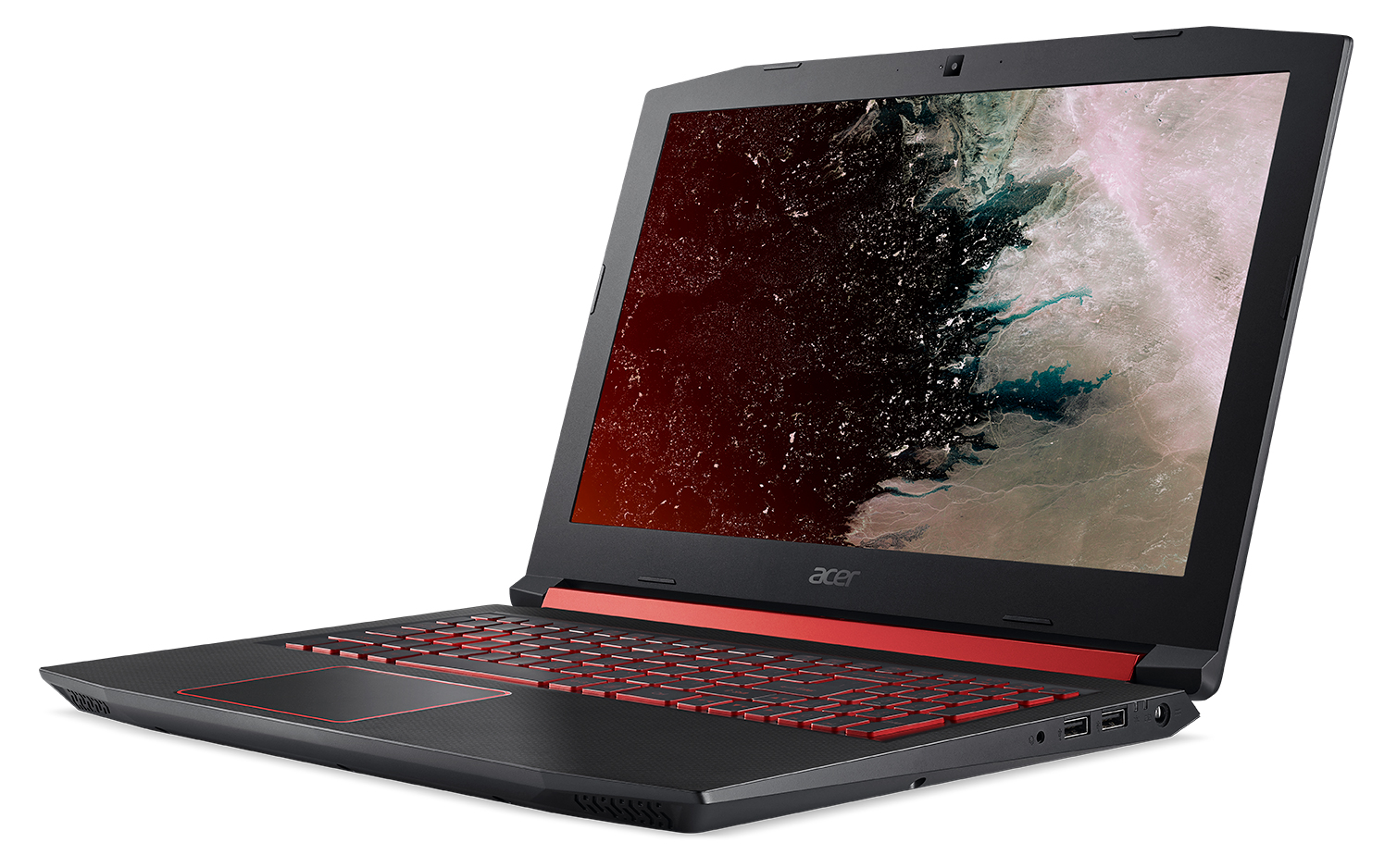
Acer’s Nitro 5 gaming notebook with the display facing left

Best Buy is offering $100 off Acer’s Nitro 5 gaming notebook (regularly $749) while supplies last.

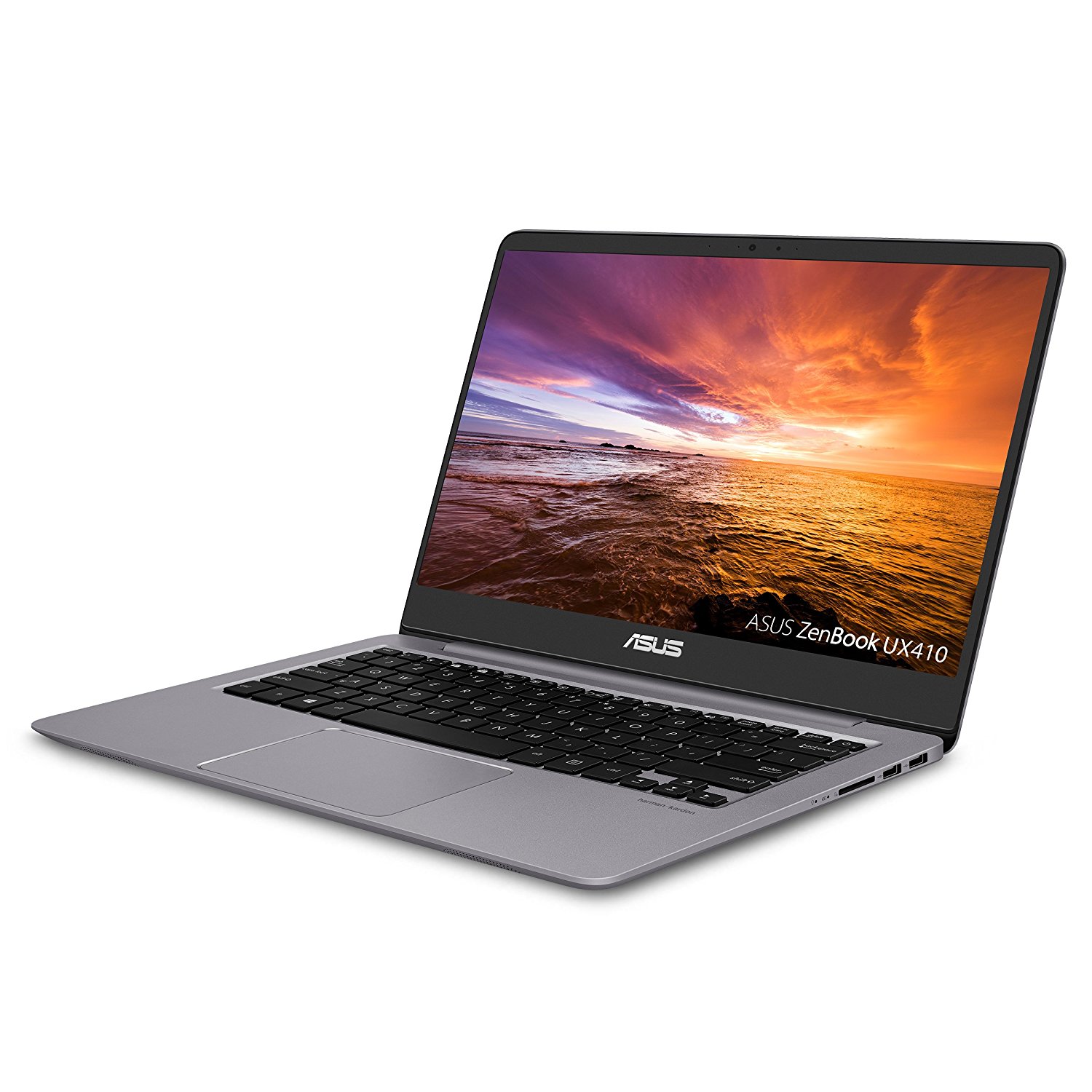
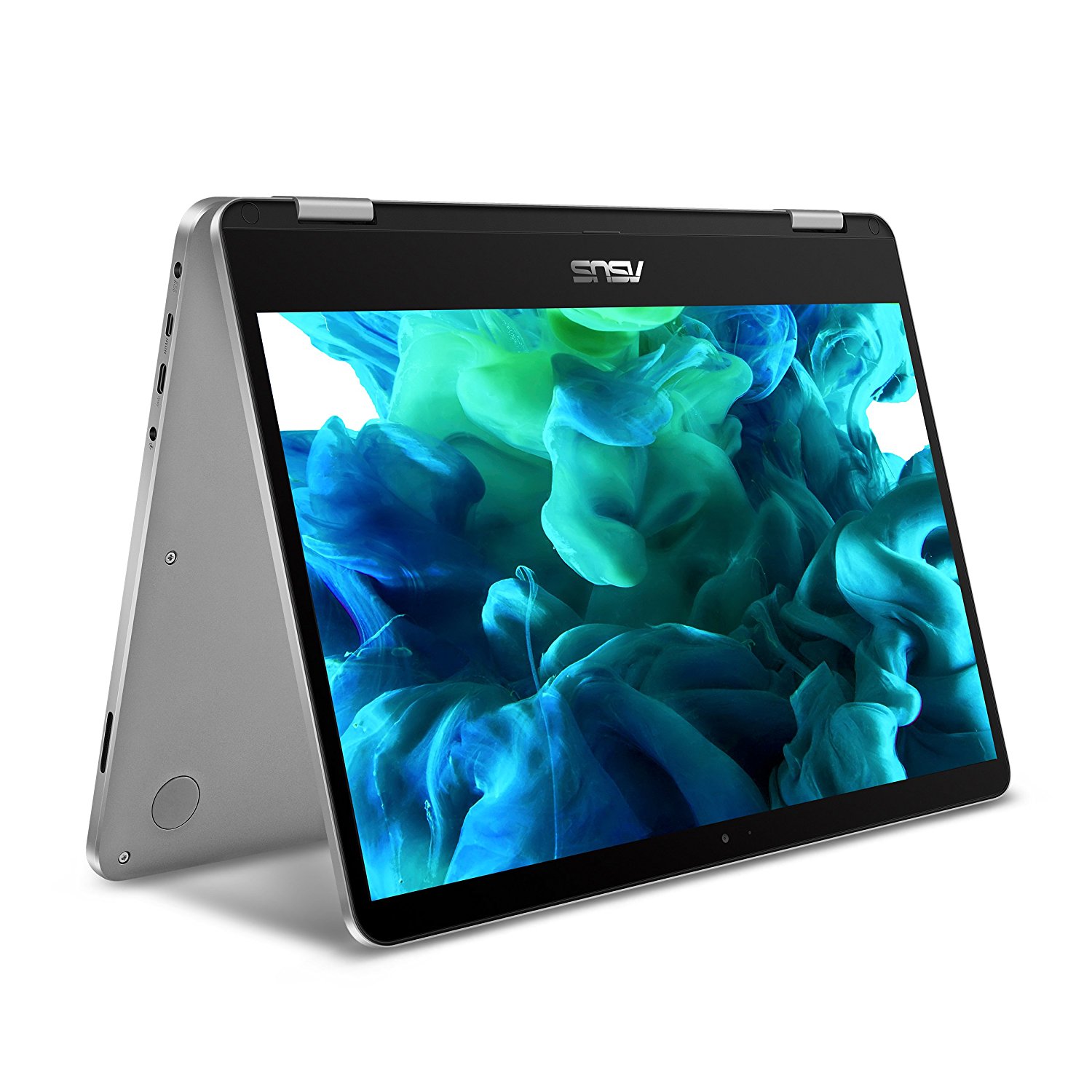
ASUS ZenBook 14 UX410UA, display facing leftASUS VivoBook Flip 14-TP401CA

Get $75 off ASUS ZenBook 14 UX410UA, or $80 off ASUS VivoBook Flip 14-TP401CA  5-18 at ASUS.com, Amazon.com and NewEgg.com ( only). 

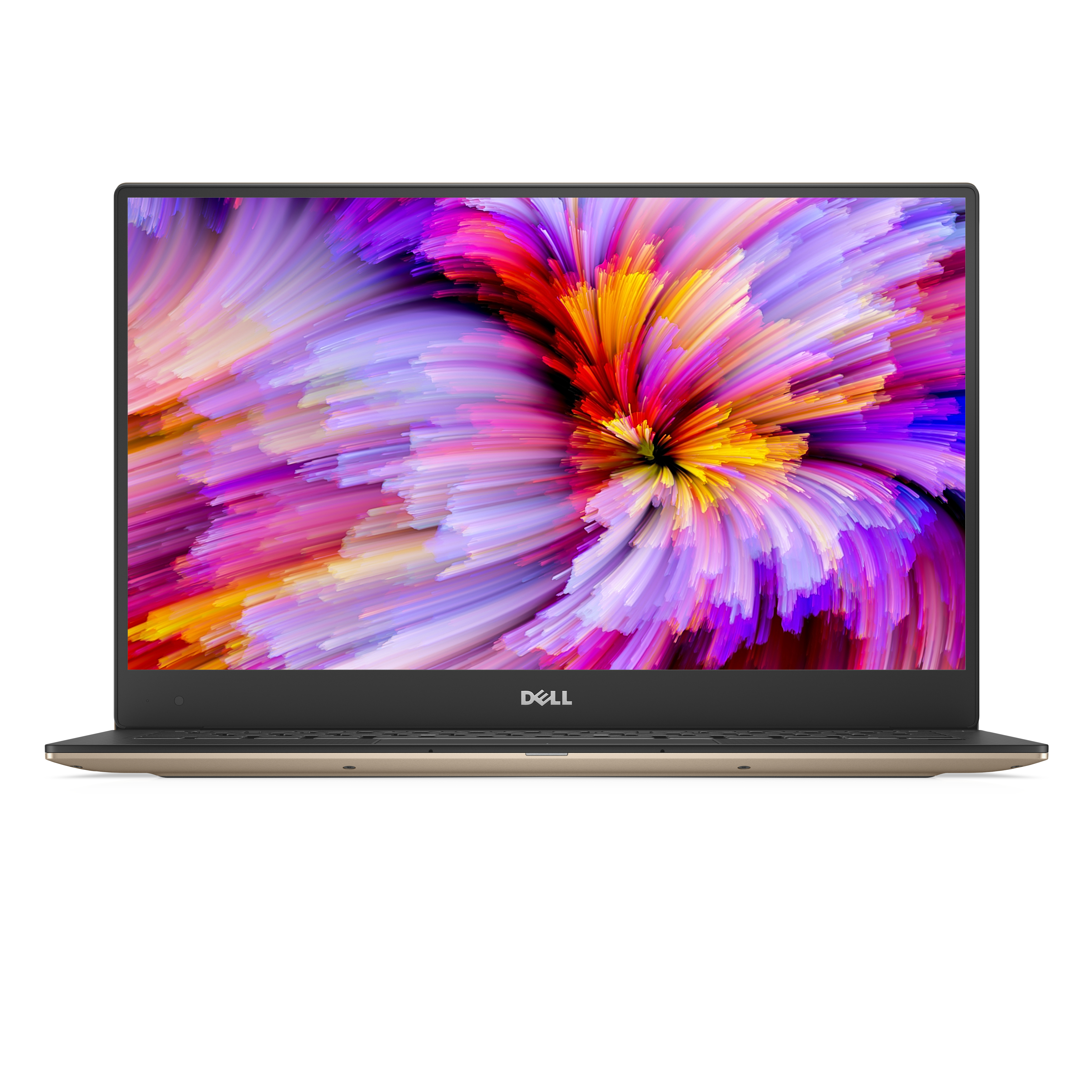
Dell XPS 13 (Model 9360) Non-Touch 13-inch notebook computer

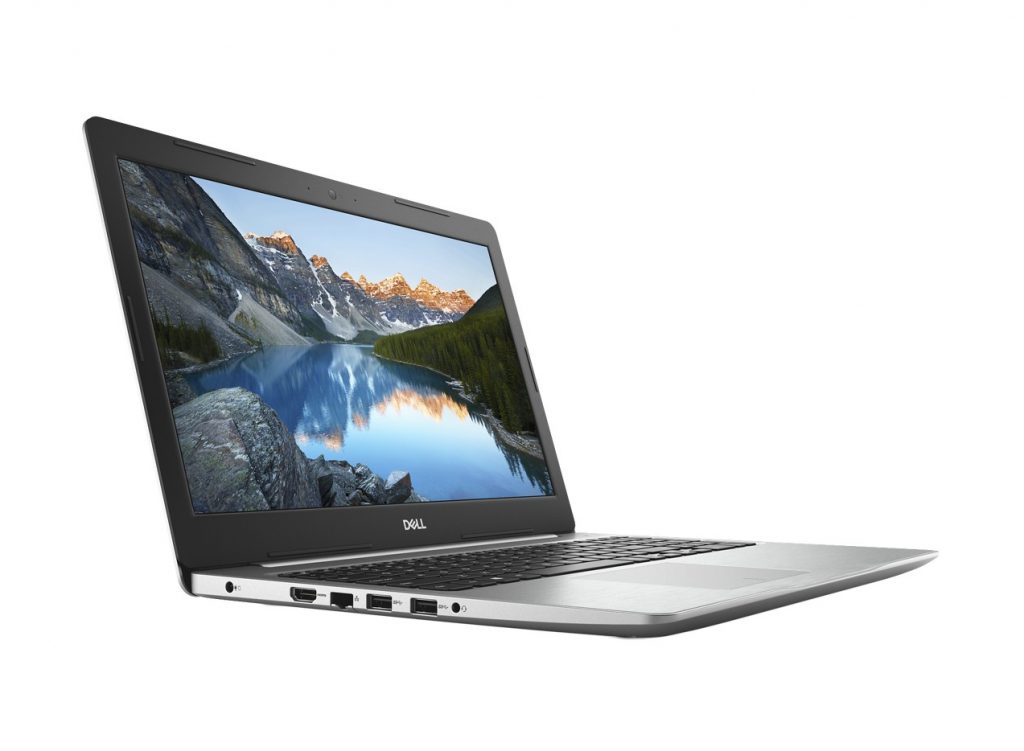
Dell 15-inch Inspiron 15 5000

Save $279 on the smallest 13.3-inch laptop, the Dell XPS 13, or save $249 on the 15-inch Inspiron 15 5000 on Dell.com through Aug. 30. (U.S. only)  

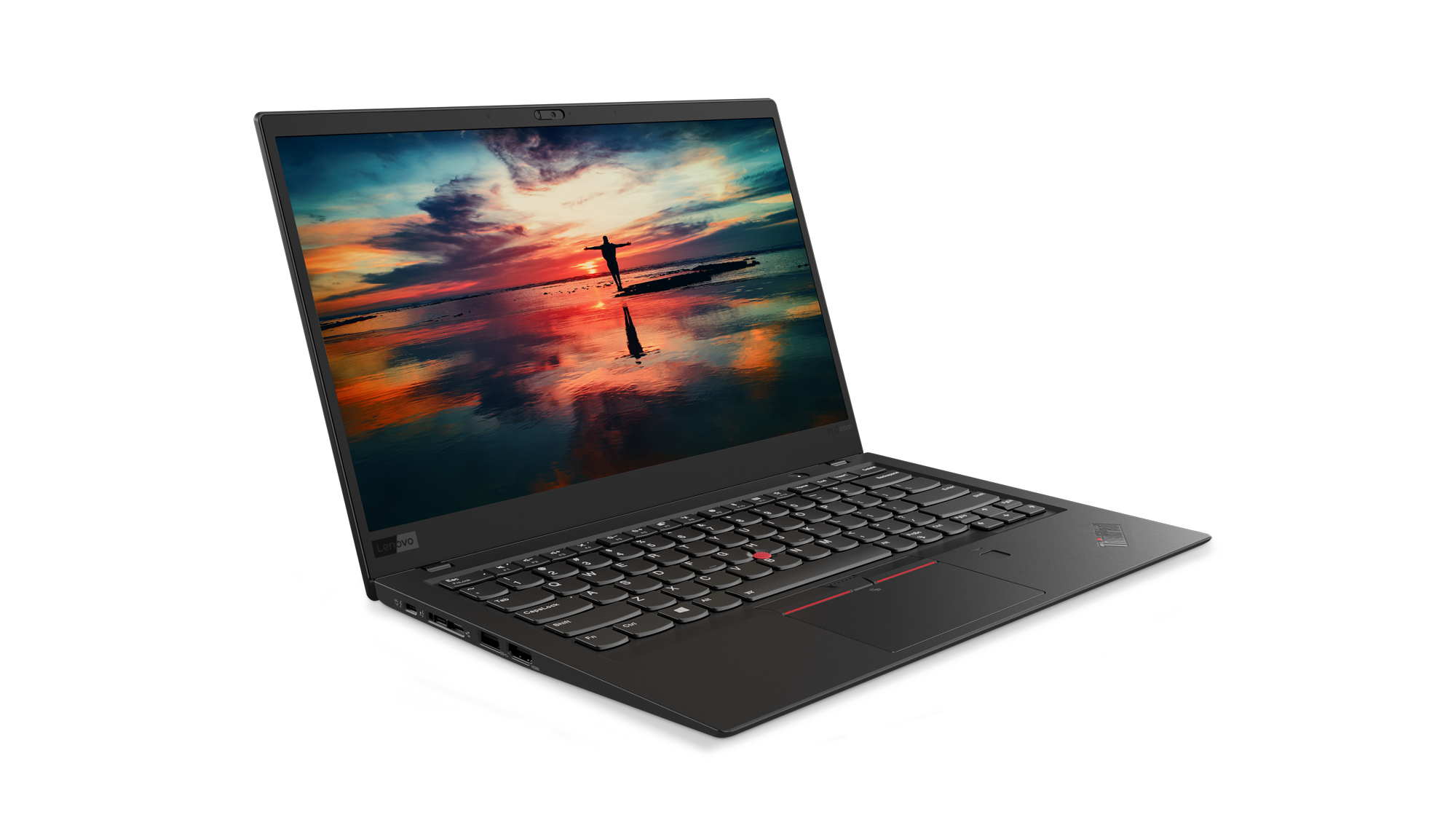
Lenovo Thinkpad X1 Carbon facing right with a sunset on its display

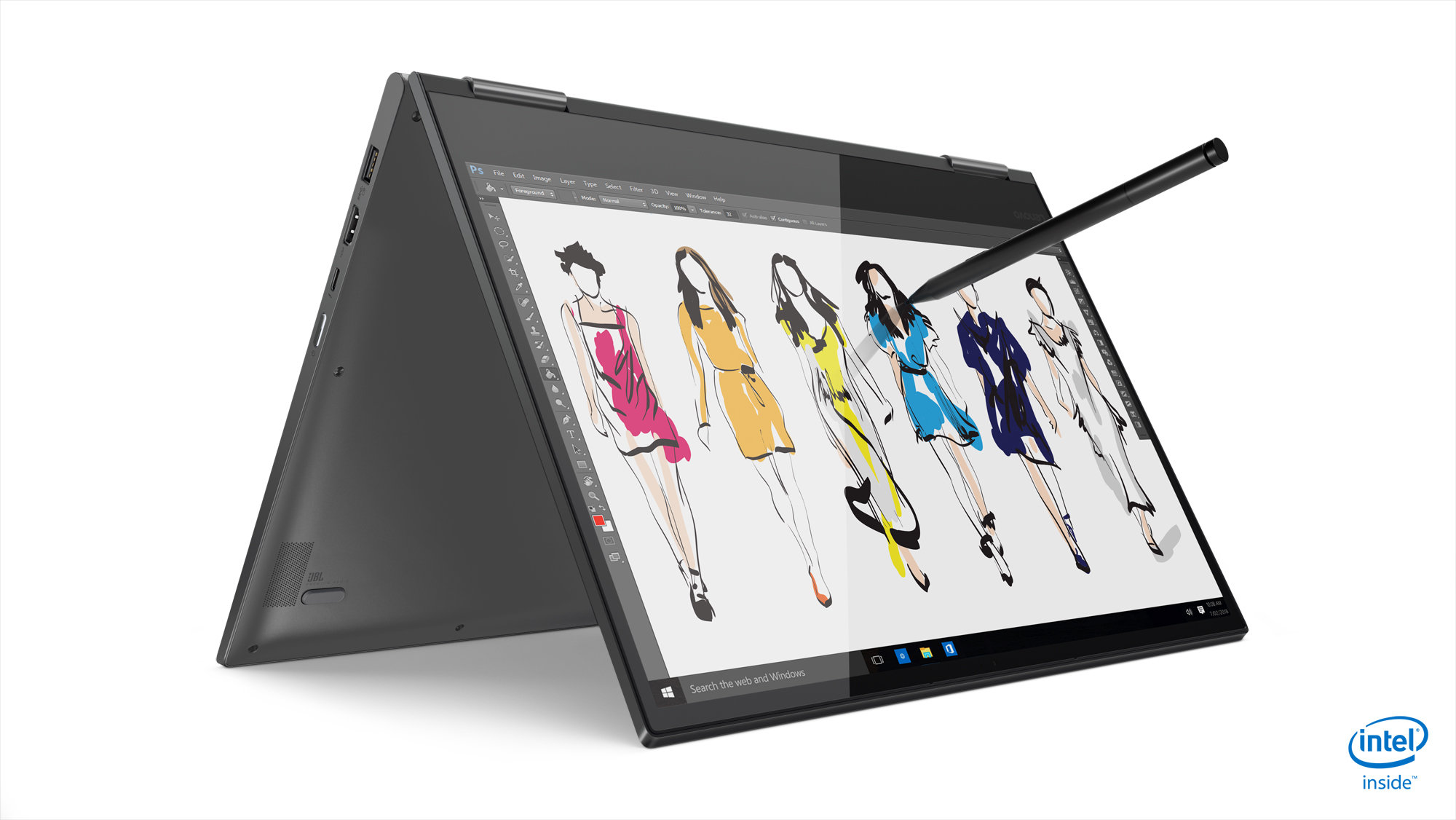
Lenovo Yoga 730 13-inch

Through Sept. 19, when you buy Lenovo’s Yoga 730 13’’ or the Thinkpad X1 Carbon 6th Gen on Lenovo.com, you’ll also get three-year onsite service and accidental damage protection, Microsoft Office Home and Student and a $100 Southwest Airlines travel voucher! (U.S. and Canada).  

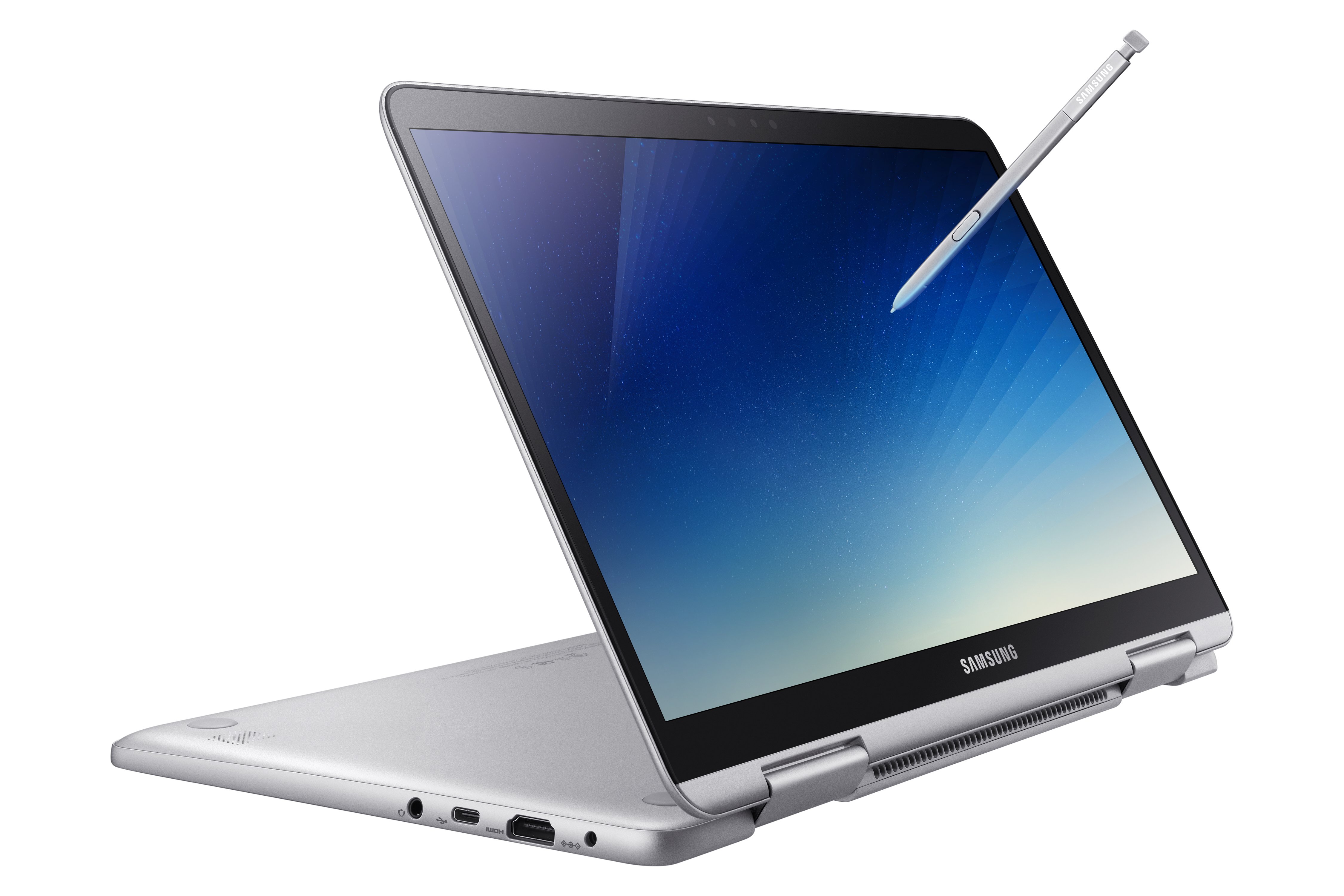
Samsung Notebook 9 Pen tapping the screen of a Samsung laptopGet $100 off a Samsung Notebook 9 Pen through Aug. 25 on Samsung.com (U.S. only).

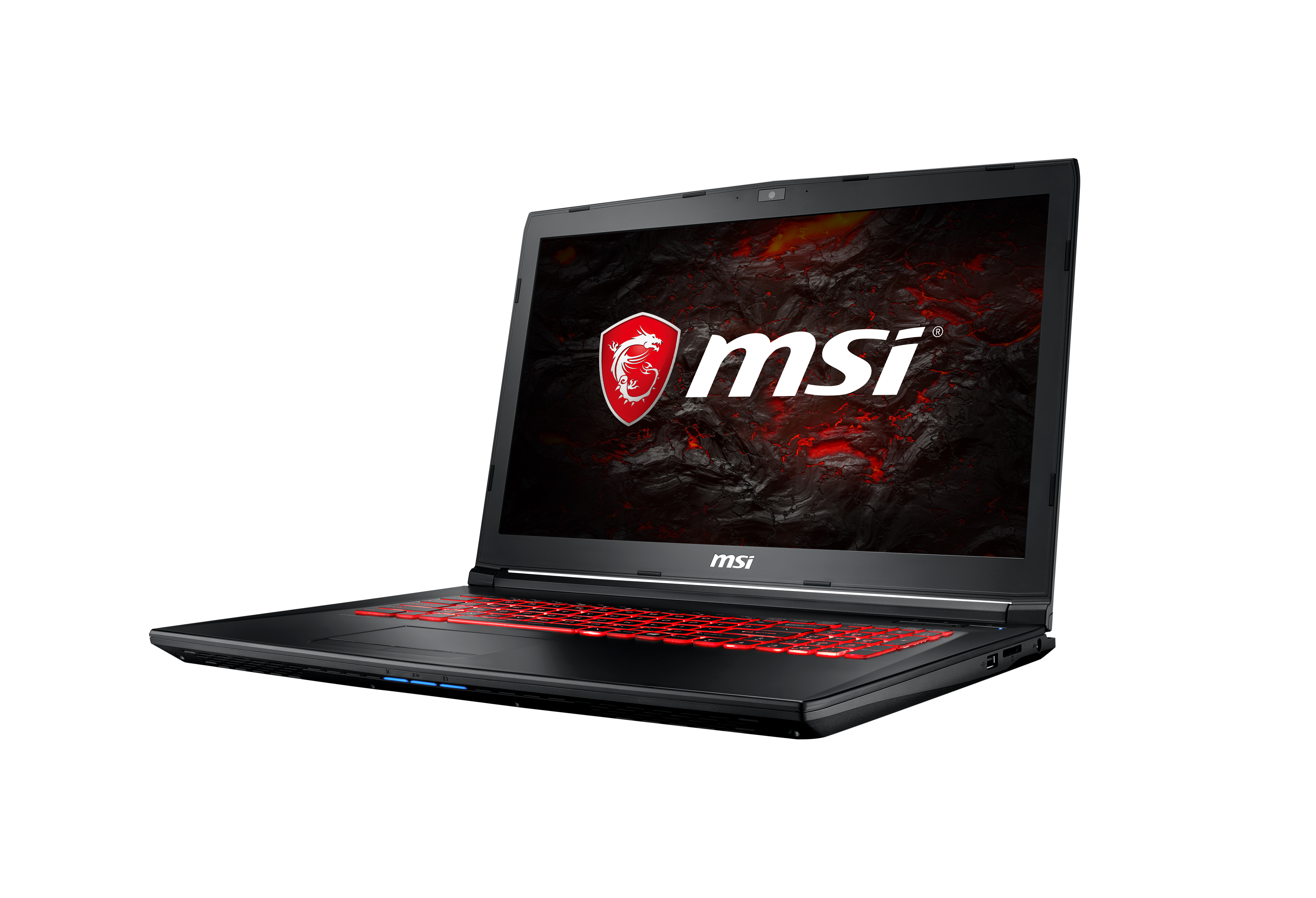
MSI GL72M open and facing left, with lit red keyboard

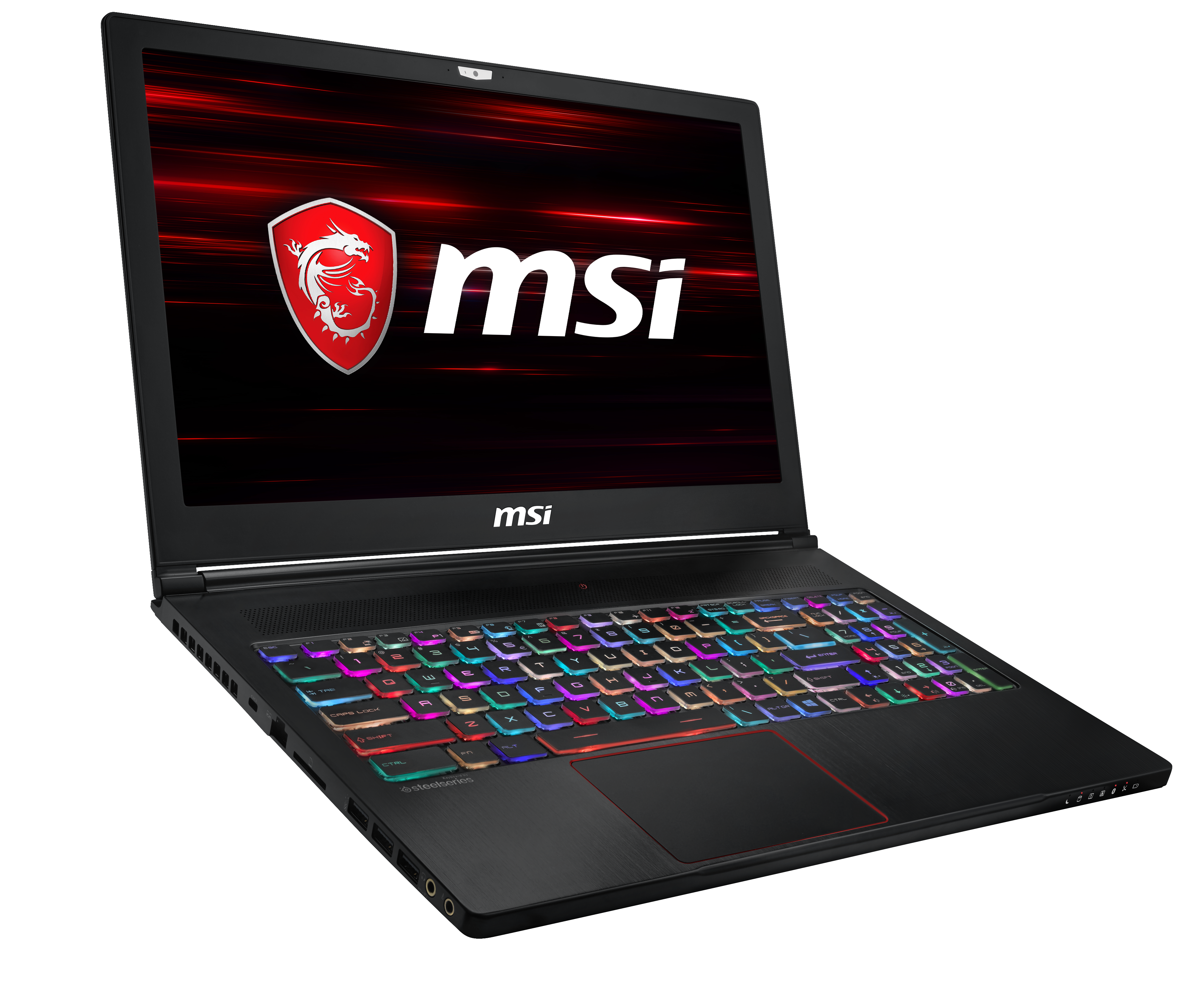
MSI GS63 Stealth open and facing right, open to multi-color lit keyboard

MSI is running a student special through Aug. 12 at Best Buy and BestBuy.com on great laptops for work and play with $100 off the GL72M and $150 off the GS63 Stealth. (U.S. with other deals available worldwide). 

Students in a classroom, with one working on a Surface

Take advantage of the Microsoft Store’s great Back to School savings and save up to 10 percent on select Surface, PCs, and accessories. Parents and students can save up to $500 on select PCs and $360 on a Surface Pro i5 128GB bundle. Through Thursday, Aug. 4, save up to $300 on Surface Laptop i5 256GB/8G and up to $300 on other select Surface Laptops. 

Of course, there’s no better deal than FREE, so be sure to check out Microsoft’s many free workshops to help learners of all abilities. This fall, parents can visit the for STEM Saturdays, Literacy Workshops and Productivity Hack Sessions. And teachers can tune in this Saturday for our free Back to School Live teacher training session to get inspiration and tech tips to make the most of Microsoft technology in their classrooms this year.