Posted on Leave a comment

Python 3.8 alpha in Fedora

The Python developers have released the first alpha of Python 3.8.0 and you can already try it out in Fedora! Test your Python code with 3.8 early to avoid surprises once the final 3.8.0 is out in October.

Install Python 3.8 on Fedora

If you have Fedora 29 or newer, you can install Python 3.8 from the official software repository with dnf:

$ sudo dnf install python38

As more alphas, betas and release candidates of Python 3.8 will be released, the Fedora package will receive updates. No need to compile your own development version of Python, just install it and have it up to date. New features will be added until the first beta.

Test your projects with Python 3.8

Run the python3.8 command to use Python 3.8 or create virtual environments with the builtin venv module, tox or with pipenv. For example:

$ git clone https://github.com/benjaminp/six.git
Cloning into 'six'...
$ cd six/
$ tox -e py38
py38 runtests: commands[0] | python -m pytest -rfsxX
================== test session starts ===================
platform linux -- Python 3.8.0a1, pytest-4.2.1, py-1.7.0, pluggy-0.8.1
collected 195 items

test_six.py ...................................... [ 19%]
.................................................. [ 45%]
.................................................. [ 70%]
..............................................s... [ 96%]
....... [100%]
========= 194 passed, 1 skipped in 0.25 seconds ==========
________________________ summary _________________________
py38: commands succeeded
congratulations 🙂

What’s new in Python 3.8

So far, only the first alpha was released, so more features will come. You can however already try out the new walrus operator:

$ python3.8
Python 3.8.0a1 (default, Feb 7 2019, 08:07:33)
[GCC 8.2.1 20181215 (Red Hat 8.2.1-6)] on linux
Type "help", "copyright", "credits" or "license" for more information.
>>> while not (answer := input('Say something: ')):
... print("I don't like empty answers, try again...")
...
Say something:
I don't like empty answers, try again...
Say something: Fedora
>>>

And stay tuned for Python 3.8 as python3 in Fedora 31!

Posted on Leave a comment

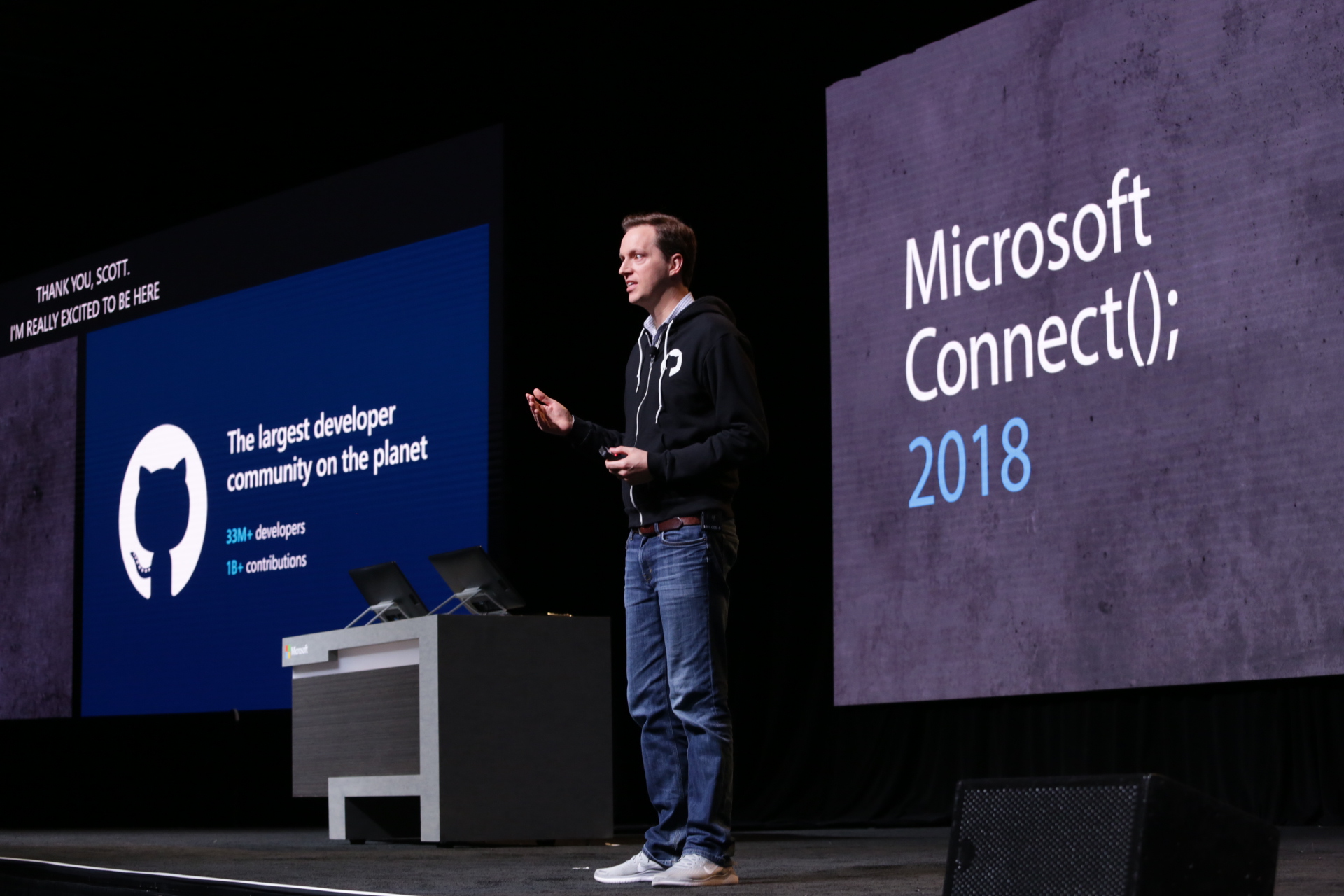
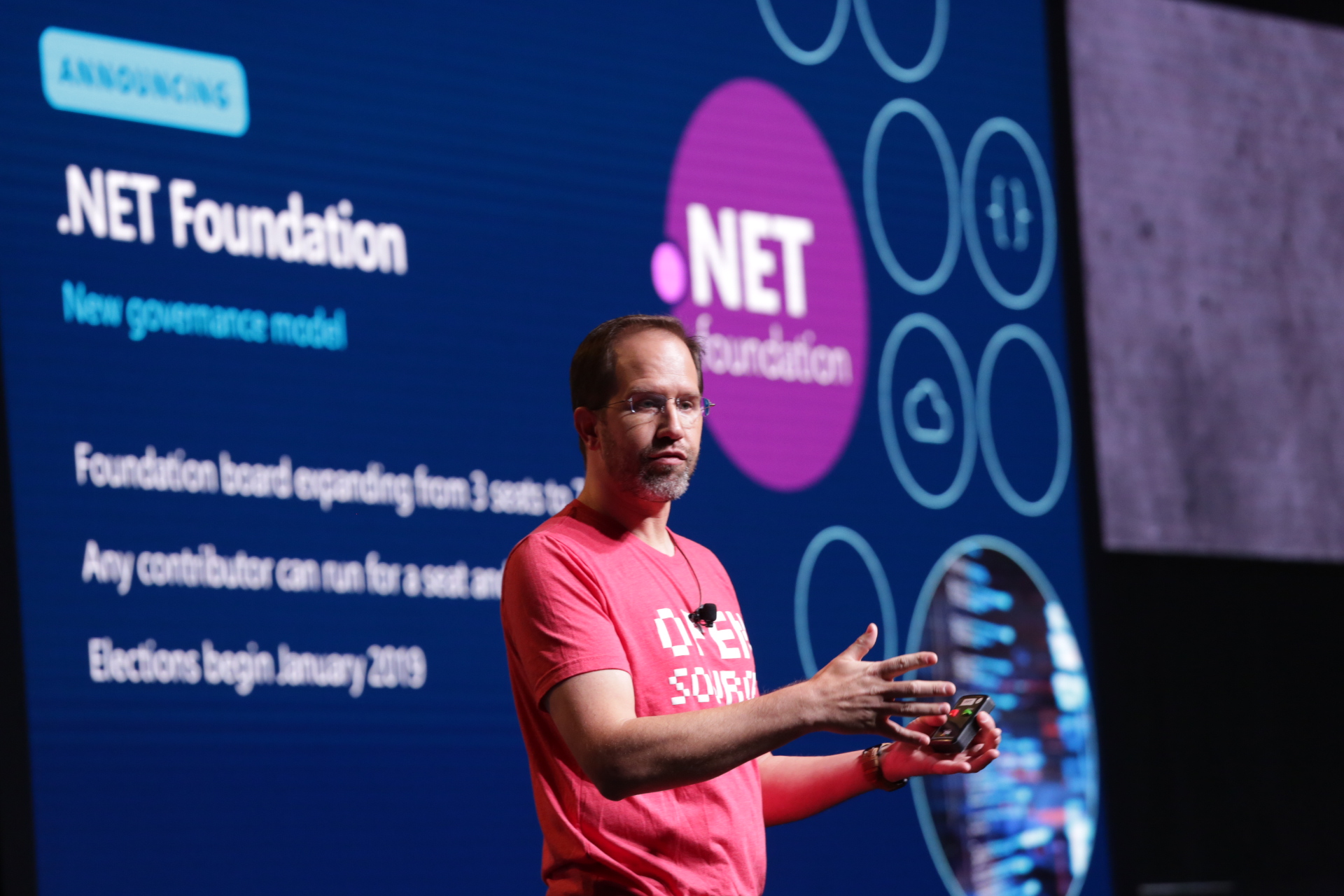
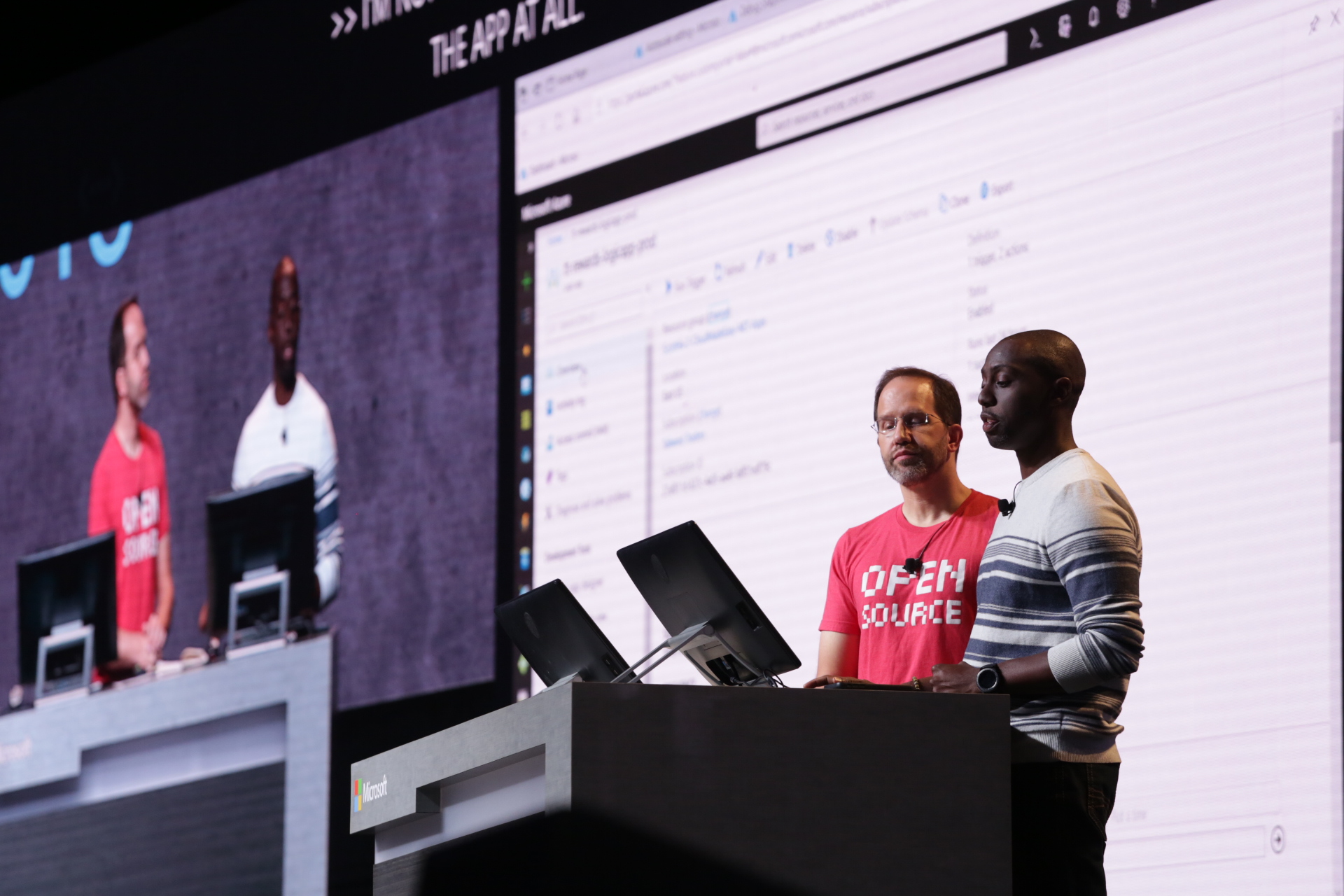
Announcing Open Source of WPF, Windows Forms and WinUI at Microsoft Connect(); 2018

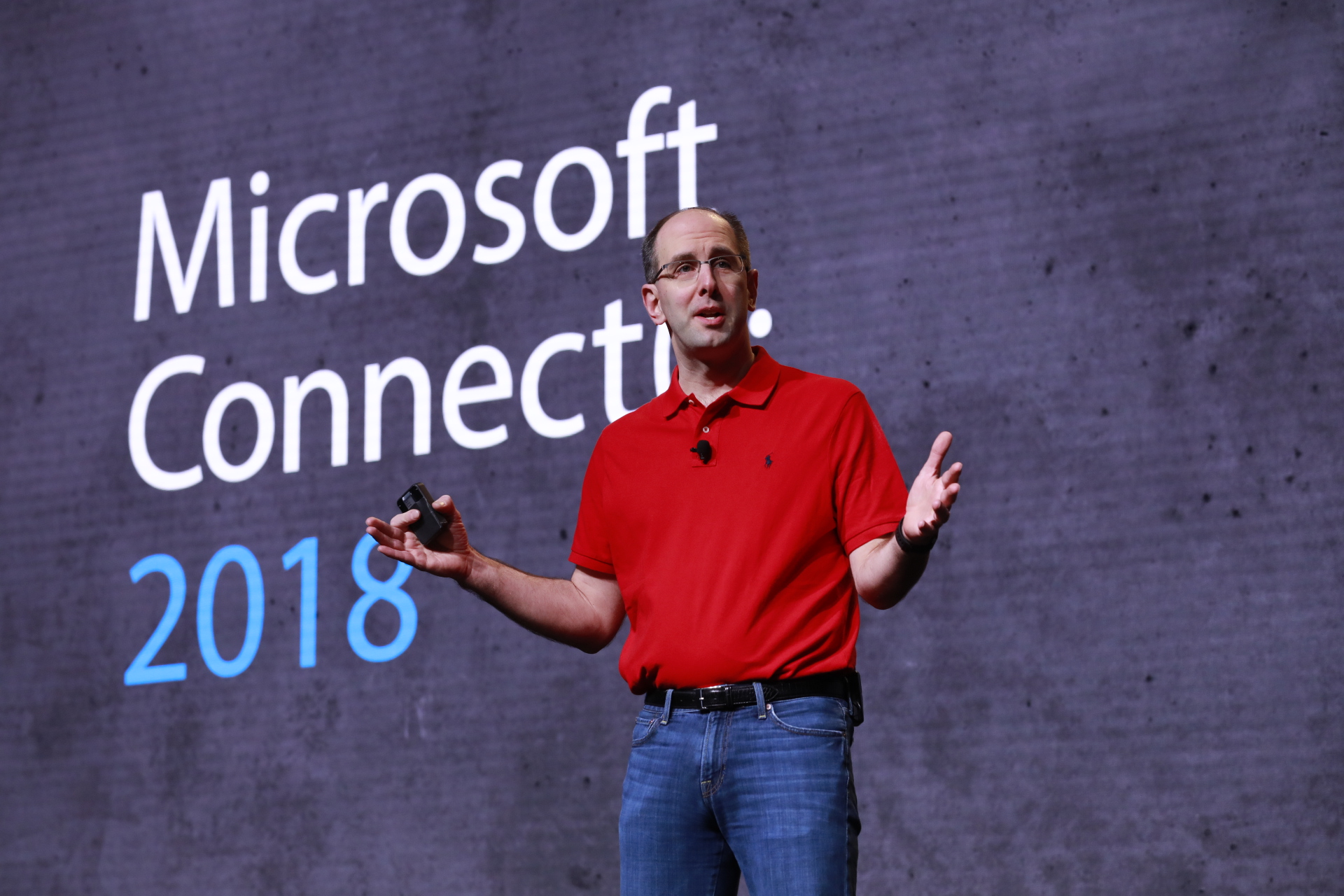
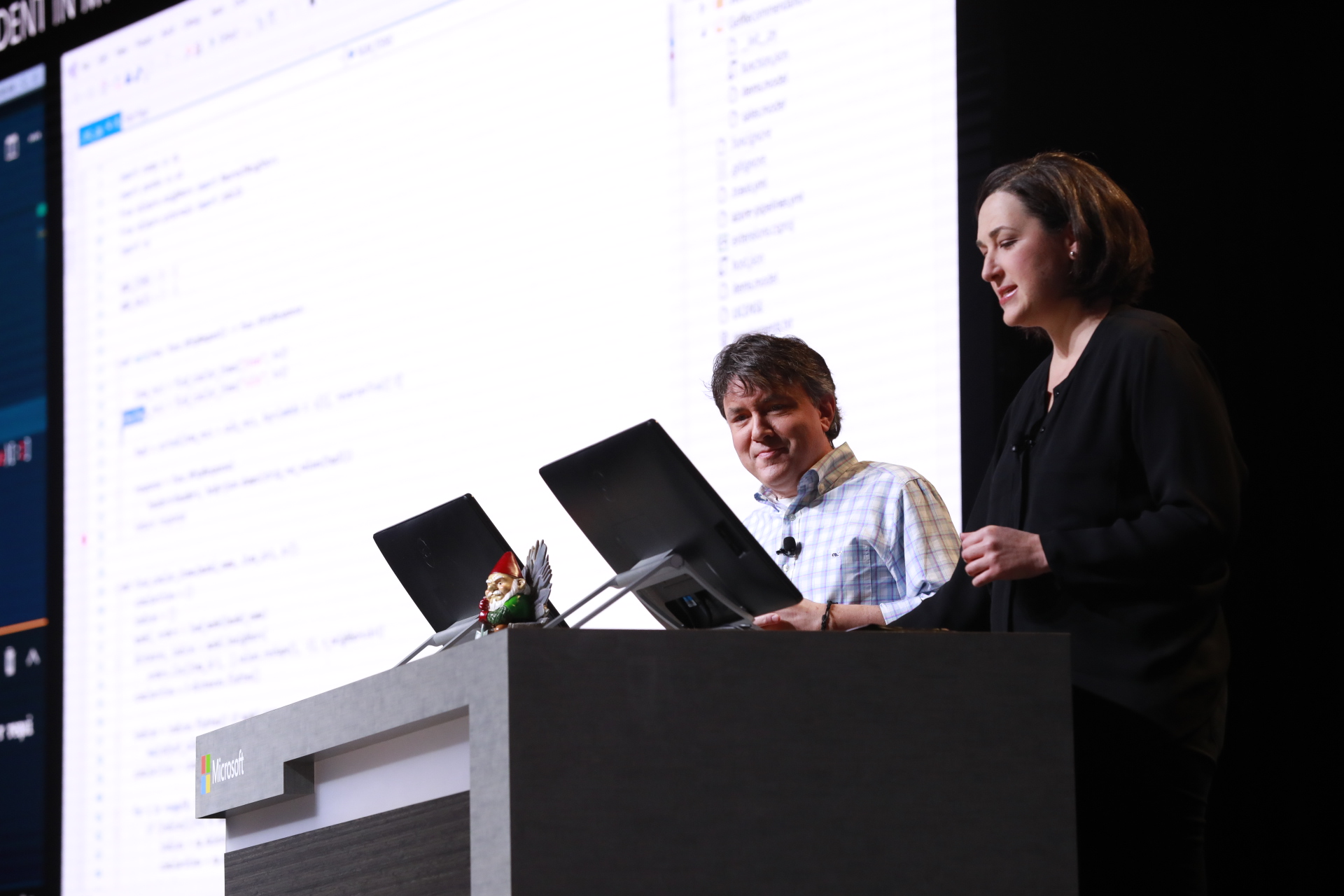
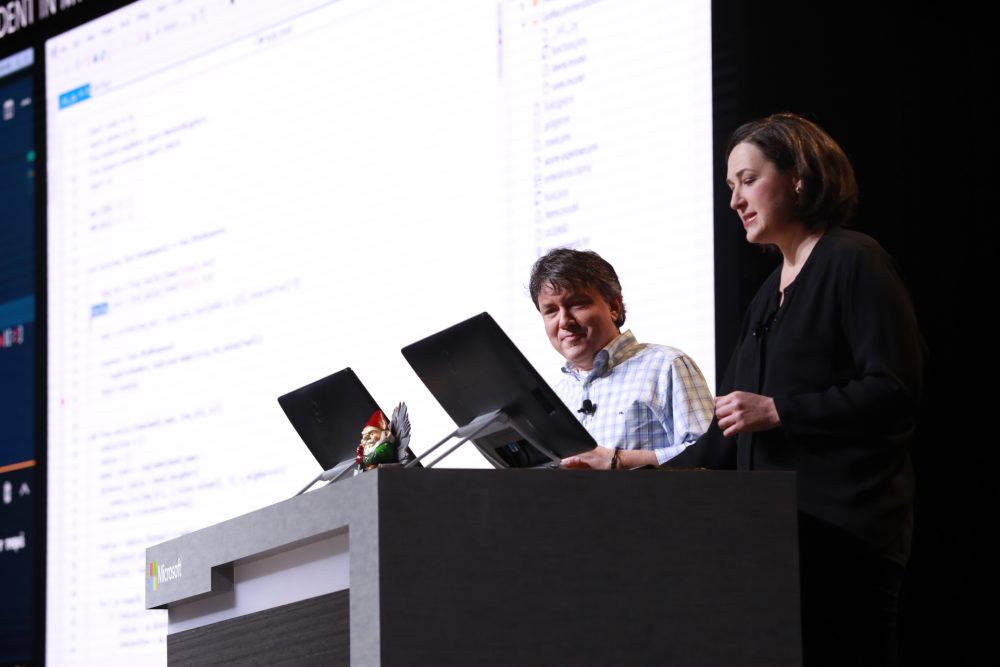
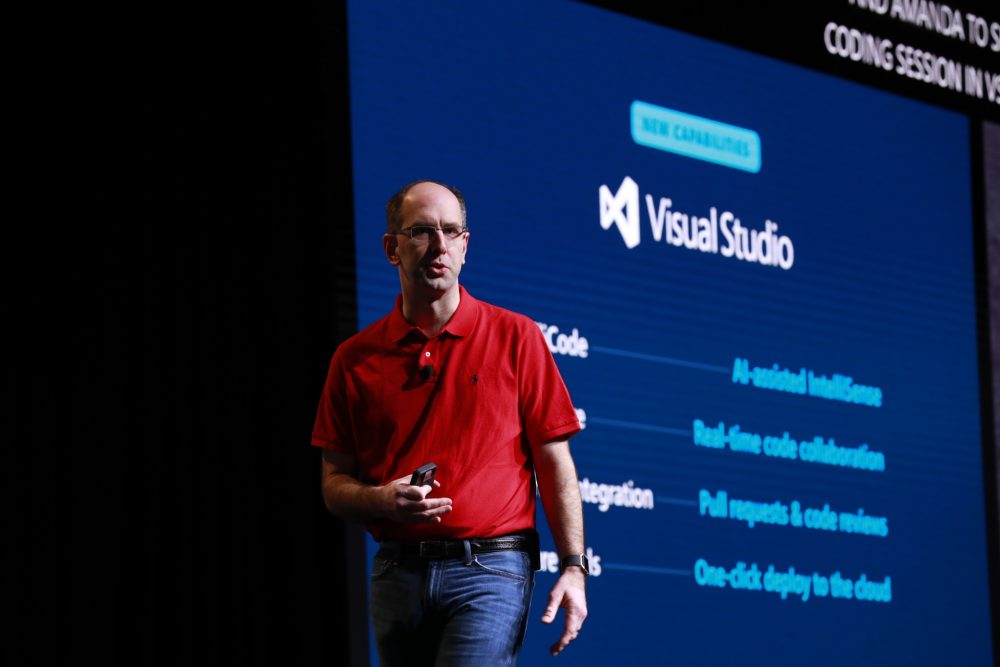
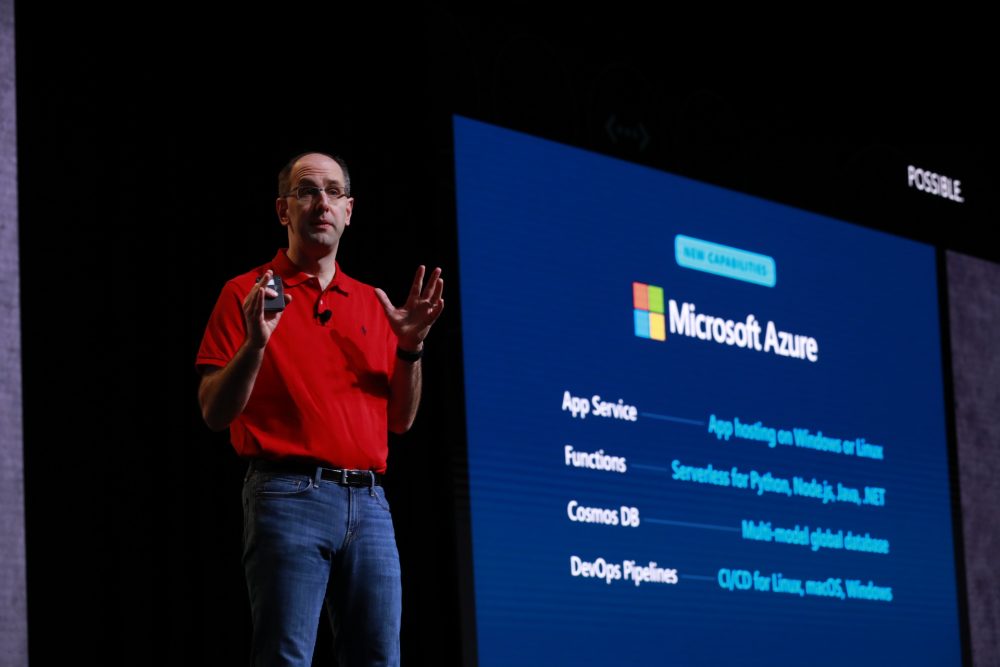
At Build 2018, I outlined our approach to helping you be more productive when developing apps, including the introduction of .NET Core 3.0. We also started decoupling many parts of the Windows development platform, so you can adopt technologies incrementally. Today at Microsoft Connect(); 2018 Conference we shared the next steps – specifically to support innovations in UI:

  1. .NET Core 3.0 Preview 1 adds support for building client apps using Windows Presentation Foundation (WPF), Windows Forms, and XAML Islands.
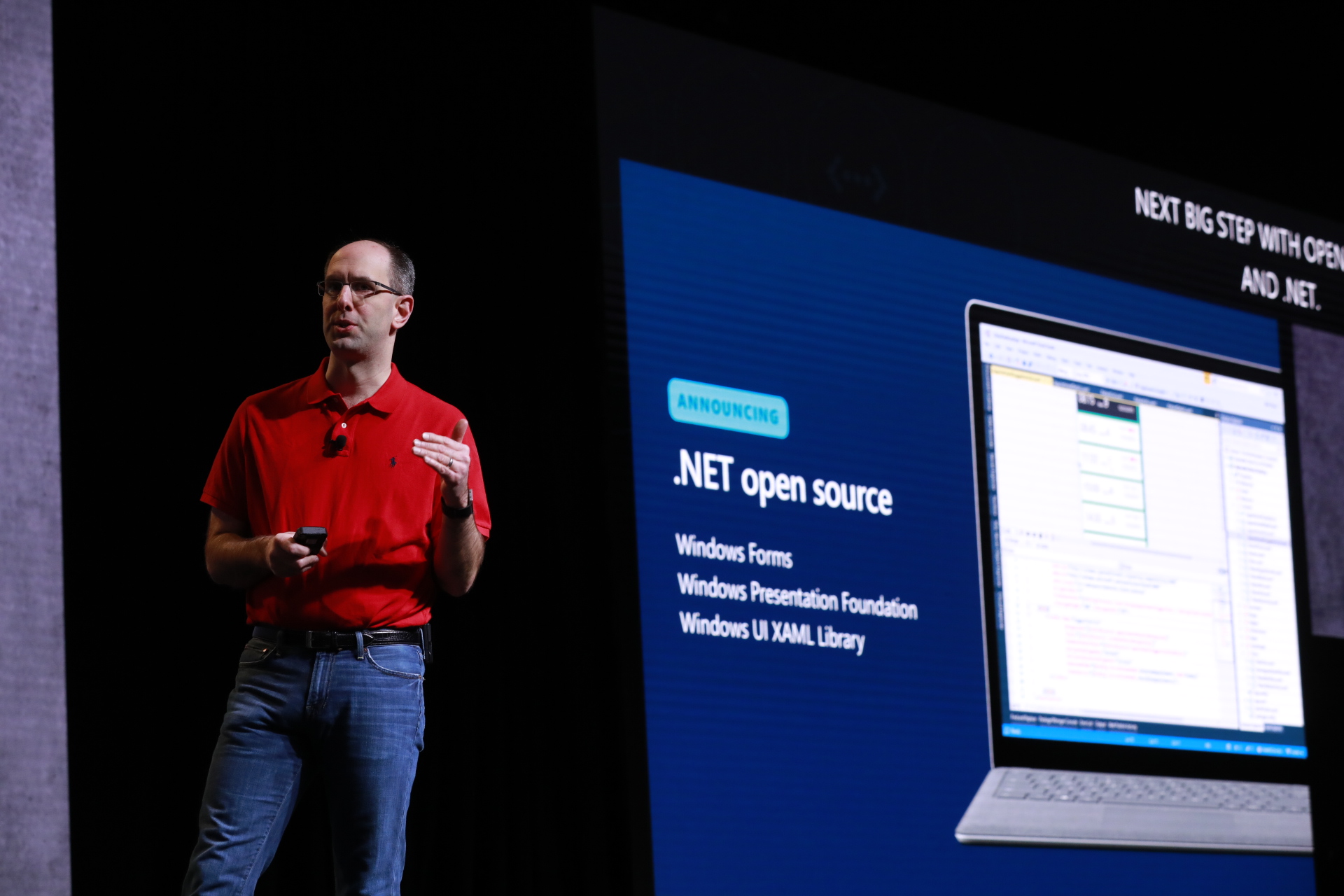
  2. WPF, Windows Forms, and Windows UI XAML Library (WinUI) are now open source, so you can create experiences with the freedom you want.

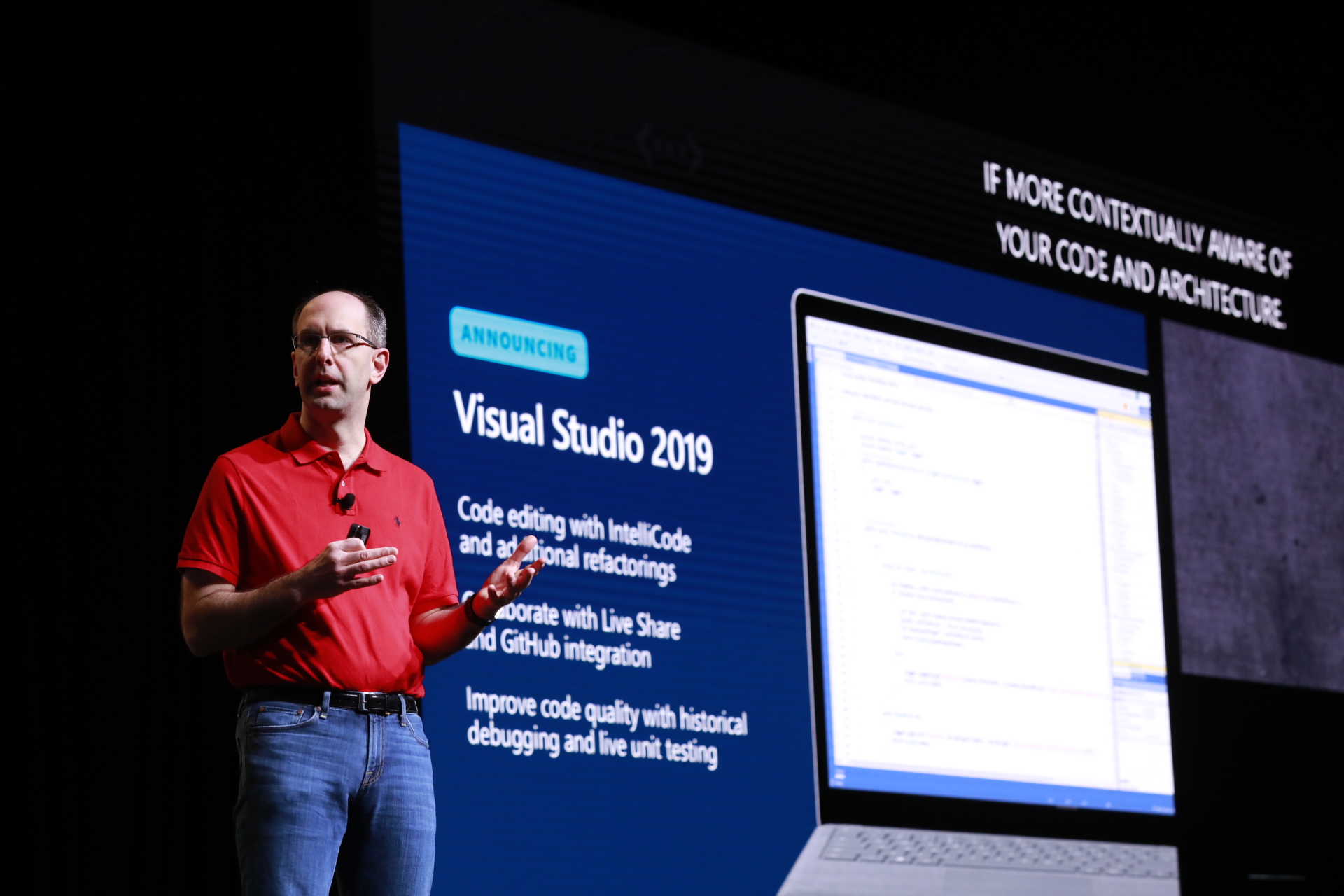
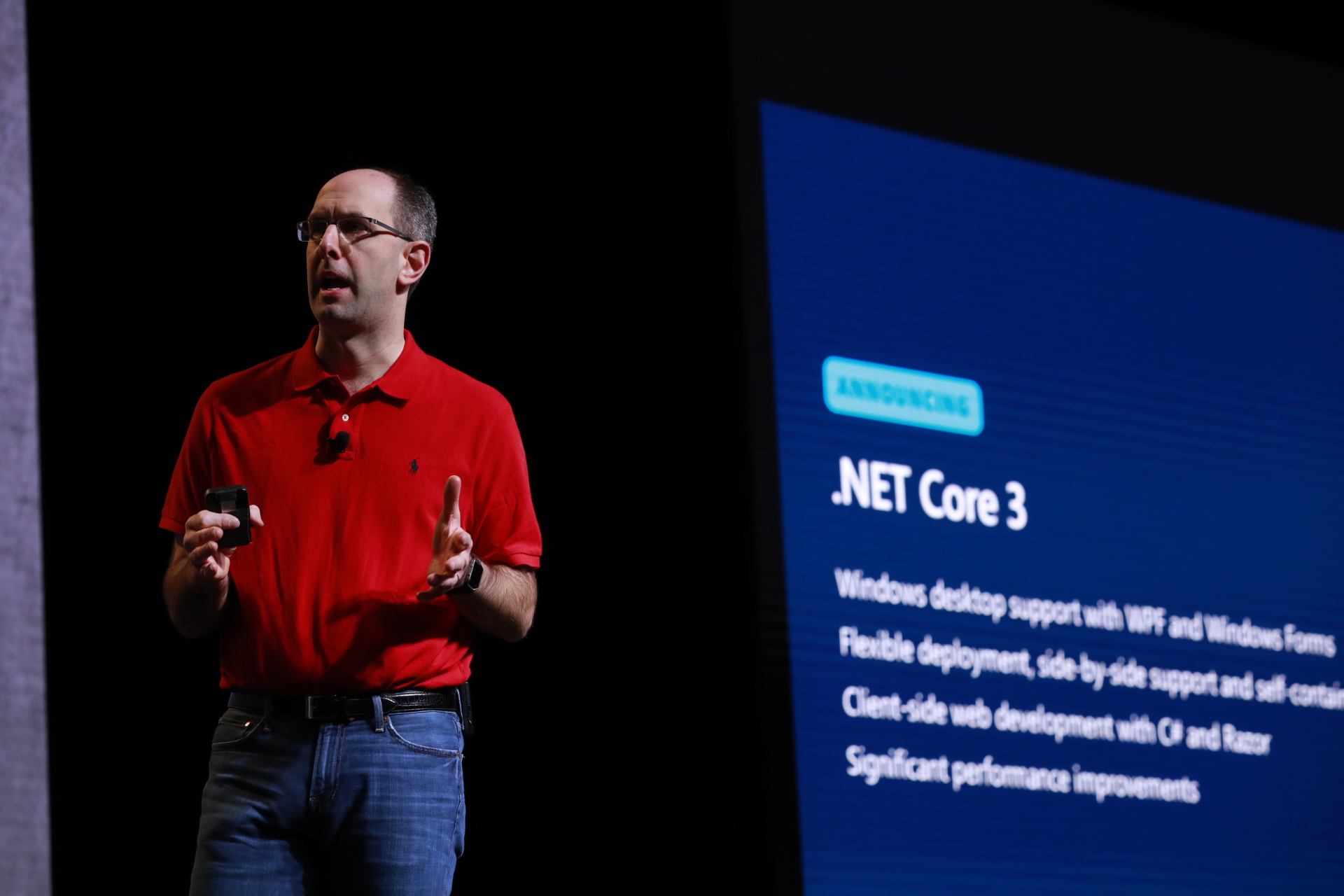
As Scott Guthrie announced today, the first preview of .NET Core 3.0 is available. This version of .NET adds support for building Windows desktop apps using WPF and Windows Forms. You will now be able to:

  • Run multiple instances of .NET Core 3.0 side-by-side on the same computer so you can update WPF and Windows Forms apps to a new version of .NET without updating the entire OS.
  • Use modern controls and Fluent styling from the WinUI XAML Library via XAML Islands from .NET Core 3.0 apps.

Read about .NET Core 3.0 Preview 1, try out the preview, and give us feedback. The next version of the .NET Framework, .NET Framework 4.8, will include new controls that use the latest browser and media players in Windows 10, support the latest standards, and WPF and Windows Forms apps will have access to WinUI via XAML Islands for modern look and touch support. The .NET Team blog details the differences and compatibility between .NET Core and .NET Framework moving forward.

This journey is our continued commitment to creating the development platform with you, through open source. Our three, popular Windows UX frameworks are ready for your contributions on GitHub: WPF, Windows Forms, and WinUI. Open sourcing these technologies provides transparency between the product team and the community, helps democratize Windows development, and enables the community to engage and contribute to these repos.

We look forward to your contributions. You can get started with Windows Forms and WinUI now. WPF is starting with System.Xaml, with more to come over the following months.

Updated December 4, 2018 8:34 am

Posted on Leave a comment

Catch up on news, video from today’s Microsoft Connect(); developer event